Mesh gradient generator with real grain
Backgrounds for product sites, launch posts and decks. Pick blobs, stripes or clouds, add grain, pixel or dither, then export at 4K. Free to start, nothing to subscribe to.
5 free 4K exports a month · no watermark · no card
This is the real renderer. What you see here is what exports at 4K.
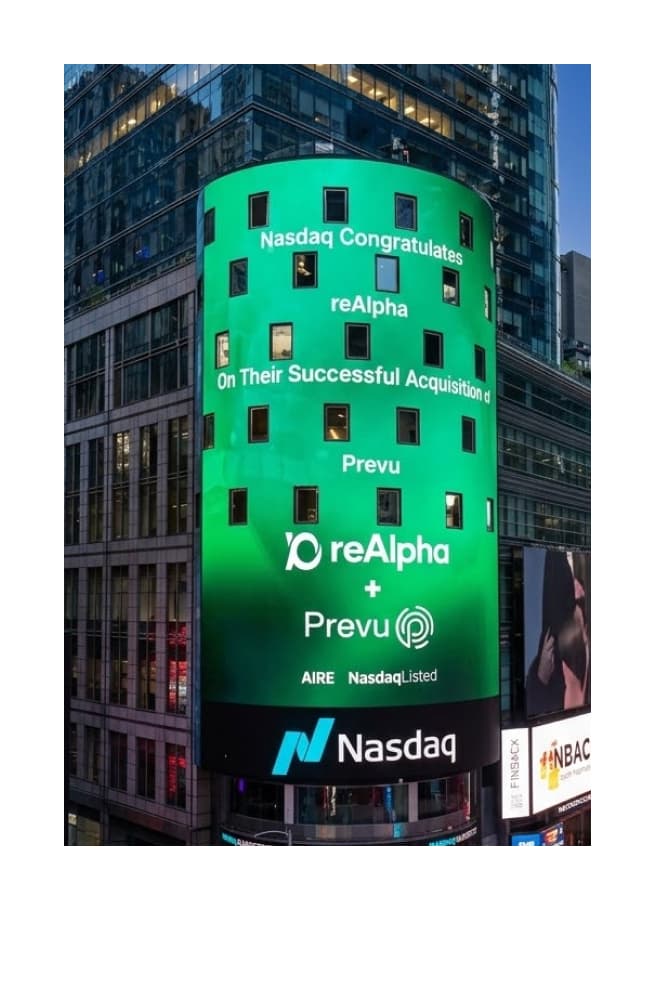
Used by the design team at reAlpha
Built for work that ends up in Times Square
The green gradient behind Nasdaq's congratulations to reAlpha on its acquisition of Prevu was made in Gradients Studio by reAlpha's design team. Rendered grain is what keeps a gradient clean at the size of a building, and at the size of a hero, a deck or a launch post.
Start from a palette
Four palettes per style. Open one, then make it yours.

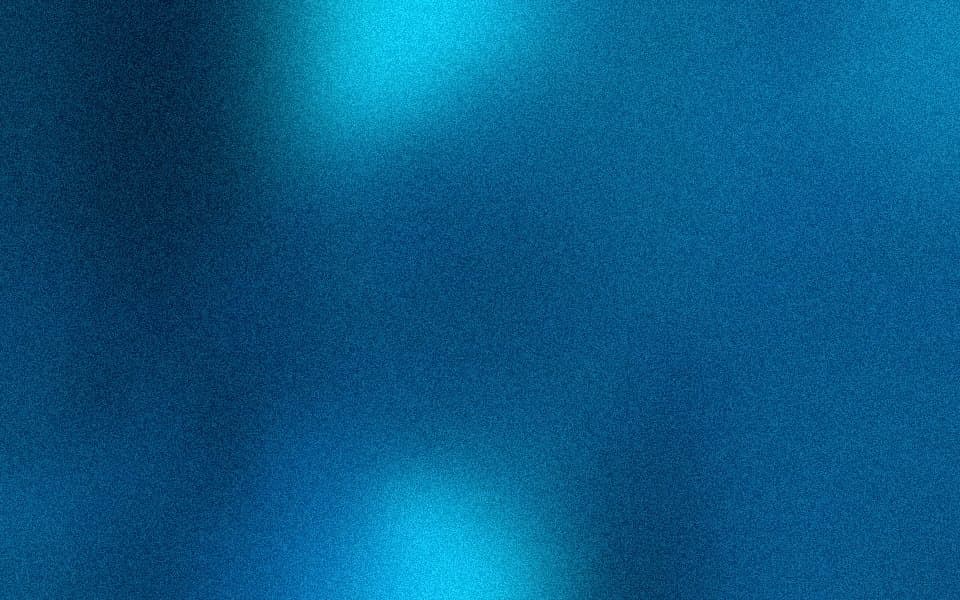
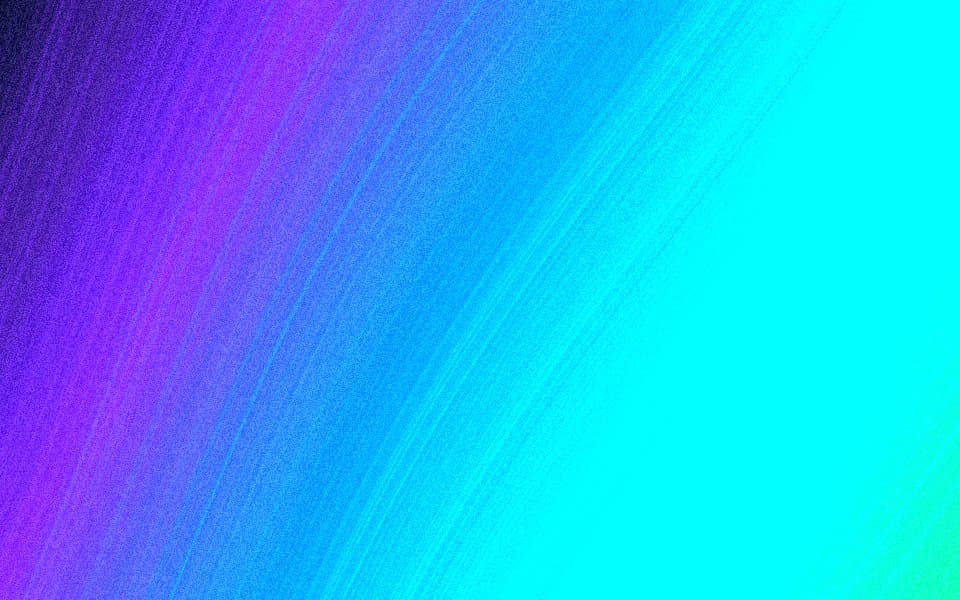
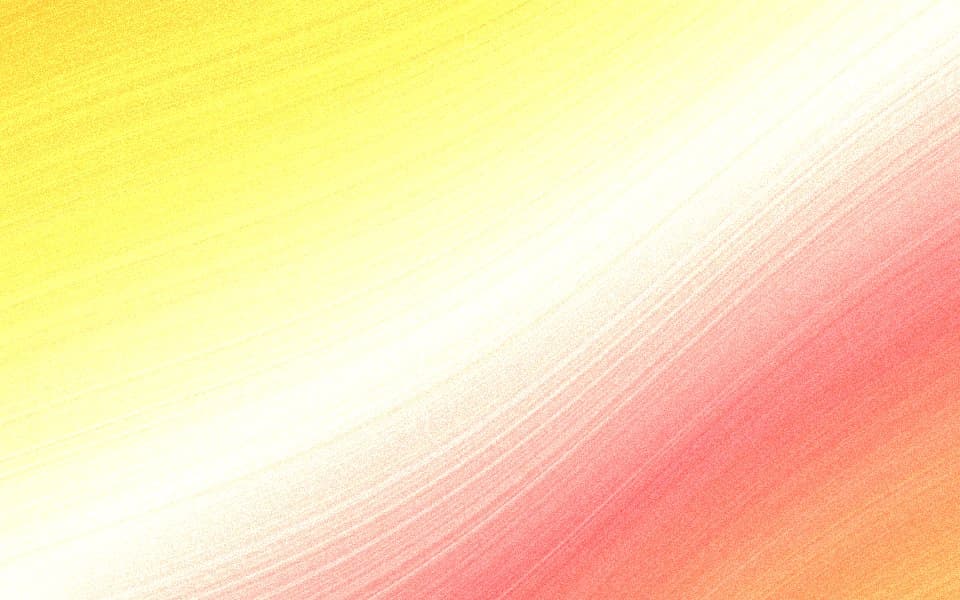
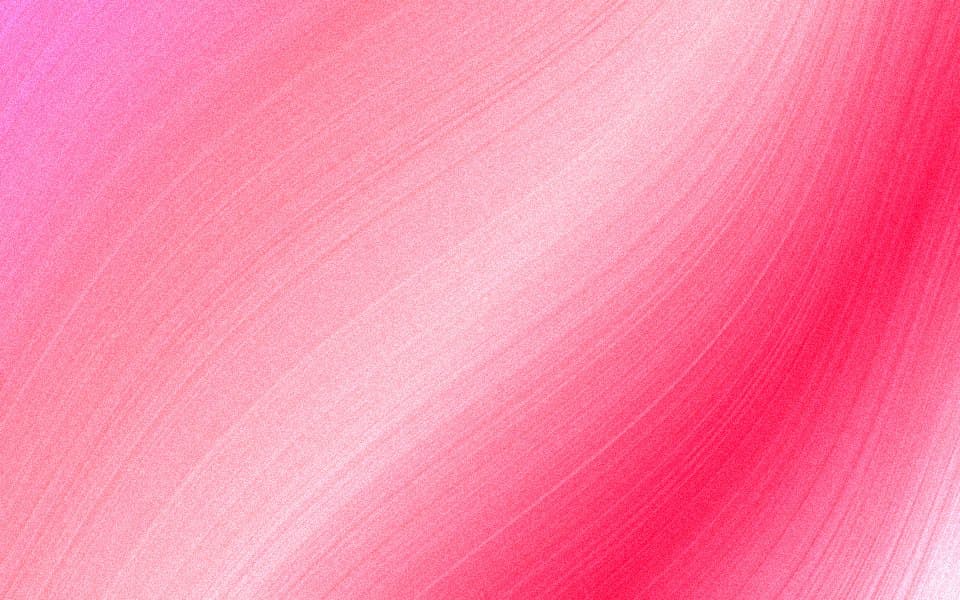
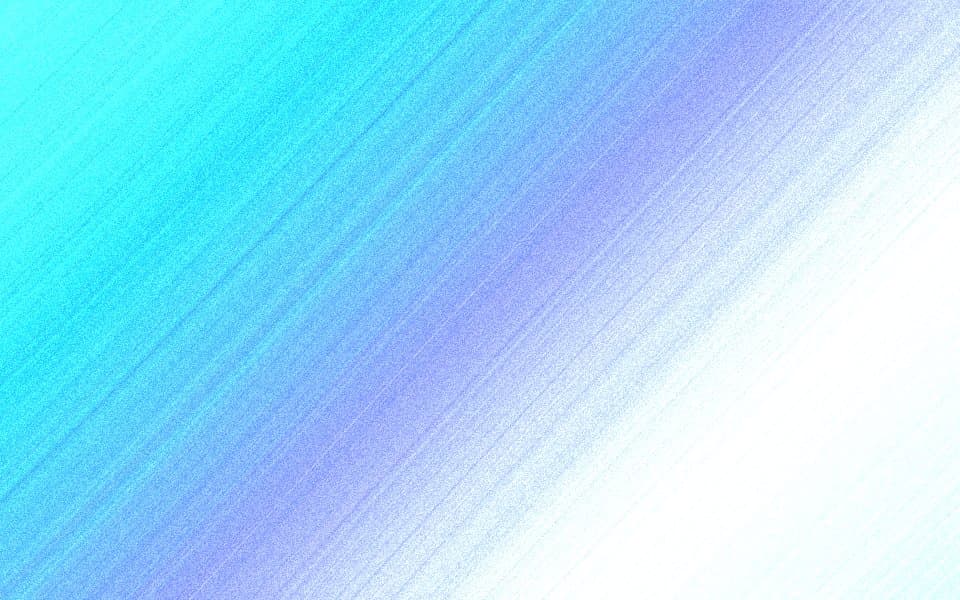
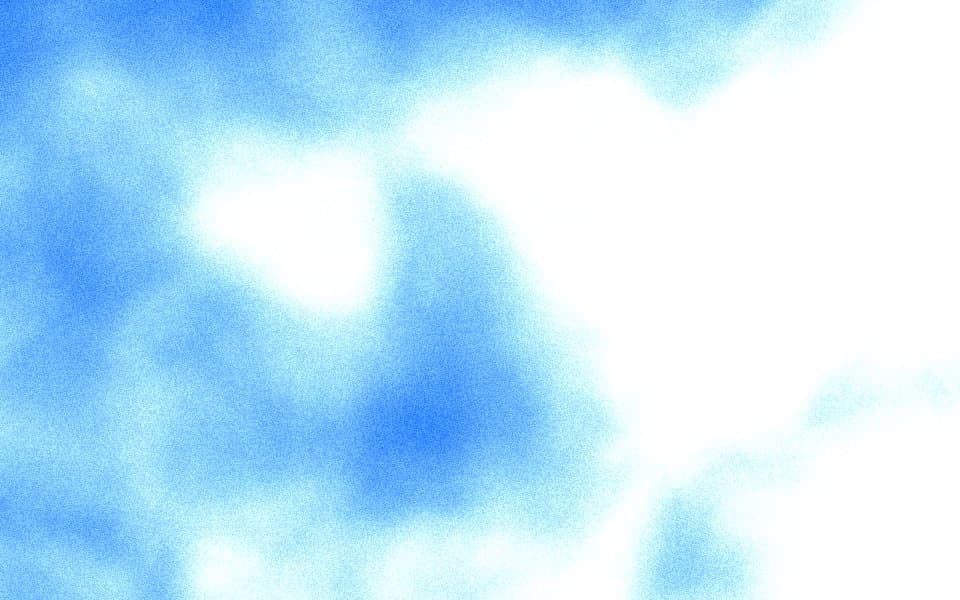
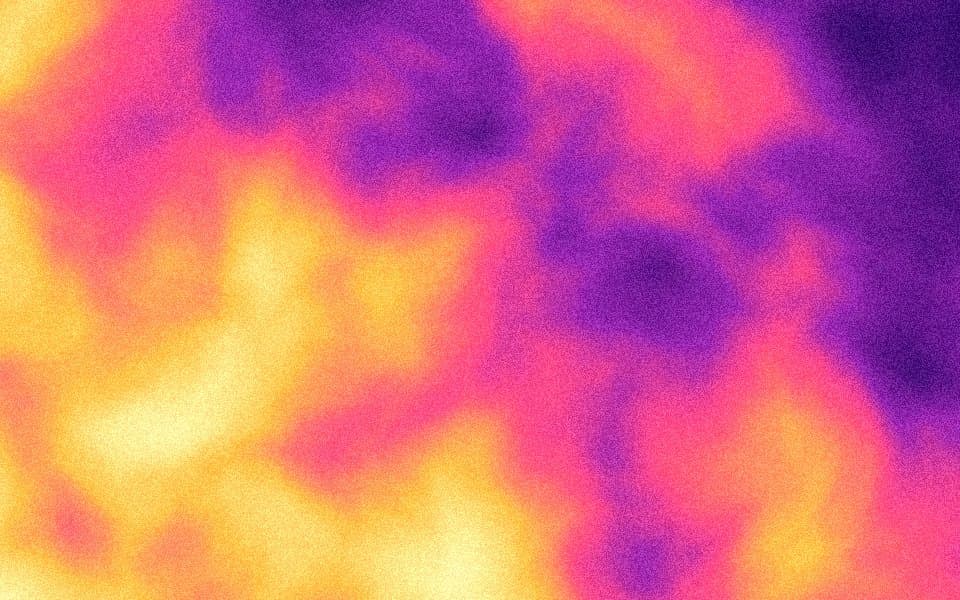
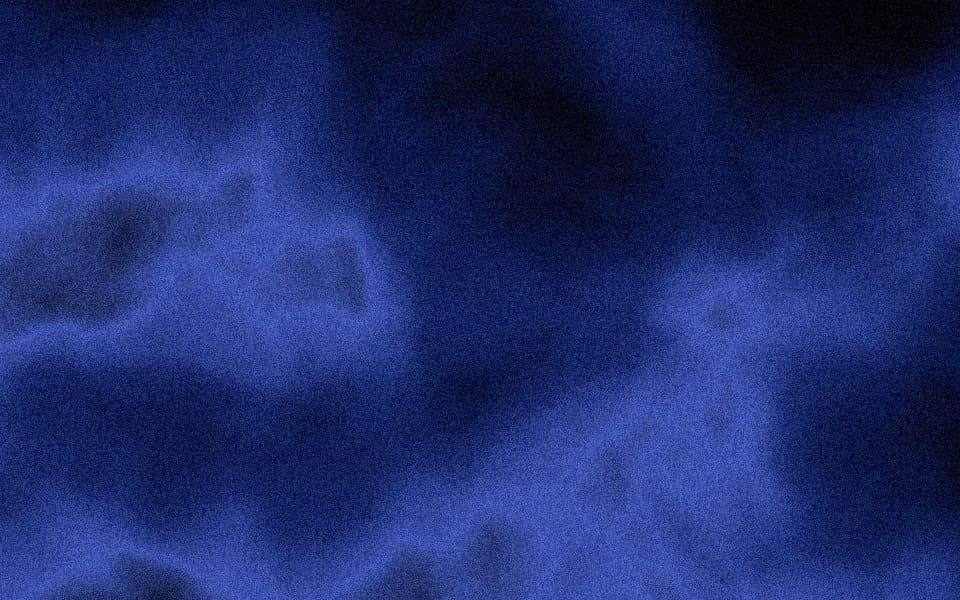
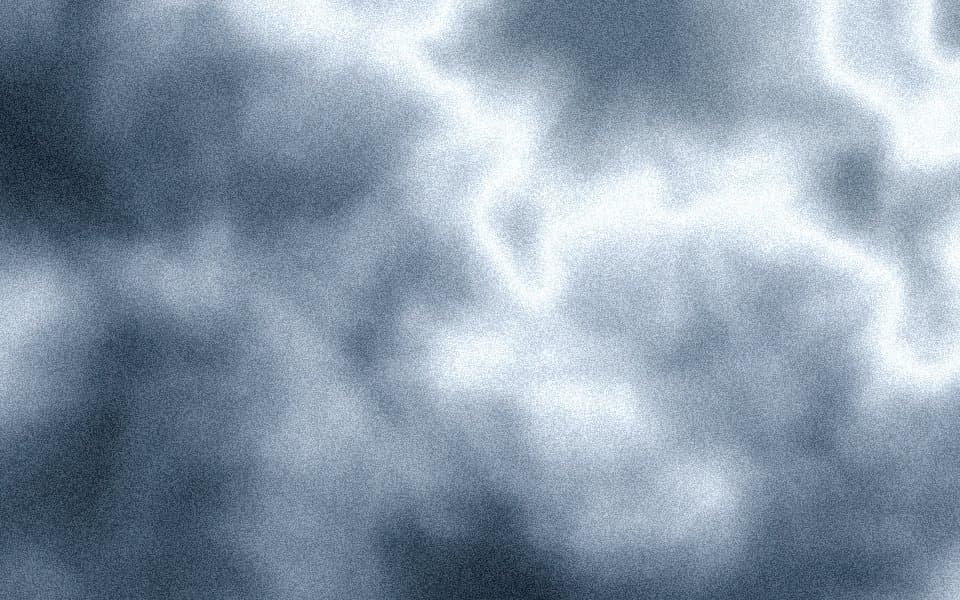
Three styles, one set of controls
Color, blur, contrast and saturation work the same way everywhere. Each style adds its own dials, and every style takes the grain, pixel and dither finishes.
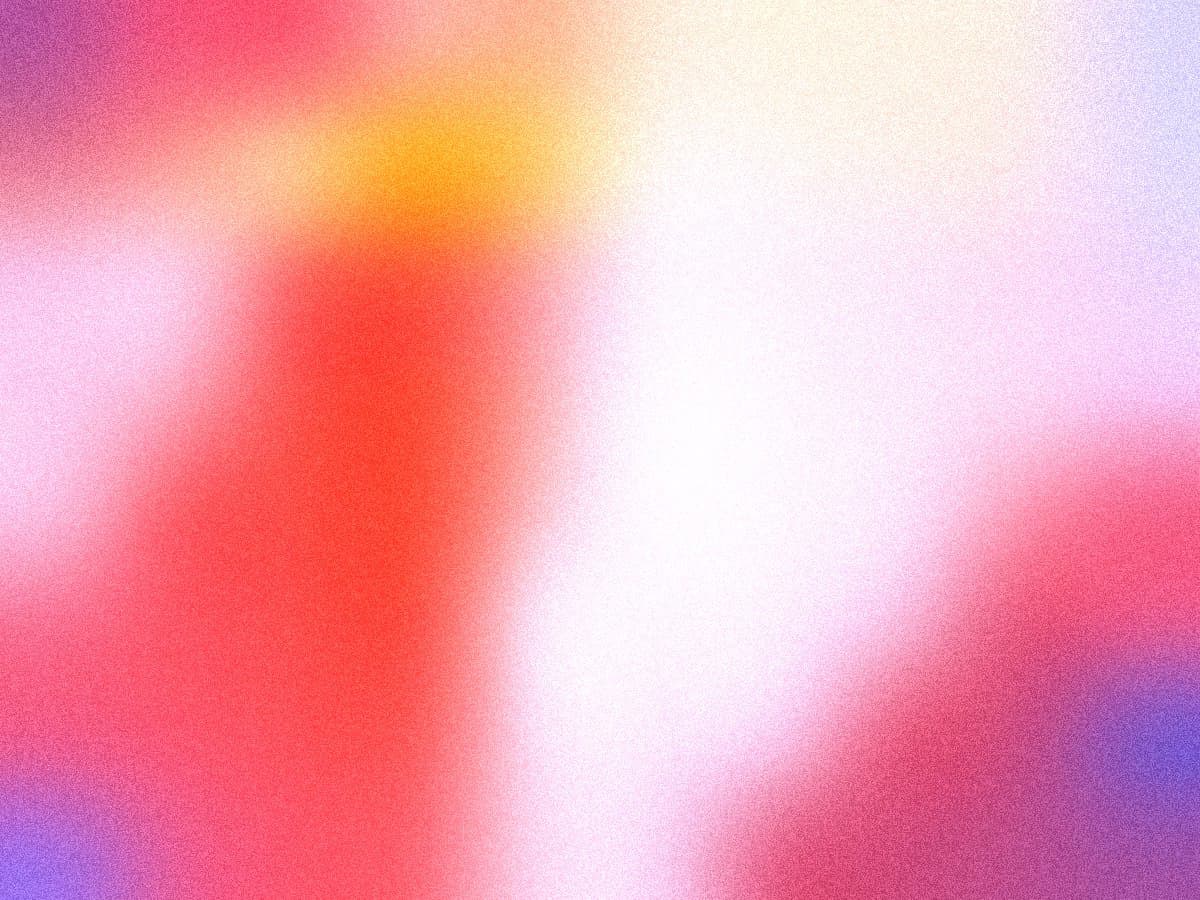
Soft, overlapping color fields. The classic mesh look for heroes and wallpapers.
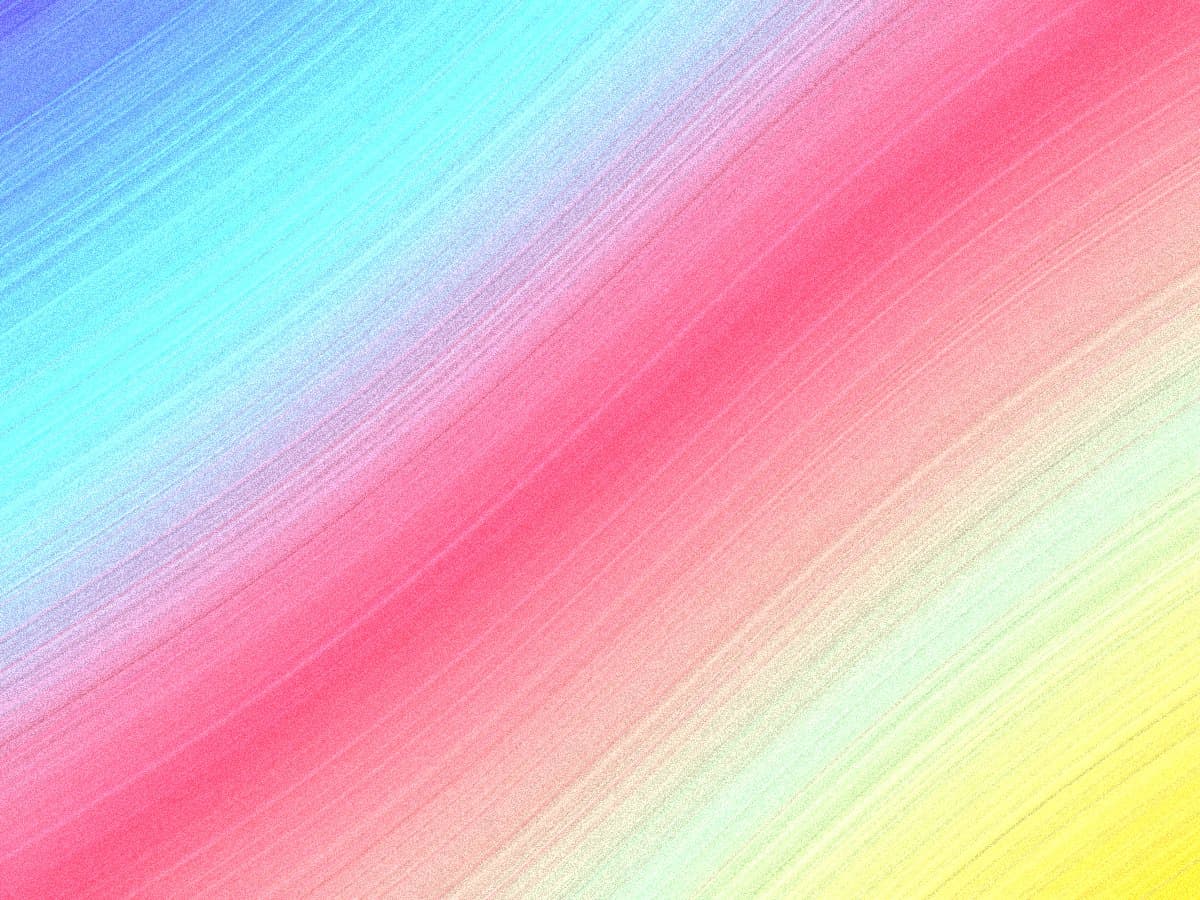
Flowing fibers with a subtle sheen. Reads as fabric or aurora depending on the palette.
Billowing volumes with real depth. Best for dark palettes and moody backdrops.
Made for the work designers actually ship
Pick the size first and the studio frames the gradient for it. Every export is full resolution, on every plan.
Website hero
3840×2160 and 3840×2010
The Linear look: a grainy dark gradient behind the headline, exported clean so nothing bands at full width.
Open at this sizeLaunch post and OG image
3840×2010 card, 1728×2160 portrait
Sized for LinkedIn, X and link previews. Dither reads as intentional at feed size instead of compressed.
Open at this sizePitch deck and slides
3840×2160
Covers and section breaks that do not look like a template. Stripes read as fabric on a dark deck.
Open at this sizeProduct video and screenshots
3840×2160, 1215×2160 portrait
Dark, premium backdrops that make a UI pop without fighting it. Pixel finish for a retro launch video.
Open at this sizeApp Store and device shots
1215×2160 portrait
One palette across every screenshot, so the listing reads as a set.
Open at this sizeWallpapers and Notion covers
3840×2400 Mac, 3840×1536 cover
The same scene re-exported for the Mac, the phone and the workspace. Or grab a free one.
Open at this size
Why it looks designed
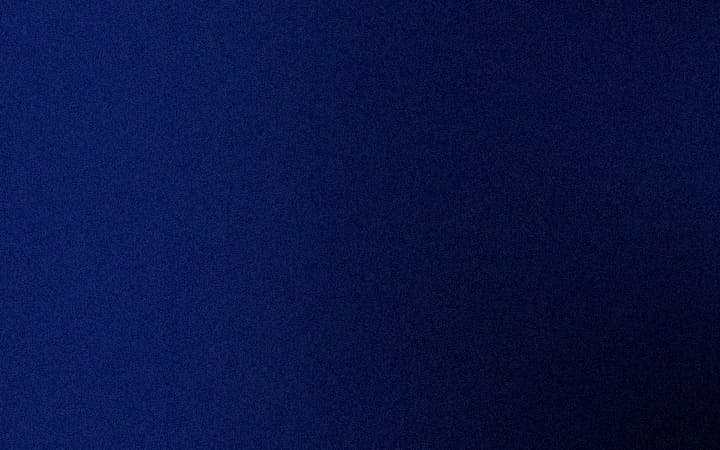
Most generators make a smooth blur that falls apart at full size. Here is the difference at 100% on a 4K export.
 No grainGrain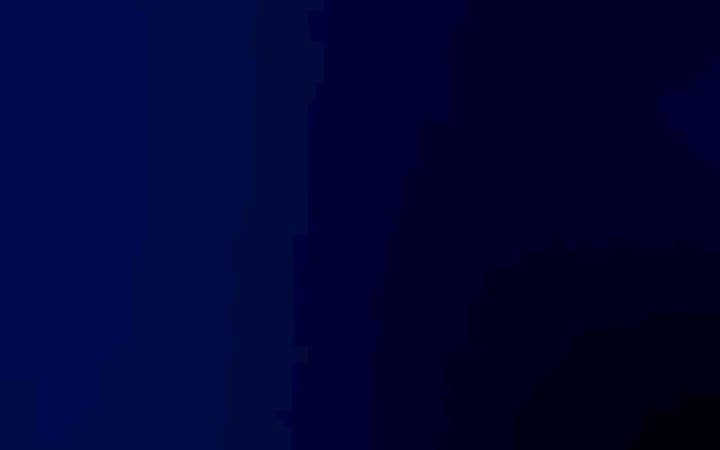
- Smooth blur, no grain
- A slow dark blur has nowhere to go between shades, so it steps. Those steps are the color bands you see on a big monitor.
- Same gradient with grain
- Grain scatters each step into texture. Same render, same tones, no bands. Drag the handle to compare.
Grain is rendered, not pasted
The grain is drawn into the gradient at export resolution, so it survives JPEG compression, scaling and print instead of turning to mush.
Blur that stays clean
Blur is defined against the 4K export, so the preview and the file match. What you tune on a laptop is what lands on the monitor.
Palettes you can keep
Save a palette once and reuse it across styles and sizes. Free accounts keep 3, Pro keeps 50.
Pricing
Pay once for the time you need. Nothing auto-renews, and commercial use is included on every plan.

- Unlimited 4K exports for one project
- Same controls as Pro
- One payment, never auto-renews
Need it for one project? Take the Week Pass. Making these regularly? Pro is 12 months for less than five weeks of passes. Buying again adds time on top of what you have left. Refund within 14 days if you have not exported.
Questions
- What is a mesh gradient?
- A gradient made from several color points spread across a canvas and blurred together, instead of one straight fade between two colors. It gives the soft, glowing look you see on modern app and product sites.
- Is the free plan really free?
- Yes. Every style and control is open, and you get 5 full-resolution 4K exports each month plus 3 saved palettes. No watermark, no card.
- What resolution and formats do I get?
- Landscape exports are 3840 pixels wide, portrait and square are 2160 pixels tall. Files are high-quality JPEG. Every plan exports at the same resolution.
- Is Pro a subscription?
- No. Pro is one payment for 12 months and the Week Pass is one payment for 7 days. Neither auto-renews. When the time is up you drop back to the free plan and keep every palette you saved.
- Can I use the exports commercially?
- Yes. Anything you export, on any plan, is yours to use in personal and client work, including products you sell.
- Why does grain matter?
- Smooth blurs at 4K show visible color bands, especially in dark palettes. Grain breaks the bands into texture the eye reads as depth. It is rendered into the image, not pasted on top, so it survives compression and print.
- What are the pixel and dither finishes?
- Pixel breaks the gradient into a grid of cells, the look of early game art and modern retro launch videos. Dither reduces the gradient to a pattern of dots that reads as texture, the finish on many current product sites. Both are rendered at export size with a cell size and density dial.
- Does it work with Figma?
- Yes. Export the JPG and place it in Figma as an image fill or a frame background. Exports are 4K, so they stay sharp on retina screens and in 2x exports from Figma. Copy the studio link into the layer description and you can reopen the exact gradient later.
- Can I use it for a website background?
- That is the main use. Export at 16:9 or the 1.91:1 social card size, place it as a background image, and let the grain hide the banding that a CSS gradient shows on large monitors. Keep the hero copy on top; the palettes are tuned to leave a calm area for it.
- Do you export CSS or SVG?
- Not yet. The studio makes images. If you need a CSS gradient for a live page, use a CSS tool and bring the image here for the places an image belongs: wallpapers, social cards, slides, screenshots and covers.
- What if I buy a pass and change my mind?
- Email us within 14 days. If you have not exported anything yet, the pass is refunded in full.
Make one now
The studio opens with a random palette. Shuffle until something feels right, then export.
Open the studio5 free 4K exports a month · no watermark · no card