Grainy Gradient Generator
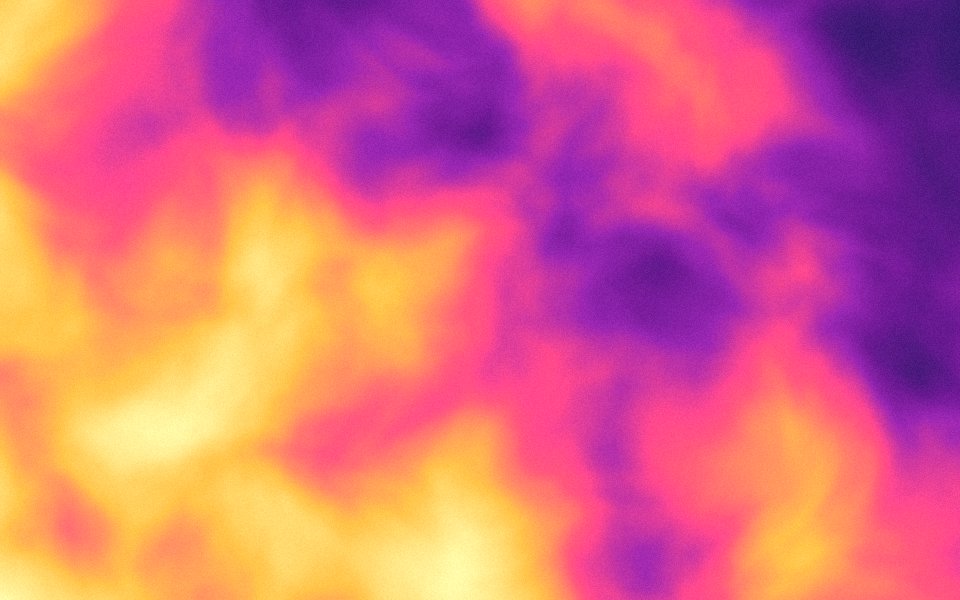
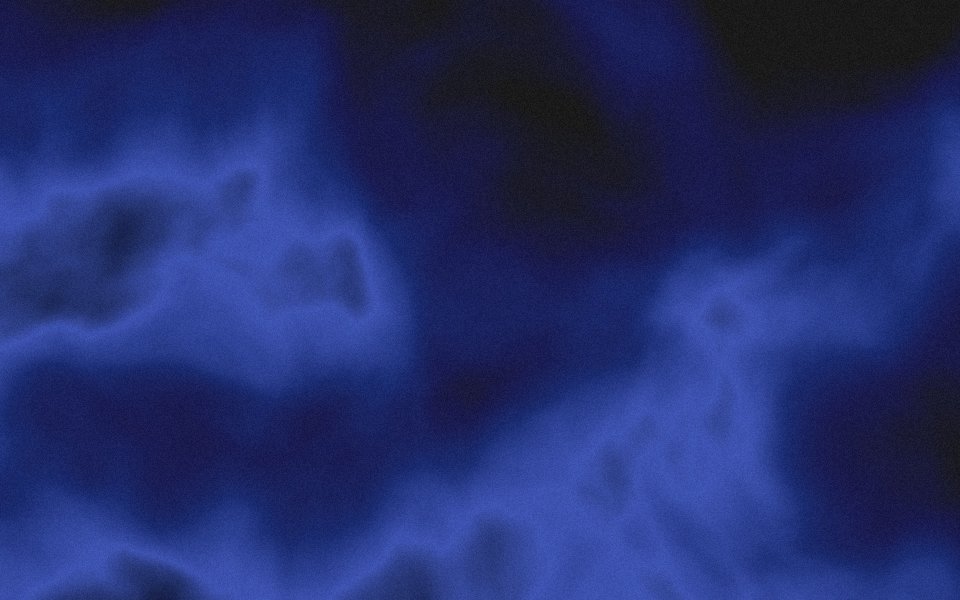
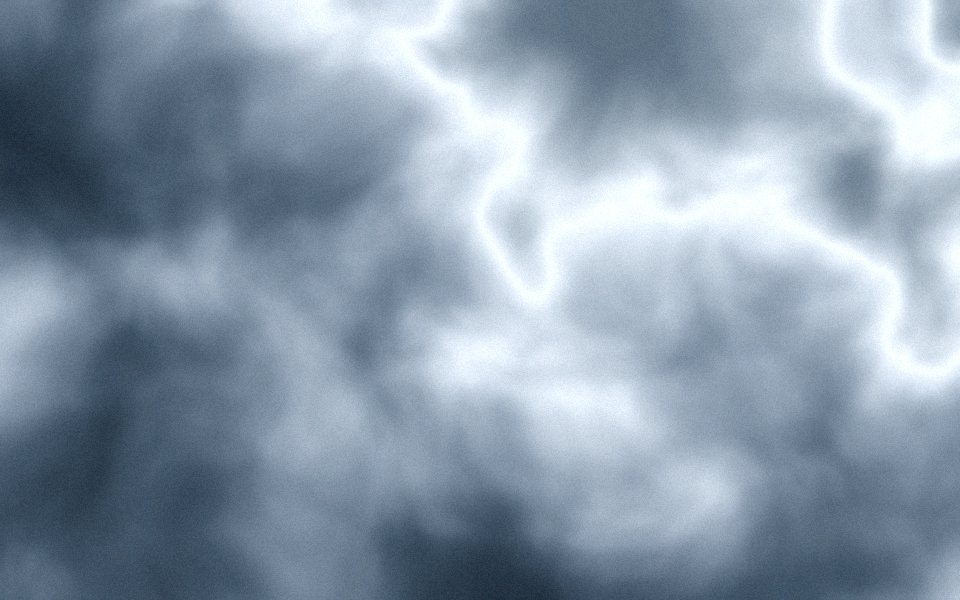
Gradients Studio's grainy gradient generator renders film grain into a mesh gradient, not as a noise layer on top, and exports it free as a 4K JPG with no watermark. Blobs, stripes, clouds or rays, tuned with one Grain dial.
5 free 4K exports a month · No watermark · No card
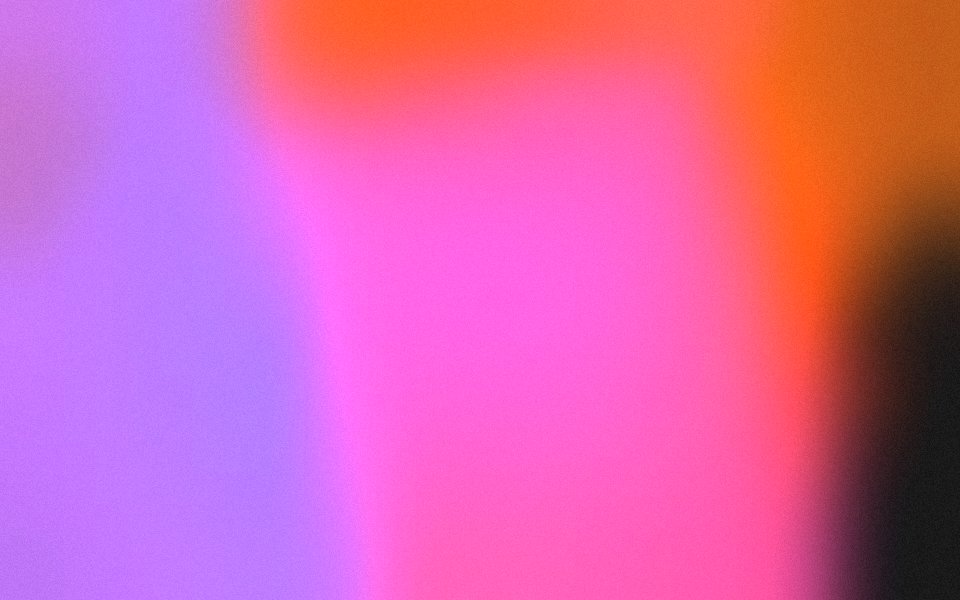
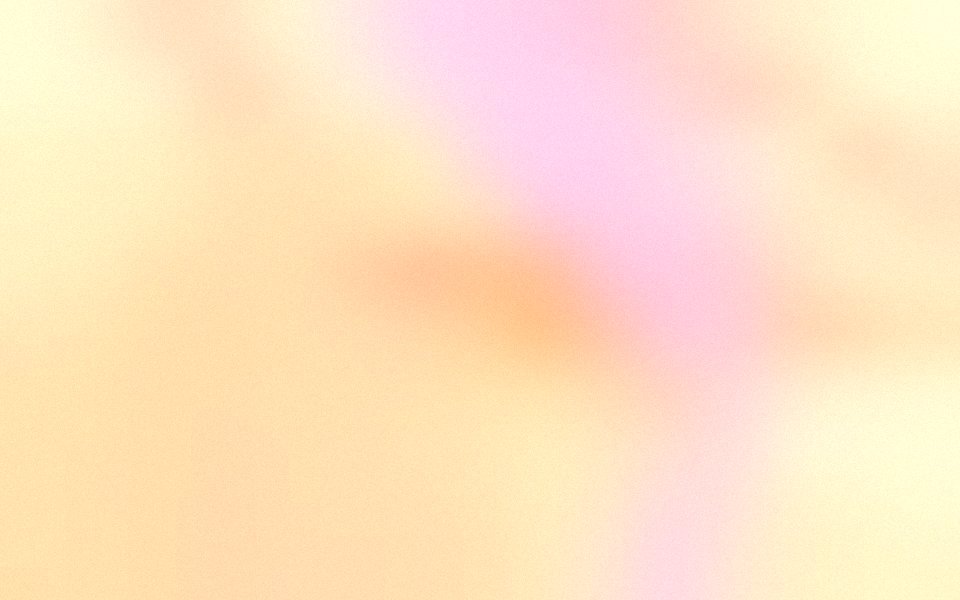

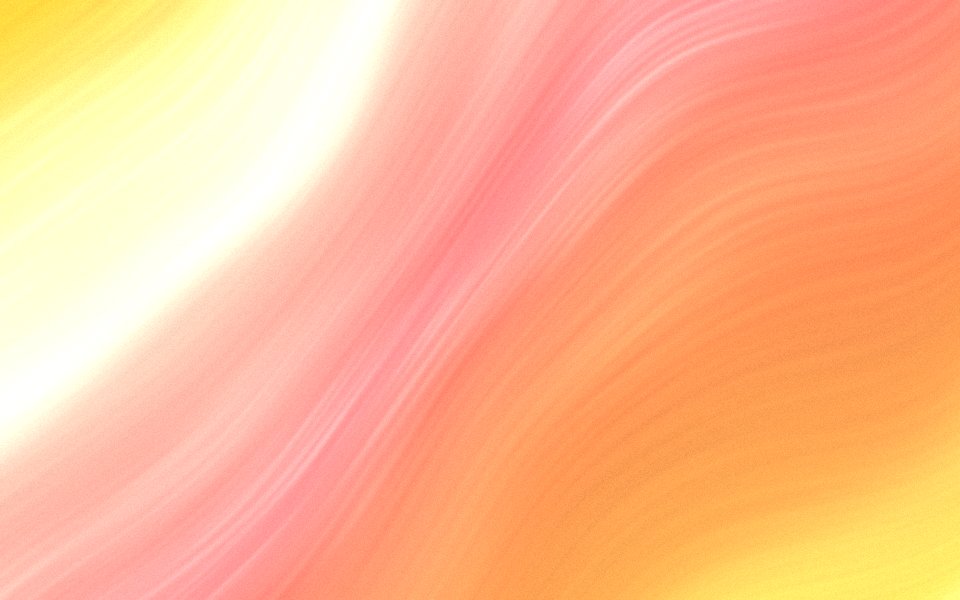
What a grainy gradient is
A grainy gradient is a soft color blend with fine, film-like texture drawn over it. The grain does two jobs: it gives a flat gradient a tactile, printed feel, and it breaks up the color bands that smooth gradients show on large screens and in dark palettes.
Why rendered grain beats a noise layer
The usual recipe is a noise layer set to overlay in Photoshop or a CSS noise filter. Both sit on top of the image and turn to mush when the file is compressed or scaled. Here the grain is drawn at export resolution, so it survives JPEG compression, resizing and print.
How to get the look
Pick a palette, set the Grain dial between 25 and 50 percent, and keep Blur high so the colors melt into each other. Dark backgrounds with two or three bright accents show grain best. Contrast at 120 to 140 percent lifts the texture without crushing the shadows.
Where grainy gradients work
Website heroes and OG images in the Linear and Stripe style, wallpapers for OLED phones and Mac displays, slide backgrounds, album and podcast art, and print, where grain hides the banding that a smooth gradient would otherwise show at 300 dpi. For a hero video, the same scene becomes an animated gradient background when you press Animate in the studio.
Sized for where it goes
Exact sizes and safe zones for the places a background ends up, each with examples at that shape.
- LinkedIn banner1584 × 396
- X header1500 × 500
- YouTube banner2560 × 1440
- Discord banner680 × 240
- Discord server960 × 540
- Twitch banner1200 × 480
- Bluesky banner2000 × 667
- OG image1200 × 630
- Notion cover1500 × 600
- Product Hunt gallery1270 × 760
- Presentation1920 × 1080
- Website hero1920 × 1080
- Zoom background1920 × 1080
- Instagram story1080 × 1920
- Instagram post1080 × 1350
- Email header600 × 240
- App Store header3840 × 1646
- App Store search3840 × 2560
- Event card3840 × 2160
- Event details2160 × 3840
More generators
The same studio, set to another look.
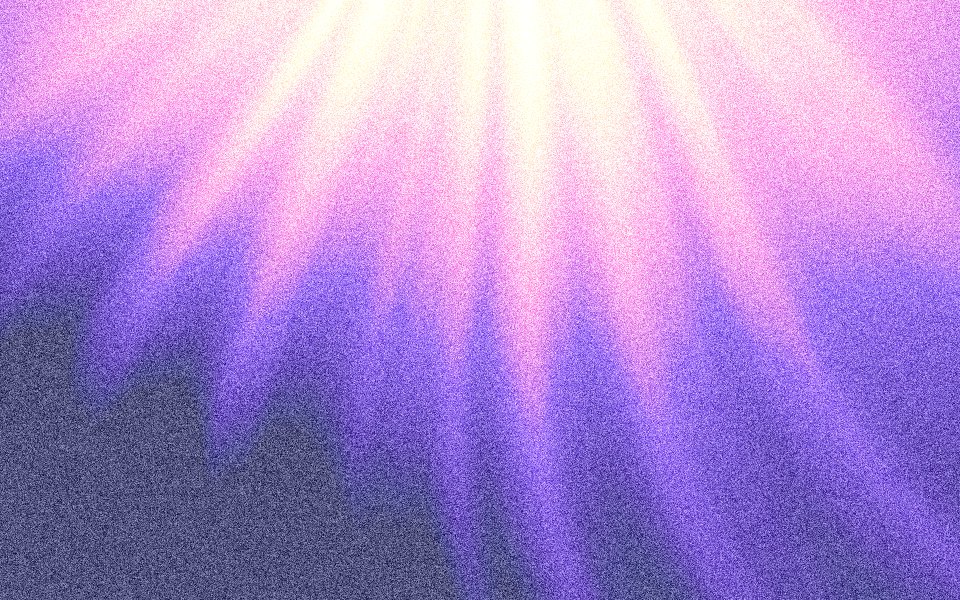 Noise gradientsHeavy noise rendered into every pixel, free in 4K.
- Pixel gradientsCrisp cells of the palette, for launch videos and posters.
- Dither gradientsAn ordered dot pattern that reads as texture, not blur.
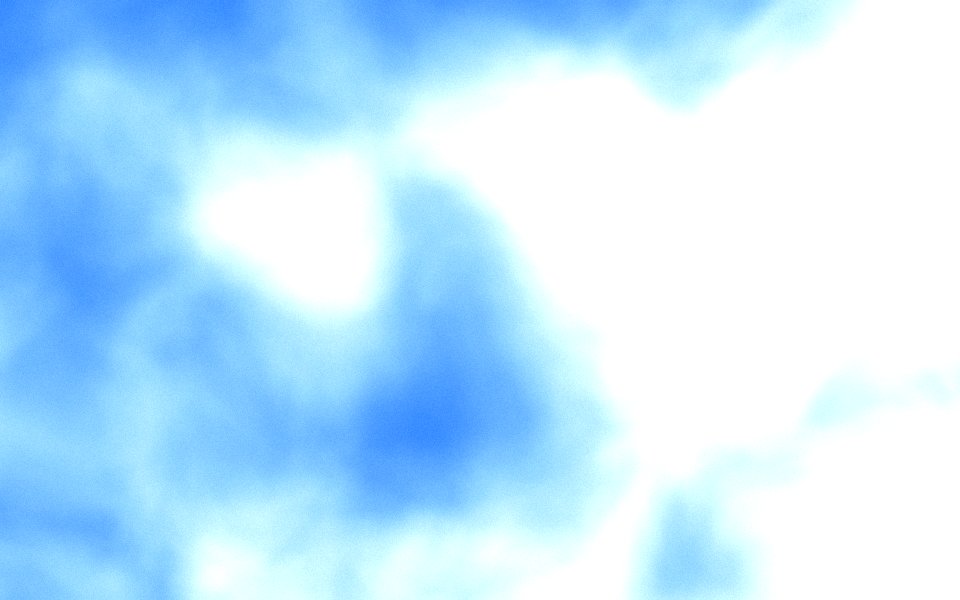 Blurry gradientsSoft, out-of-focus colour behind a headline or a slide.
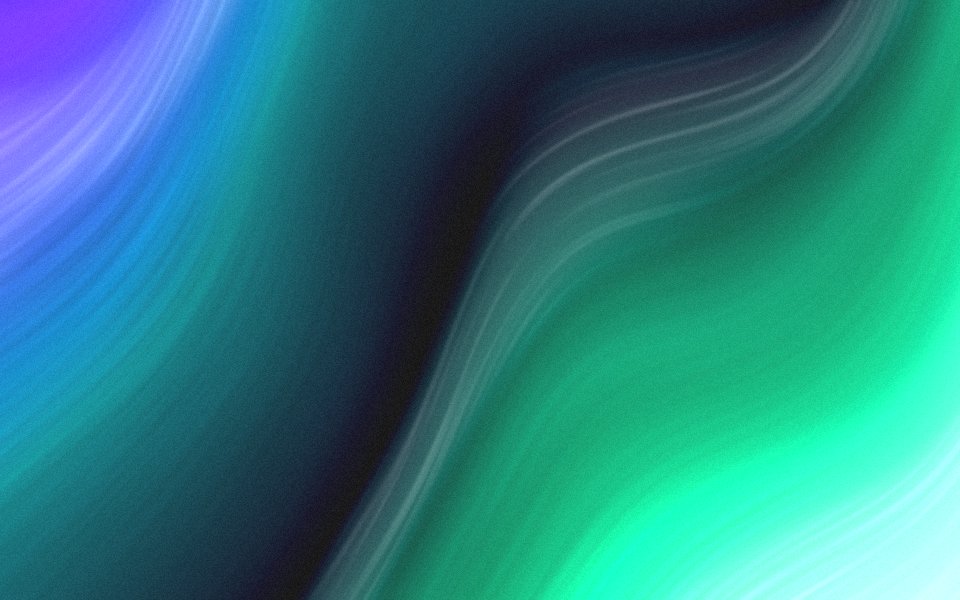 Aurora gradientsNorthern-lights ribbons of green and violet on a night sky.
Questions
How do I fix banding in a gradient?
Is the grain the same in the preview and the export?
Can I export a grainy gradient for free?
Does grain increase the file size?
Make one now
The studio opens set to this look. Shuffle until something feels right, then export.