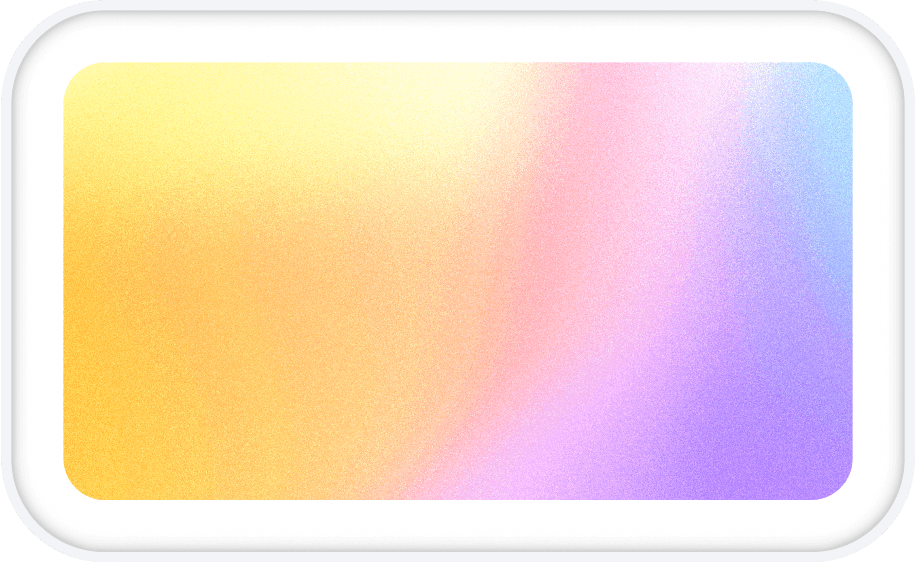
Free gradient wallpapers in 4K, 5K and phone sizes
Sixteen palettes across four styles, rendered with real grain so they hold up on a 5K display and an OLED phone alike. Download any of them free, or open one in the studio and make it yours.
No sign-up · No watermark · Free for personal and commercial use
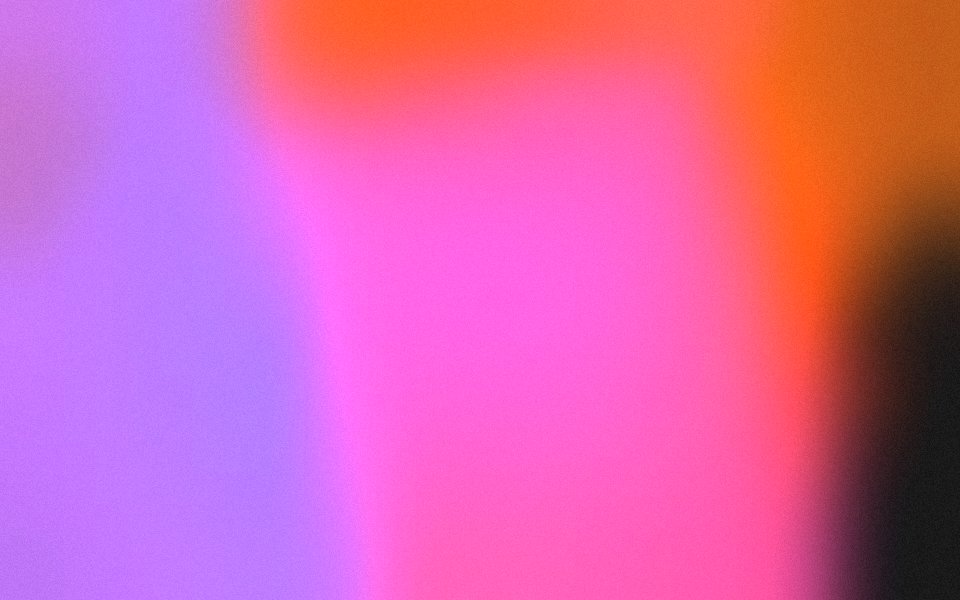
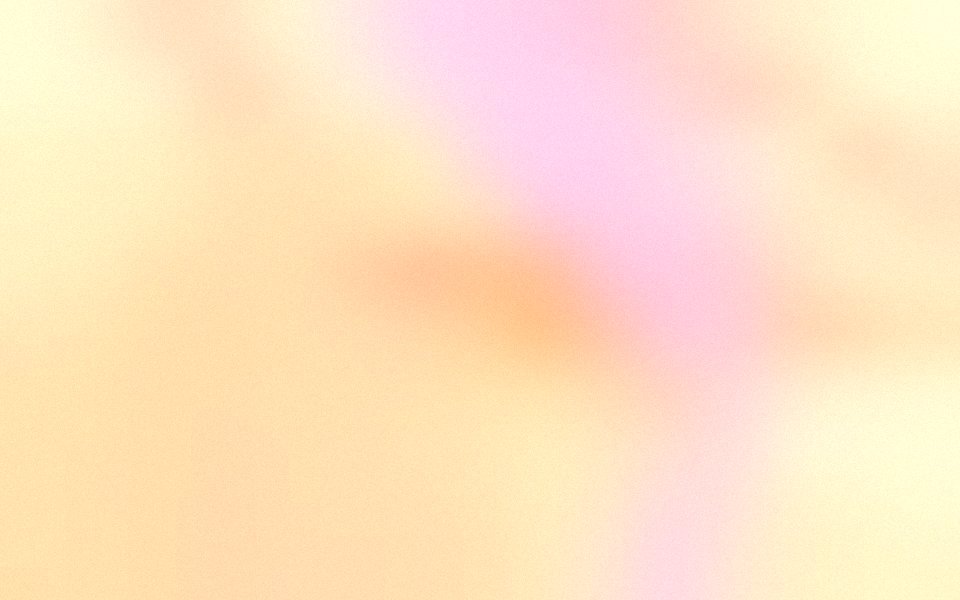
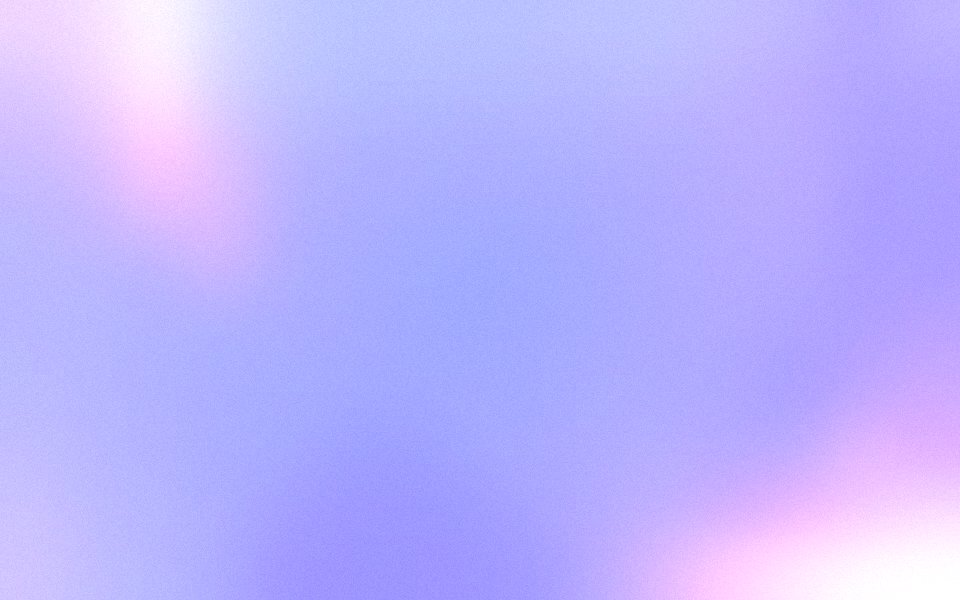

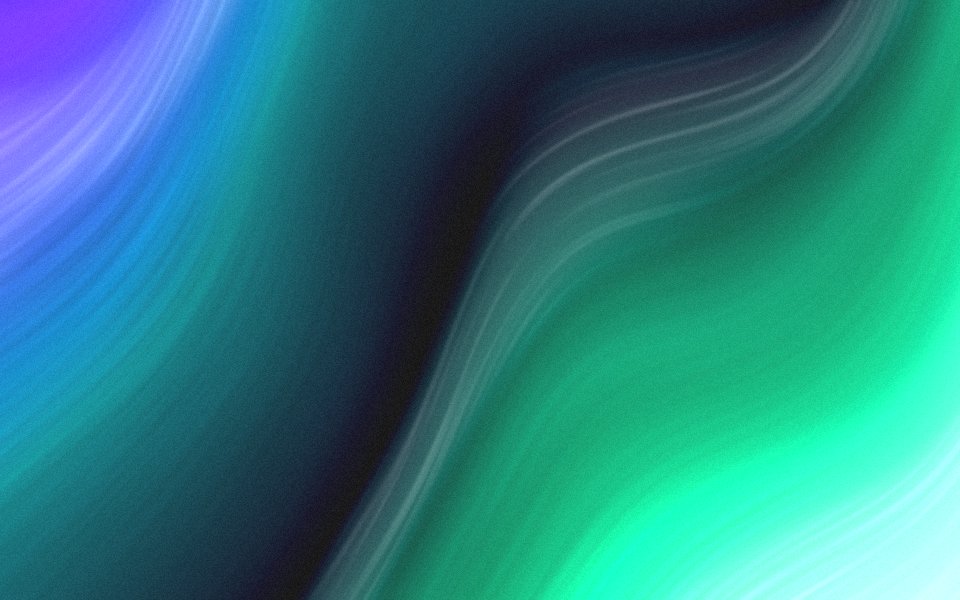
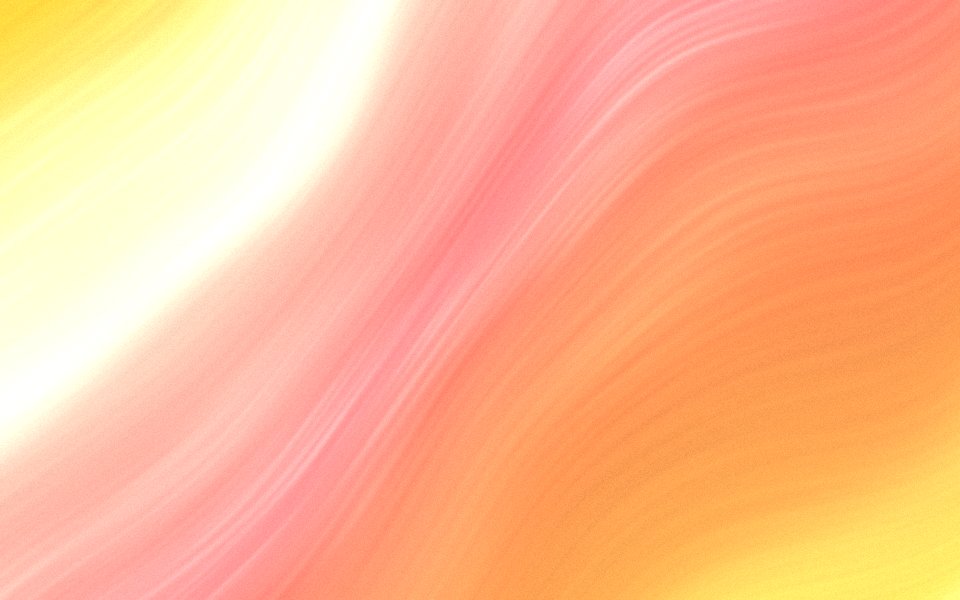

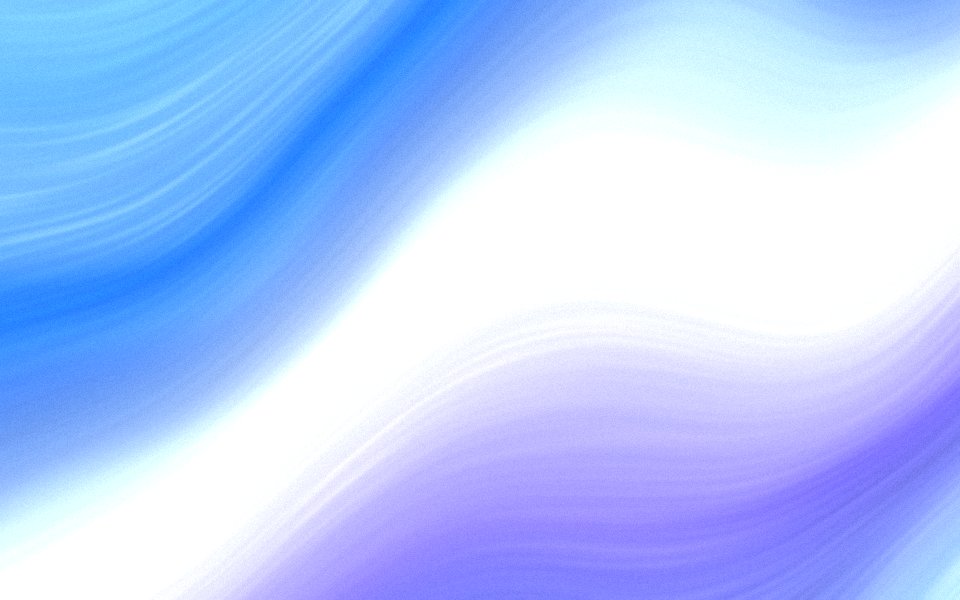

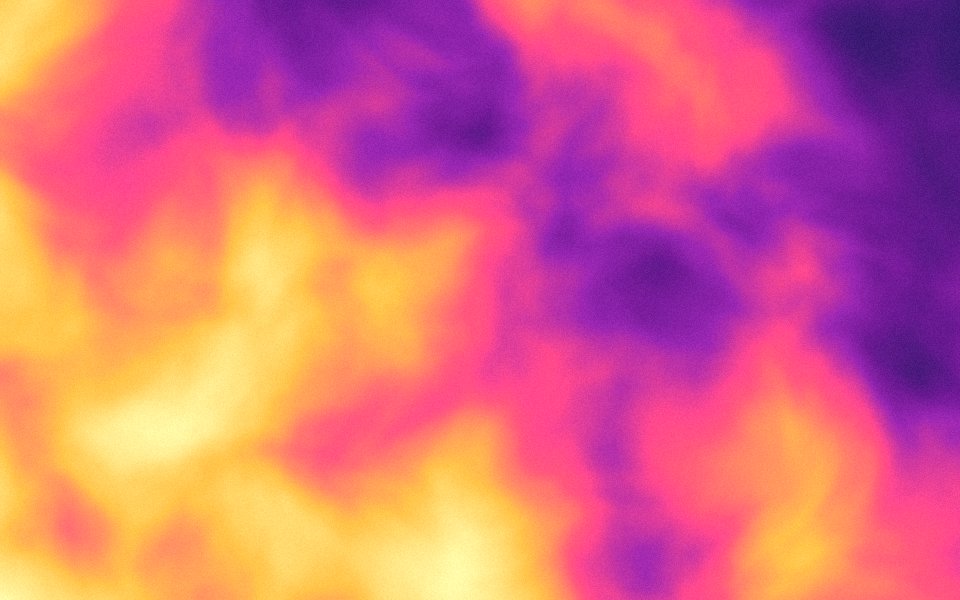
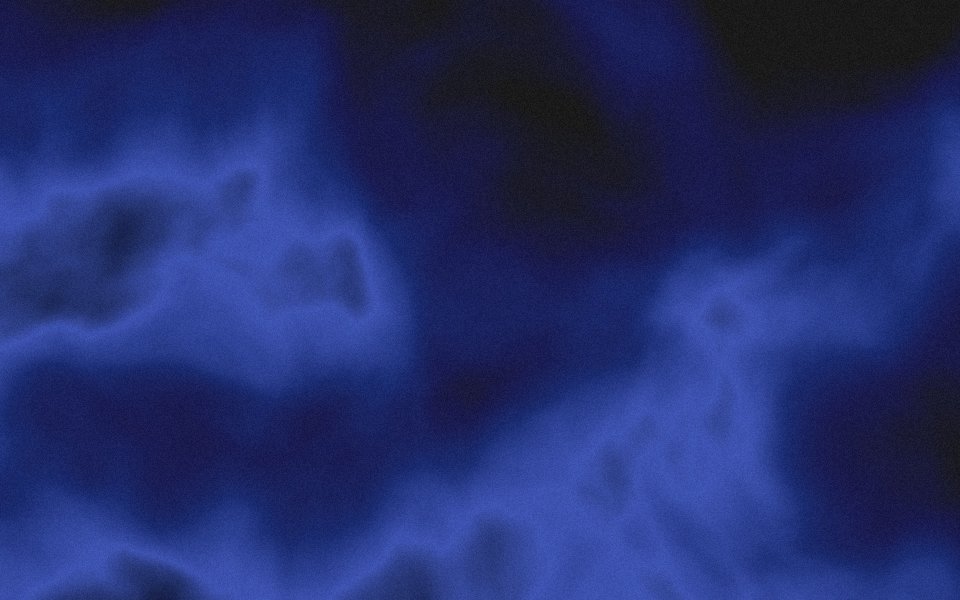
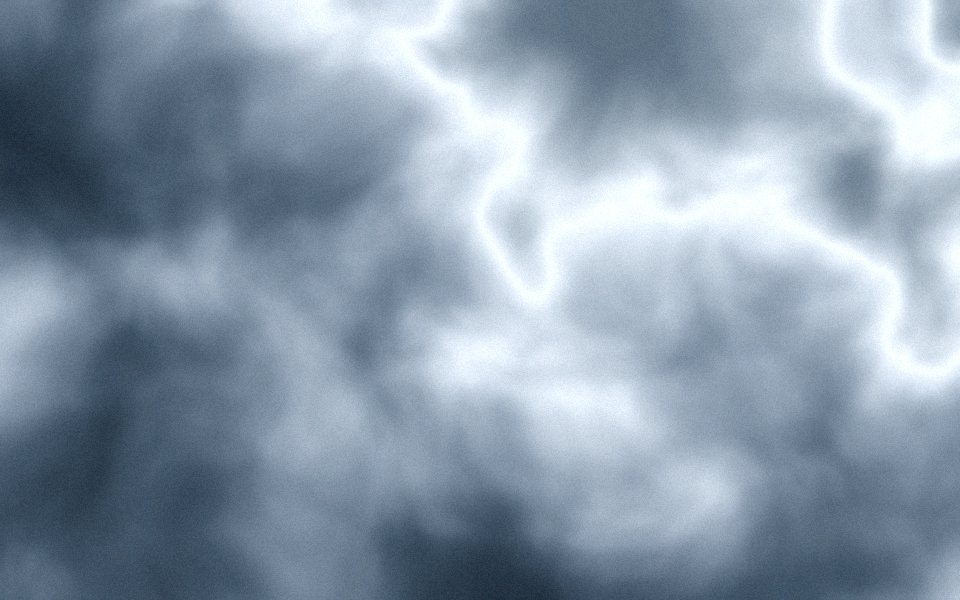


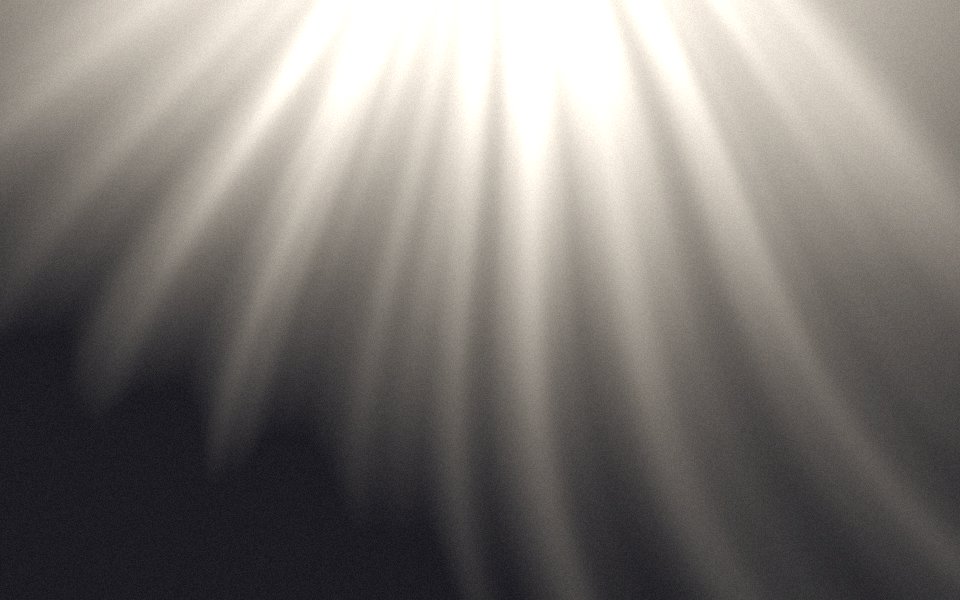

One scene, three sizes
Each size is rendered on its own from the same scene, so nothing is ever scaled up.
Desktop 4K
3840 × 2160
Windows, Linux, any 16:9 monitor
Mac 5K
5120 × 2880
MacBook and Studio Display, 16:10
Phone
1290 × 2796
iPhone and Android, 1290 × 2796
Why these look better than a flat gradient
Most gradient wallpapers are a smooth blur exported once and resized for every screen. On a 27-inch monitor the smooth part turns into visible bands, and on a phone the fine detail is lost. These are rendered separately for each size from the same scene, with grain drawn in at the final resolution, so the texture is real at 100 percent and the colors never band.
The four styles behave differently. Blobs are soft overlapping fields, the classic mesh look. Stripes are draped silk with fine fibers and satin light, which read as fabric or aurora depending on the palette. Clouds are billowing volumes with depth, best in dark palettes. Rays are light falling through haze. Pick by mood first, then by the screen it is going on.
If none of the sixteen is quite right, every page has a Customize button. It opens the same palette in the studio, where you can change any color, the blur, the grain and the texture, then export at 4K. Five exports a month are free.
For a retro screen, draw any palette in square cells as a pixel gradient wallpaper, or as an ordered pattern of marks as a dither wallpaper.
Questions
Are these wallpapers really free?
Which size should I pick?
Why do they have grain?
Can I change the colors?
Want your own colours?
Open the studio, pick a palette, export at 4K. Five free exports a month.