Dither Gradient Generator
Gradients Studio is a free dithered gradient generator: it draws a gradient in your colors with ordered Bayer dithering, as a pattern of dots, bars, crosses or characters you type, and exports a JPG in HD or 4K. The first download is free with no account; 4K with the dither finish is Pro.
First download free, no account · 4K on Pro, from $9 · No subscription

What a dithered gradient is
Dithering draws a gradient with a pattern of dots instead of continuous tones: dense where the color is strong, sparse where it fades. Screens and printers have used it for decades to fake more colors than they had. Today it is a deliberate finish, the texture on the marketing sites of AI startups, dev tools and design tools.
Ordered dither, your marks
The finish uses an ordered Bayer pattern, so the marks line up in a clean grid rather than random noise. By default they mix dots, bars, crosses and rings; type characters into Characters to use your own. Set the cell size, and use Density to decide how far the marks reach into each transition. Grain on top keeps the flat areas from looking plastic.
How to get the look
Start from a dark background with one or two bright accents; dither reads best when there is somewhere for the dots to fade into. Under Effects choose Dither, cell size 12 to 24 for a hero, density around the middle. For a social card, go coarser so the pattern is visible at feed size.
Where dithered gradients work
Website heroes and section backgrounds, OG images and launch posts, deck covers, app onboarding screens, and print, where an ordered pattern holds up on paper better than a smooth blur. Export at 1.91:1 for link previews and 4:5 for a LinkedIn portrait post.
Sized for where it goes
Exact sizes and safe zones for the places a background ends up, each with examples at that shape.
- LinkedIn banner1584 × 396
- X header1500 × 500
- YouTube banner2560 × 1440
- Discord banner680 × 240
- Discord server960 × 540
- Twitch banner1200 × 480
- Bluesky banner2000 × 667
- OG image1200 × 630
- Notion cover1500 × 600
- Product Hunt gallery1270 × 760
- Presentation1920 × 1080
- Website hero1920 × 1080
- Zoom background1920 × 1080
- Instagram story1080 × 1920
- Instagram post1080 × 1350
- Email header600 × 240
- App Store header3840 × 1646
- App Store search3840 × 2560
- Event card3840 × 2160
- Event details2160 × 3840
More generators
The same studio, set to another look.
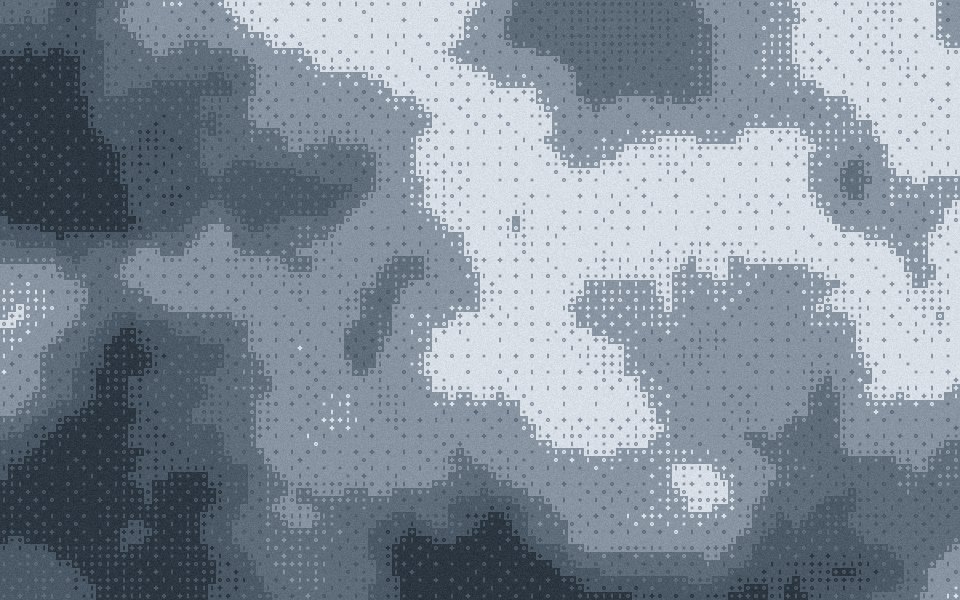 Bayer ditherThe 4 × 4 ordered matrix, its crosshatch left visible.
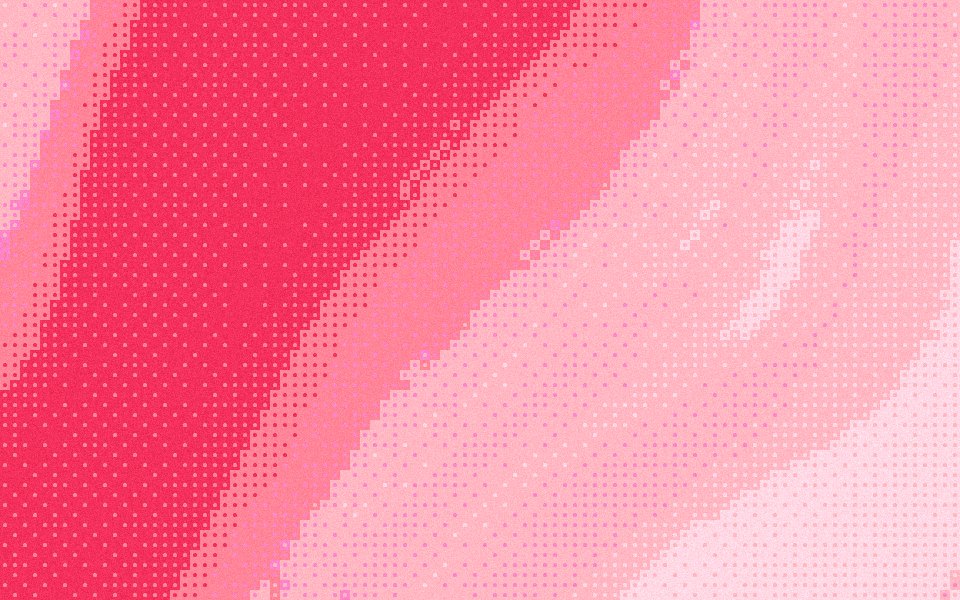 Halftone gradientsRound dots on an ordered grid, like a printed poster.
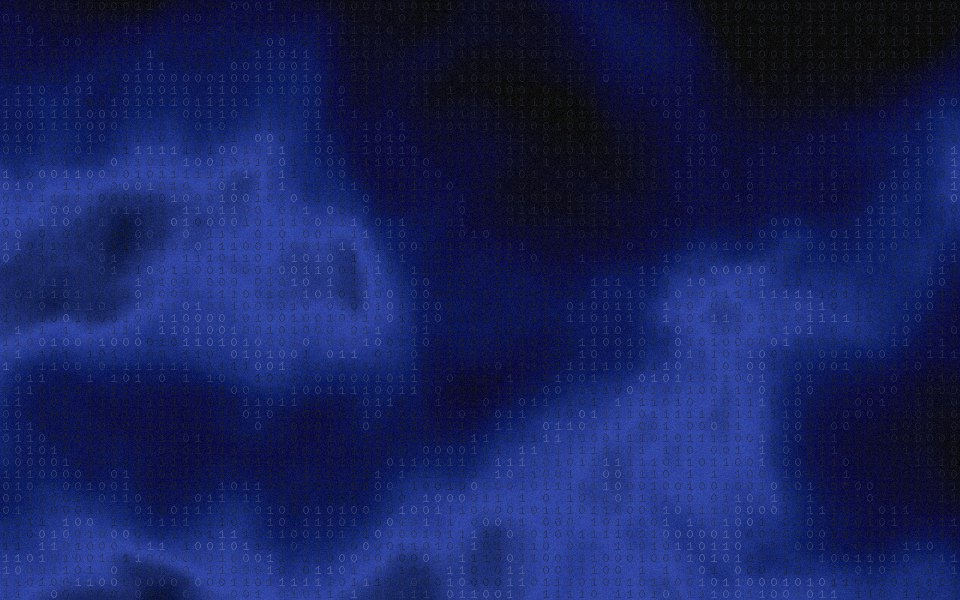 Glyph ditherCharacters you type, scattered over the gradient like terminal art.
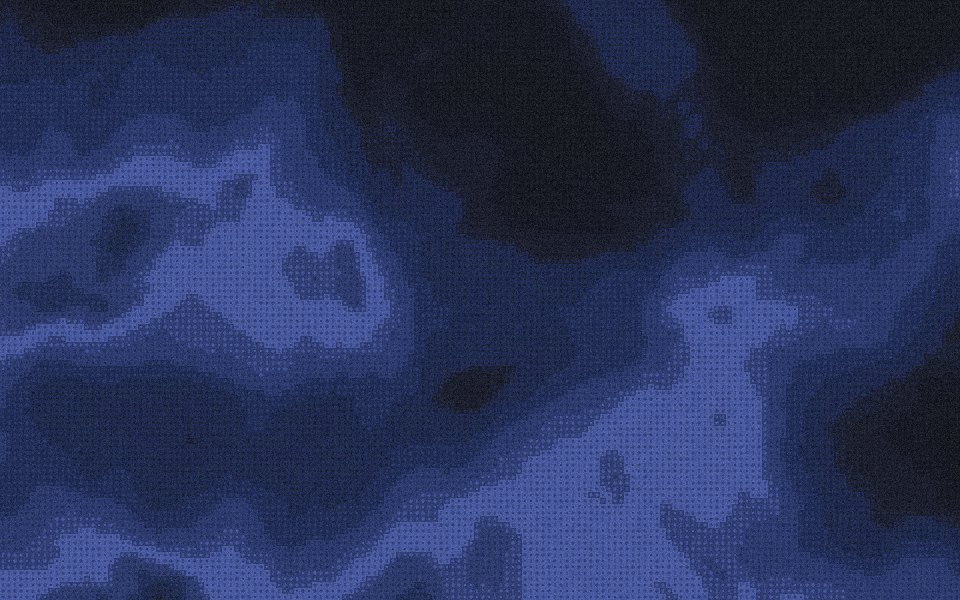 Dithered backgroundsA quiet dither over the gradient, for a hero behind a headline.
- Pixel gradientsCrisp cells of the palette, for launch videos and posters.
Questions
Is this the same as adding noise?
Can I change the dot shape?
Will the pattern survive compression?
Can I export a dithered gradient for free?
Make one now
The studio opens set to this look. Shuffle until something feels right, then export.