Pixel Gradient Generator
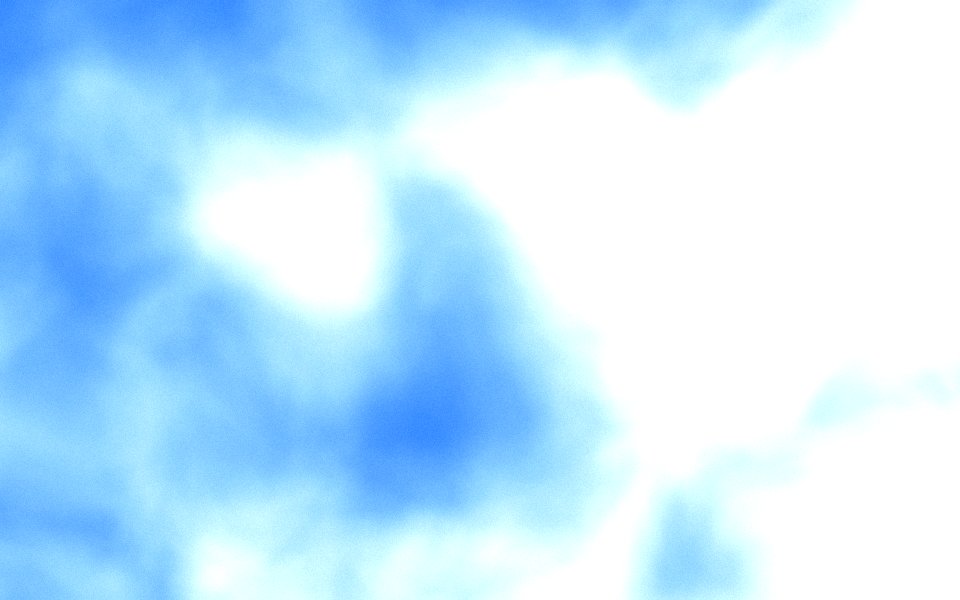
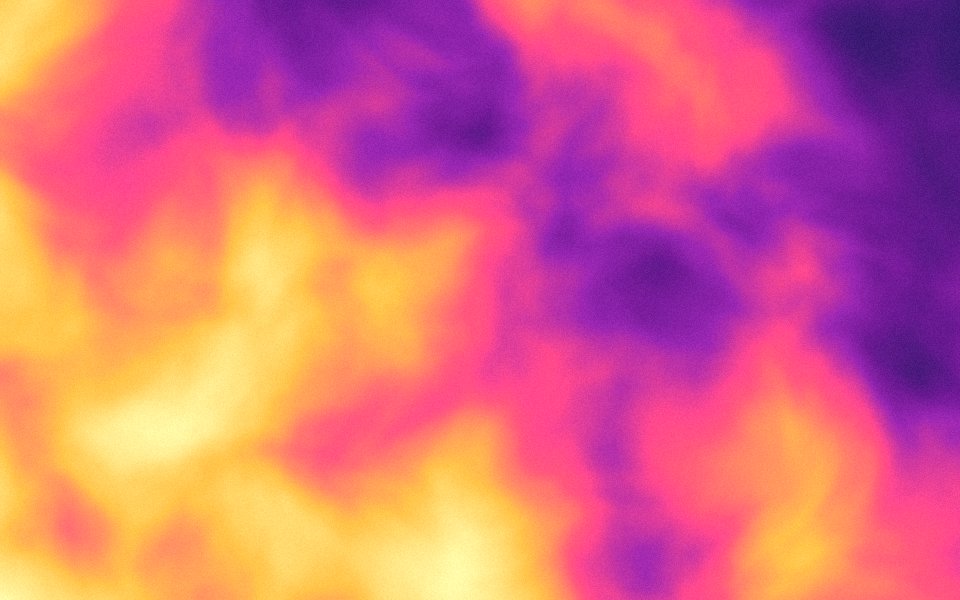
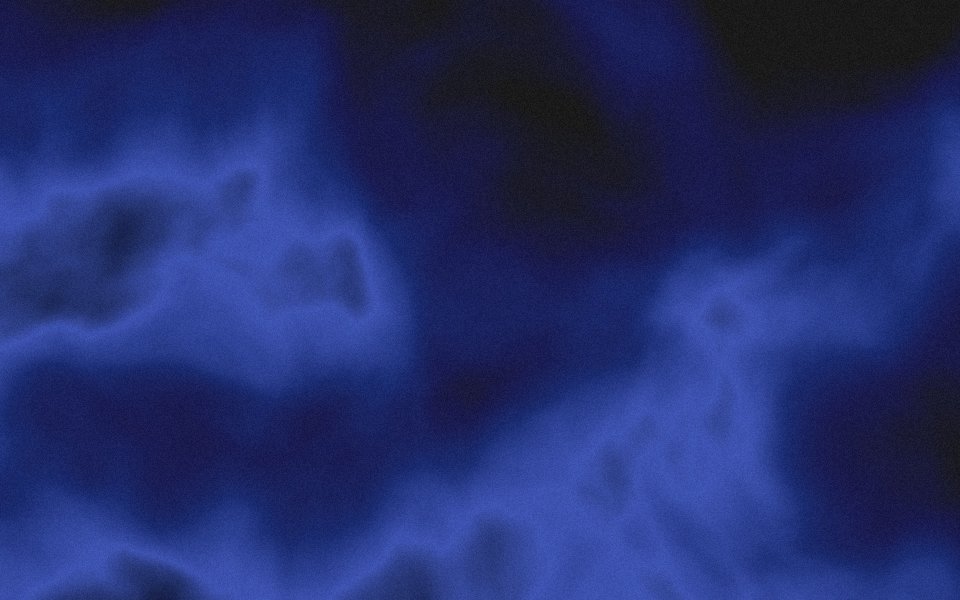
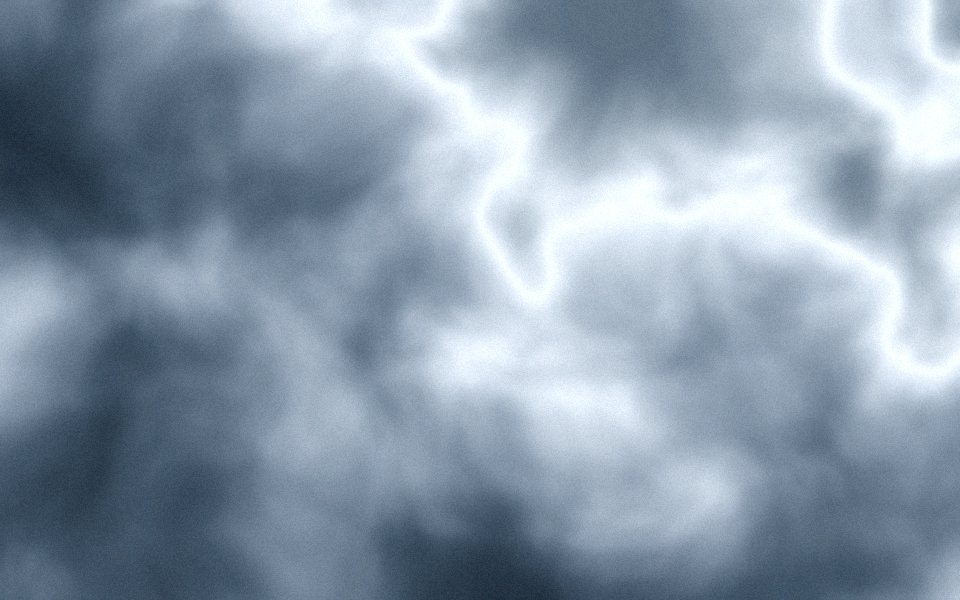
Gradients Studio is a free pixel gradient generator: it turns a gradient in your colors into crisp square pixel cells, the retro pixel-art look, and exports a JPG in HD or 4K. Set the cell size from 8 to 64 px. The first download is free with no account; 4K with the pixel finish is Pro.
First download free, no account · 4K on Pro, from $9 · No subscription

What a pixel gradient is
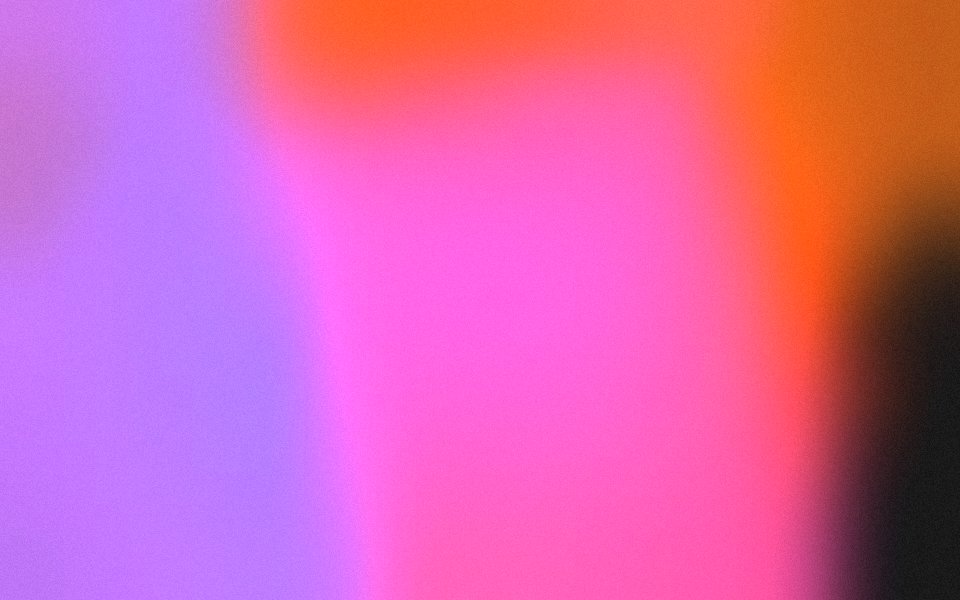
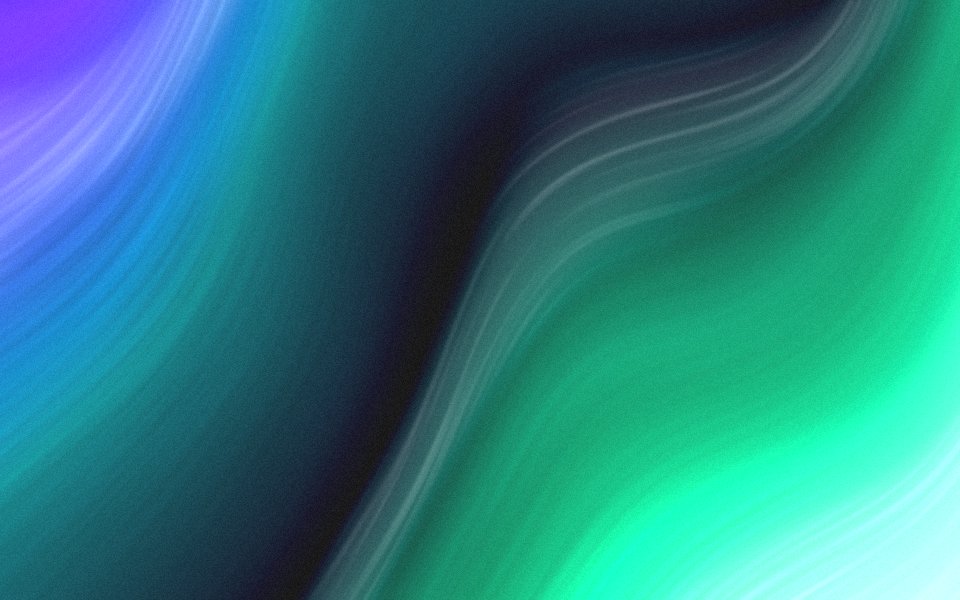
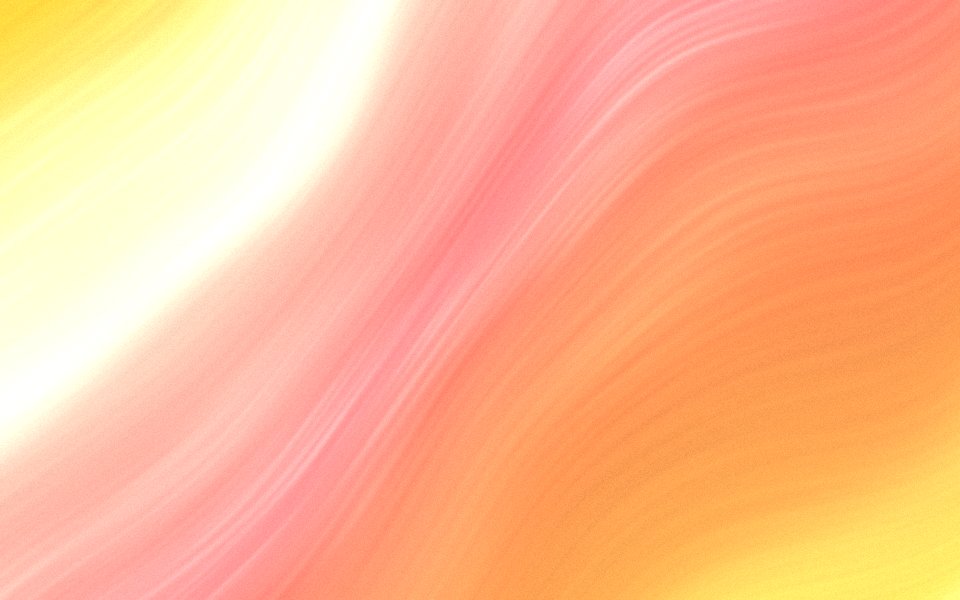
A pixel gradient is a smooth color blend sampled into a grid of flat cells, so the fade reads as steps of solid color instead of a continuous blur. It is the look of early game art and of the retro launch videos and posters that modern product teams use to signal craft without looking corporate.
Why it is rendered, not resized
Scaling an image down and back up gives you blurry, uneven cells. Here the pixel finish is applied at export resolution: every cell is exactly the size you set, in one of your palette's colors, edges stay hard, and grain is drawn over the cells so the result still has texture.
How to get the look
Pick a palette with strong contrast between the background and the accents. Under Effects choose Pixel, then a cell size between 16 and 32 for a hero and 8 to 12 for a fine mosaic. Density shapes the edges between colors: low gives hard steps, the default follows the gradient's tones, high spreads a wider speckle. Blobs give soft islands of color; stripes give diagonal bands of cells.
Where pixel gradients work
Launch video backdrops, hero sections for games, dev tools and AI products, event posters, social cards that need to stand out in a feed of smooth gradients, and Notion covers. The 9:16 export makes a phone wallpaper from the same scene.
Sized for where it goes
Exact sizes and safe zones for the places a background ends up, each with examples at that shape.
- LinkedIn banner1584 × 396
- X header1500 × 500
- YouTube banner2560 × 1440
- Discord banner680 × 240
- Discord server960 × 540
- Twitch banner1200 × 480
- Bluesky banner2000 × 667
- OG image1200 × 630
- Notion cover1500 × 600
- Product Hunt gallery1270 × 760
- Presentation1920 × 1080
- Website hero1920 × 1080
- Zoom background1920 × 1080
- Instagram story1080 × 1920
- Instagram post1080 × 1350
- Email header600 × 240
- App Store header3840 × 1646
- App Store search3840 × 2560
- Event card3840 × 2160
- Event details2160 × 3840
More generators
The same studio, set to another look.
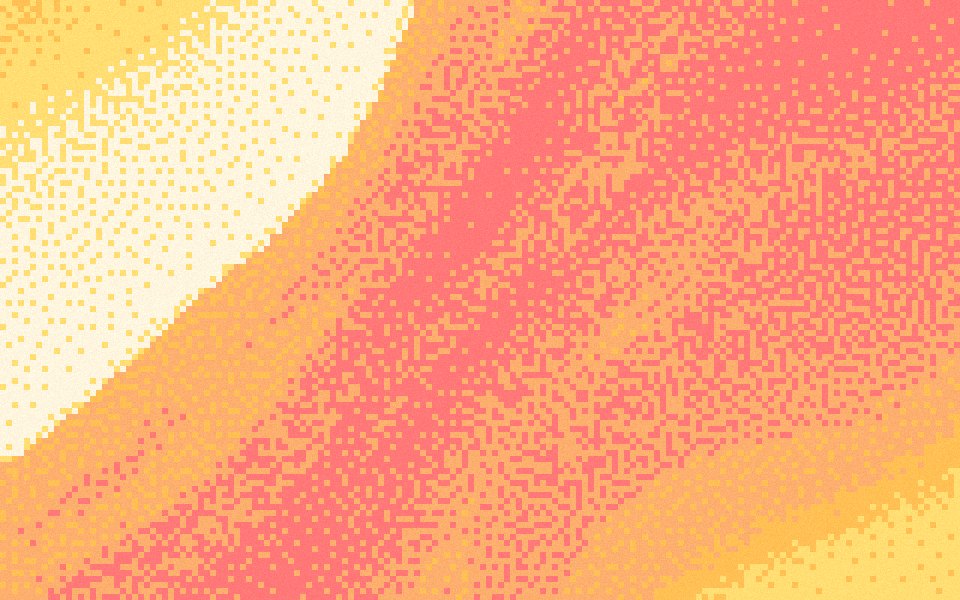 Pixel art gradientsPalette cells with a dithered fade, the way pixel artists shade.
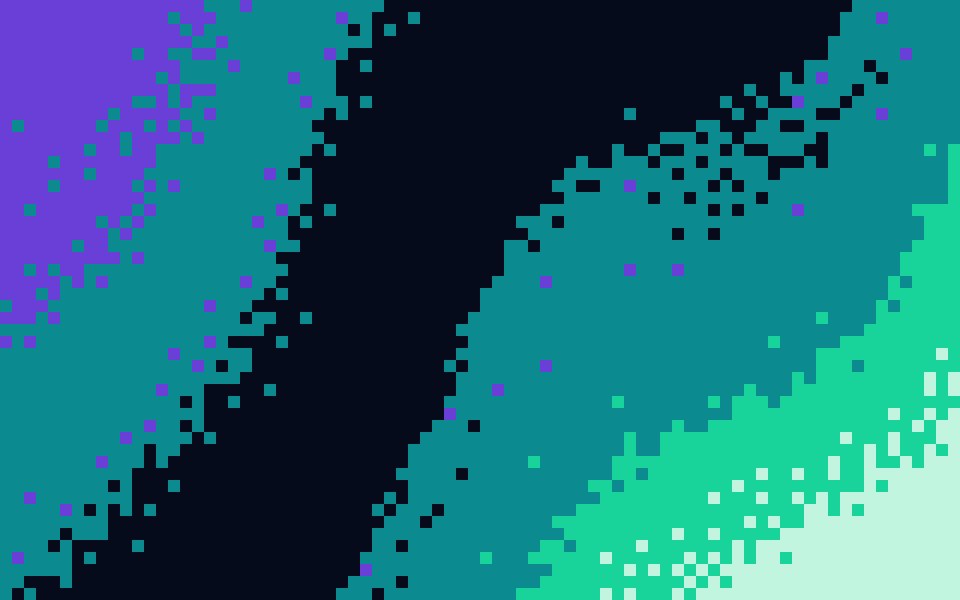 8-bit gradientsChunky blocks and hard colour steps, like a title screen.
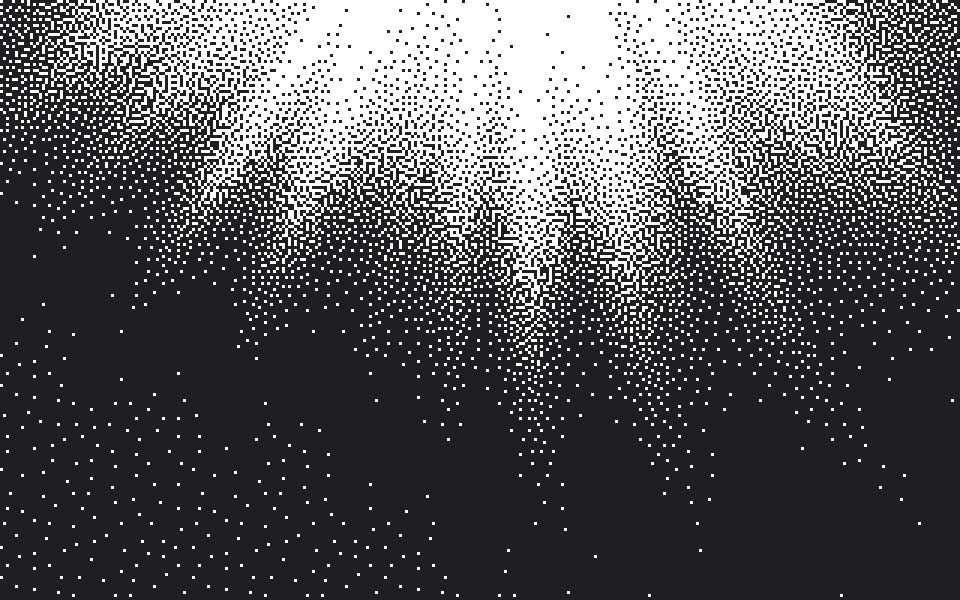 1-bit gradientsTwo colours only, the fade drawn as a speckle of dots.
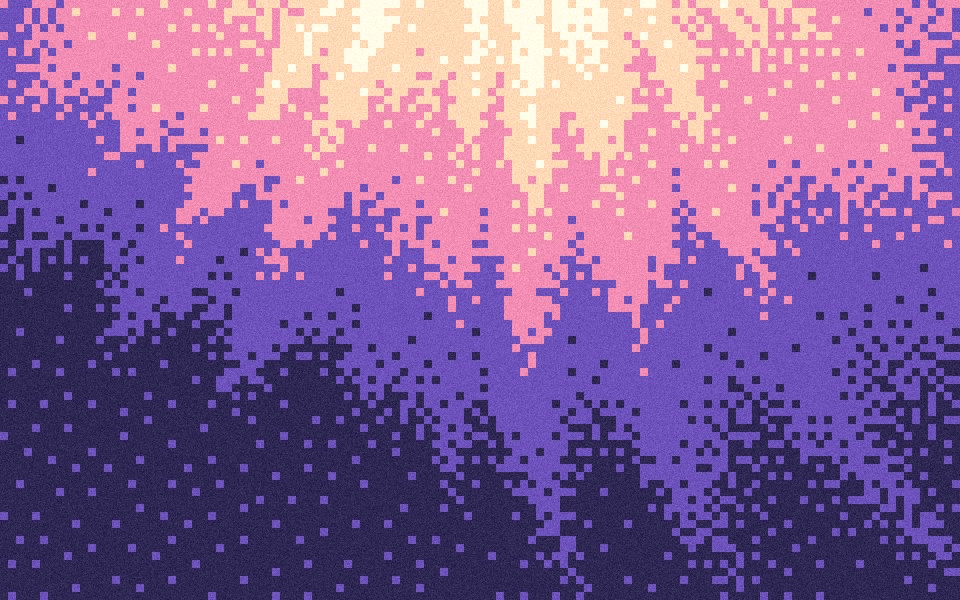 Pixel wallpapersA desktop or phone wallpaper in crisp cells of your palette.
- Dither gradientsAn ordered dot pattern that reads as texture, not blur.
Questions
Can I control the pixel size?
Does the grain survive the pixel effect?
Is this different from a pixelate filter?
Can I export a pixel gradient for free?
Make one now
The studio opens set to this look. Shuffle until something feels right, then export.