
Pixel Gradient Wallpaper
Gradients Studio makes pixel gradient wallpapers: a gradient in your colors drawn as crisp square cells, exported at your screen's shape, 16:10 for a Mac, 16:9 for a 4K monitor or 9:16 for a phone. Your first download is free with no account; 4K with the pixel finish is Pro.
First download free, no account · 4K on Pro, from $9 · No subscription
Pixel wallpapers to start from
Each card is the real render at these settings, and opens in the studio with them.
- Effects
- Pixel
- Cell size
- 32px
- Density
- 140%
- Grain
- 15%
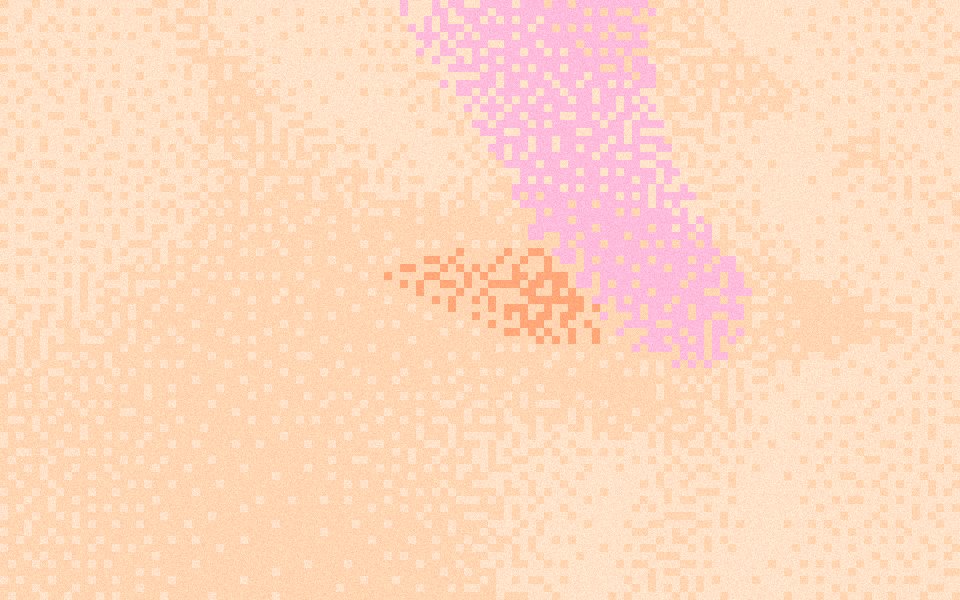
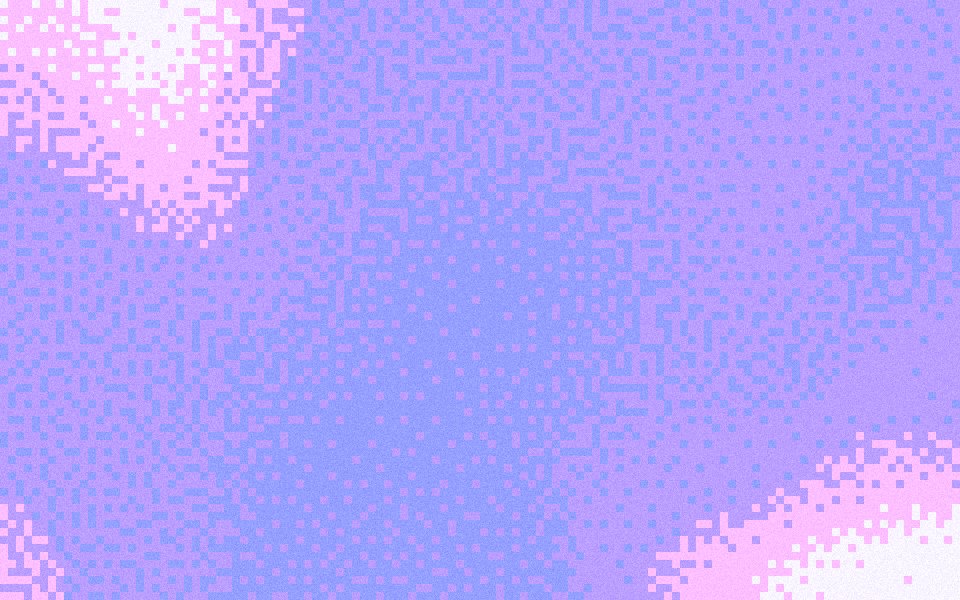
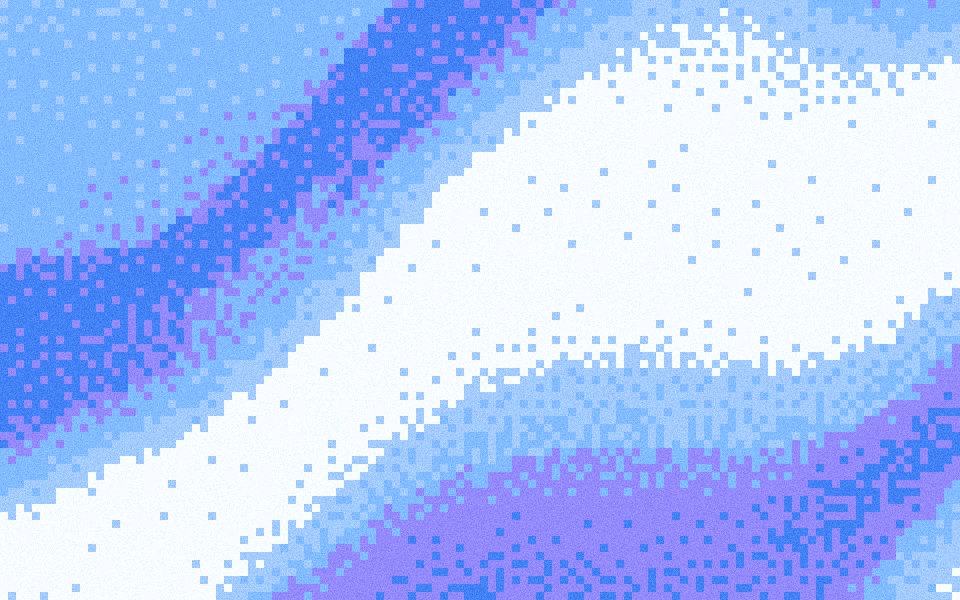
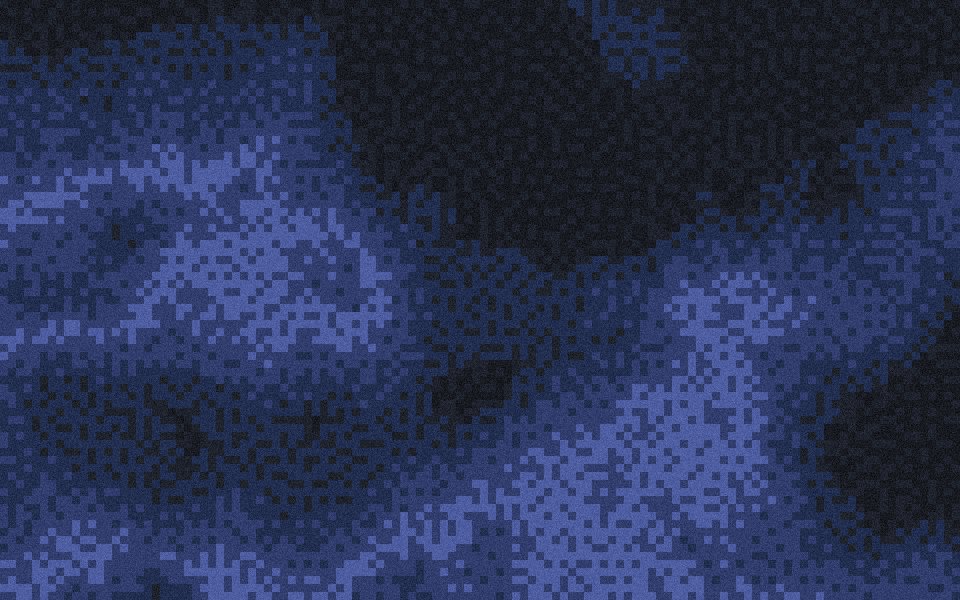
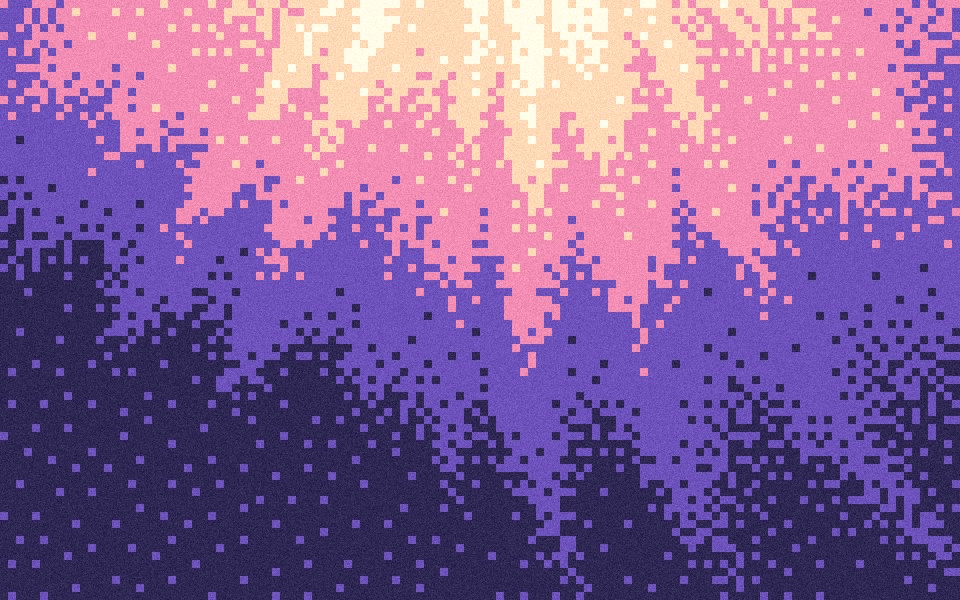
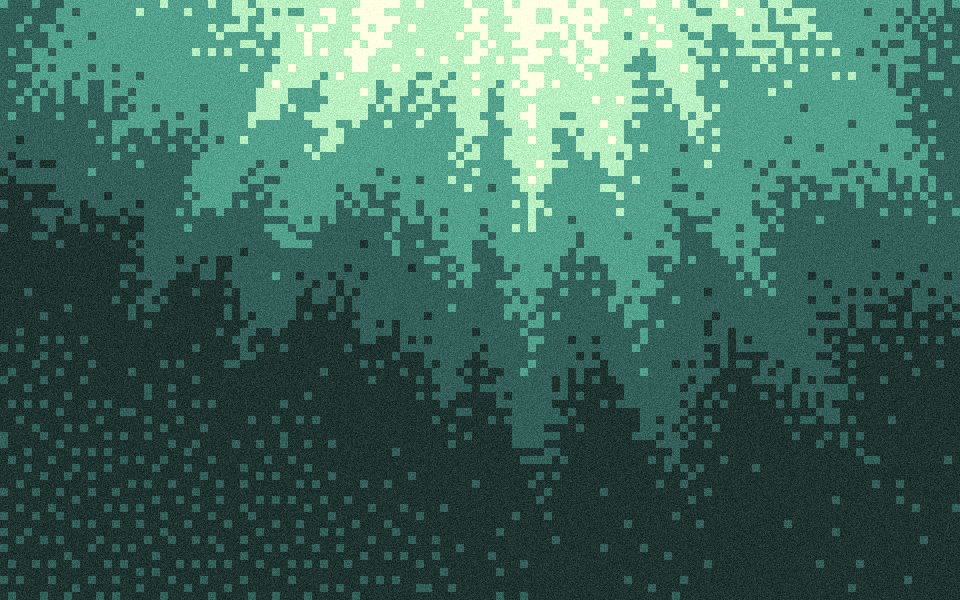
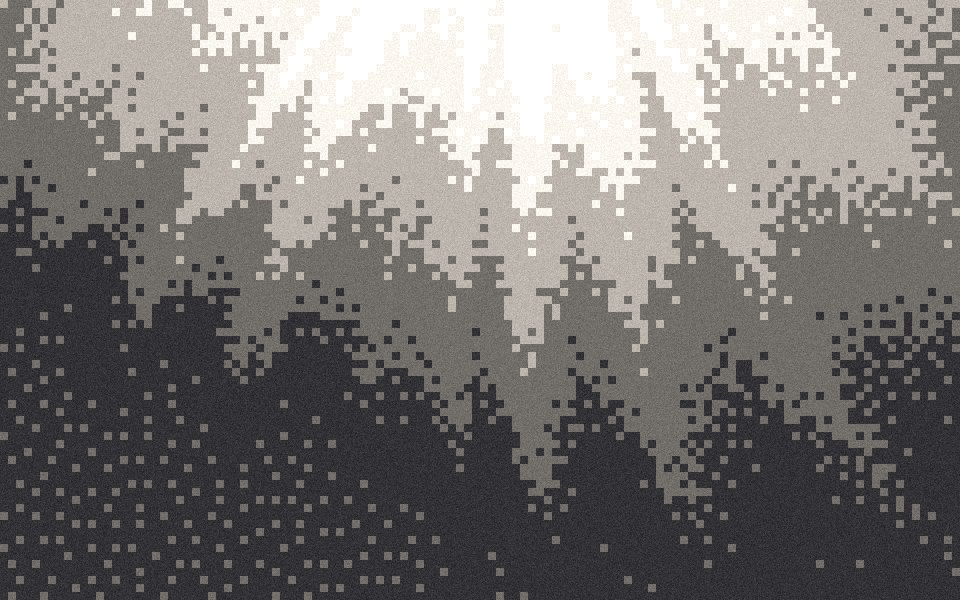
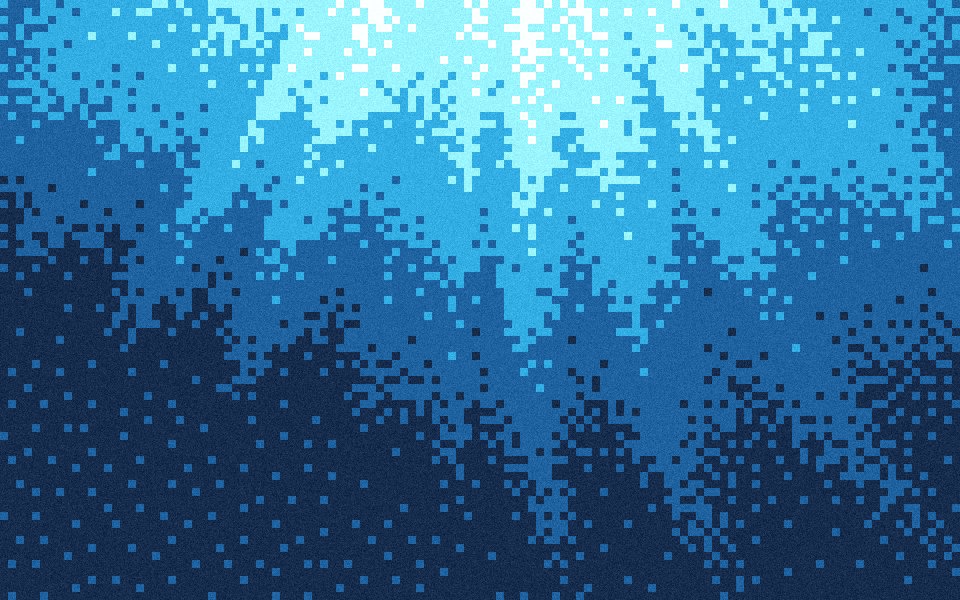
The smooth originals are free 4K wallpapers: Peach Fuzz, Lavender Haze, Ice Fiber, Midnight, Daybreak, Canopy, Spotlight and Abyss.
Made for your screen, not found
Most pixel gradient wallpapers online are stock images in one palette at one size. Here you pick the palette and the screen shape first, and the cells are drawn at that size, so the edges stay hard and nothing is upscaled from a thumbnail.
The settings on this page
Effects Pixel, cell size 32 px, Density 140% and Grain 15%. On a 4K desktop that is 120 cells across, big enough to read as pixels from a normal viewing distance and small enough that the gradient still flows. The grain gives each flat cell a little texture so a large screen doesn't look plastic.
Sizes that fit
Choose the frame in the studio before you export. 16:10 exports 3840 × 2400 for a MacBook or Studio Display, 16:9 exports 3840 × 2160 for a 4K monitor, 21:9 suits an ultrawide, and 9:16 exports 1215 × 2160 for a phone. The free first download is the same picture at half each side.
Keep the icons readable
Put the bright part of the gradient away from where your dock, menu bar or app icons sit. Shuffle the seed until the light lands top or center, or pick a darker palette like Midnight or Abyss for a quiet desktop. On a phone, keep the clock area calm: a light-to-dark fade from top to bottom works well.
Sized for where it goes
Exact sizes and safe zones for the places a background ends up, each with examples at that shape.
- LinkedIn banner1584 × 396
- X header1500 × 500
- YouTube banner2560 × 1440
- OG image1200 × 630
- Notion cover1500 × 600
- Product Hunt gallery1270 × 760
- Presentation1920 × 1080
- Website hero1920 × 1080
- Zoom background1920 × 1080
- Instagram story1080 × 1920
- Instagram post1080 × 1350
- Email header600 × 240
- App Store header3840 × 1646
- App Store search3840 × 2560
- Event card3840 × 2160
- Event details2160 × 3840
More generators
The same studio, set to another look.
- Pixel gradientsCrisp cells of the palette, for launch videos and posters.
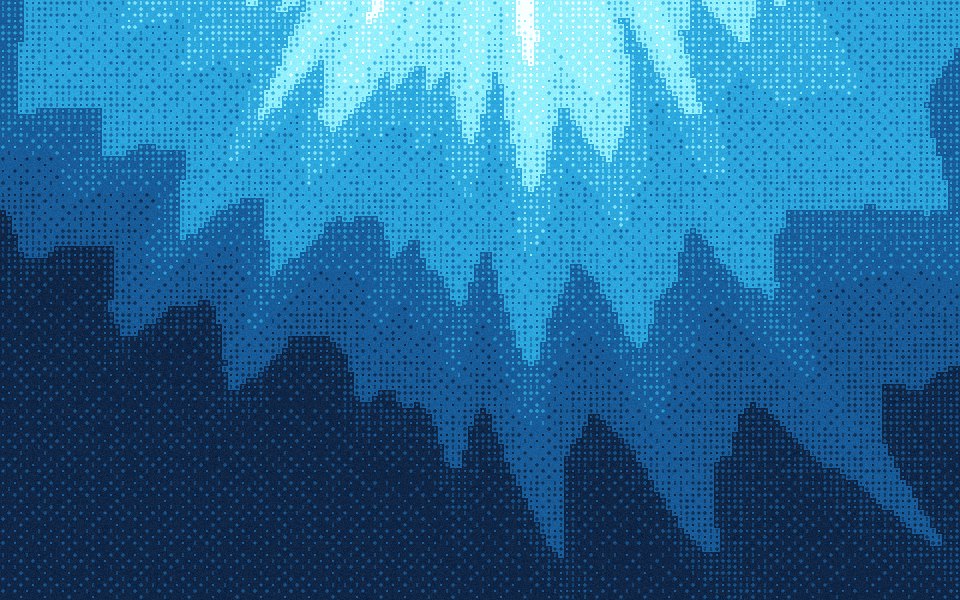 Dither wallpapersOrdered dither marks over a gradient, sized for a screen.
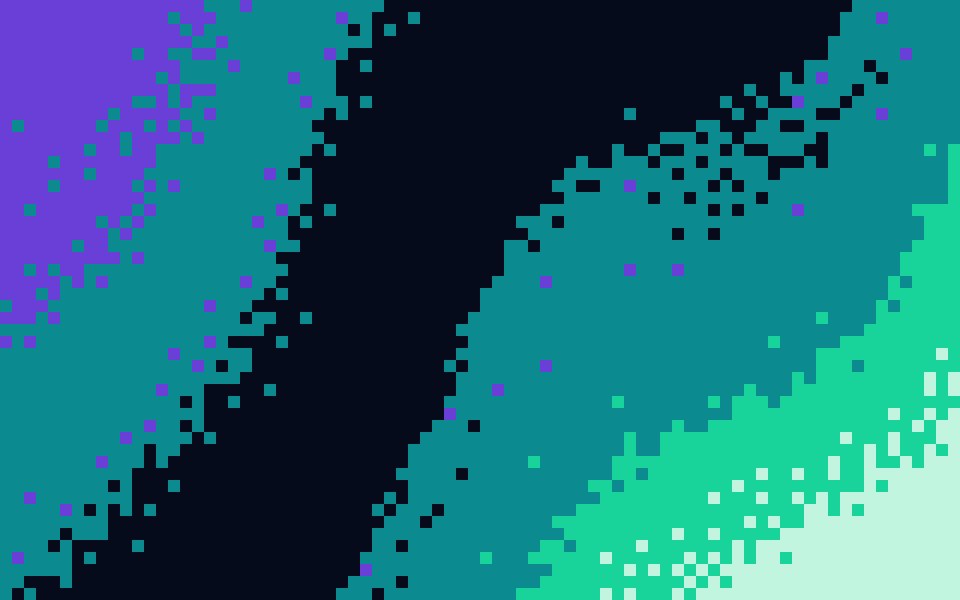 8-bit gradientsChunky blocks and hard colour steps, like a title screen.
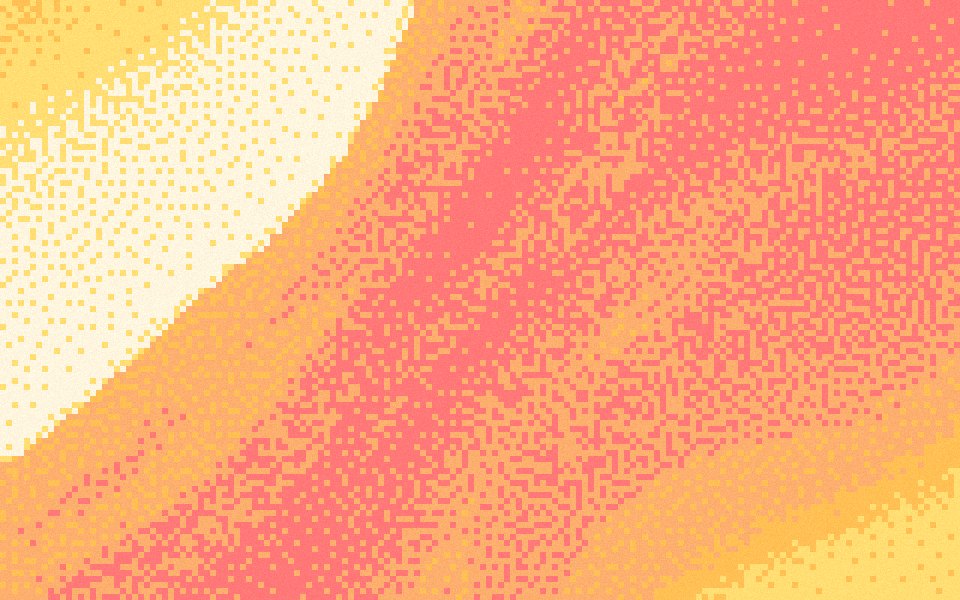 Pixel art gradientsPalette cells with a dithered fade, the way pixel artists shade.
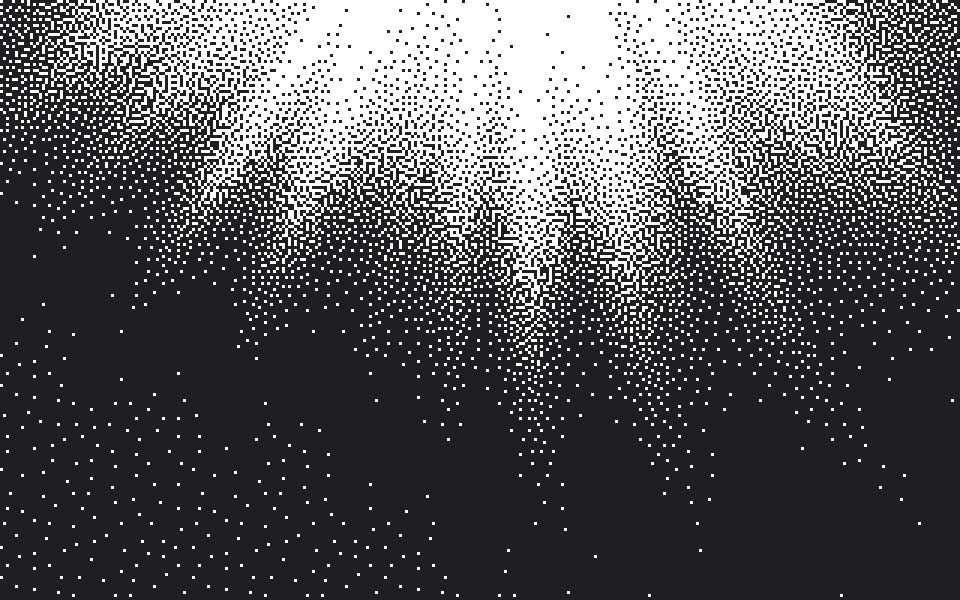 1-bit gradientsTwo colours only, the fade drawn as a speckle of dots.
Questions
What size is a pixel gradient wallpaper?
Which cell size should I use?
Can I use my own colors?
Is the pixel gradient wallpaper free?
Make one now
The studio opens set to this look. Shuffle until something feels right, then export.