Twitch banner size and maker
A profile banner at Twitch's recommended 1200 × 480, in colour that still looks right when Twitch stretches it across a wide screen.
1200 × 480 · First download free, no account · No watermark
1200 × 480
Twitch's recommended size for a profile banner. The studio's 5:2 frame is the same shape.

Twitch scales the banner to 480 px high and stretches it when a browser window is wider than the image, so it suggests keeping the graphics on the left.
Twitch banner: 1200 × 480 pixels.
- Studio frame
- 5:2
- First download
- 1920 × 768
- 4K export
- 3840 × 1536
Six to start from
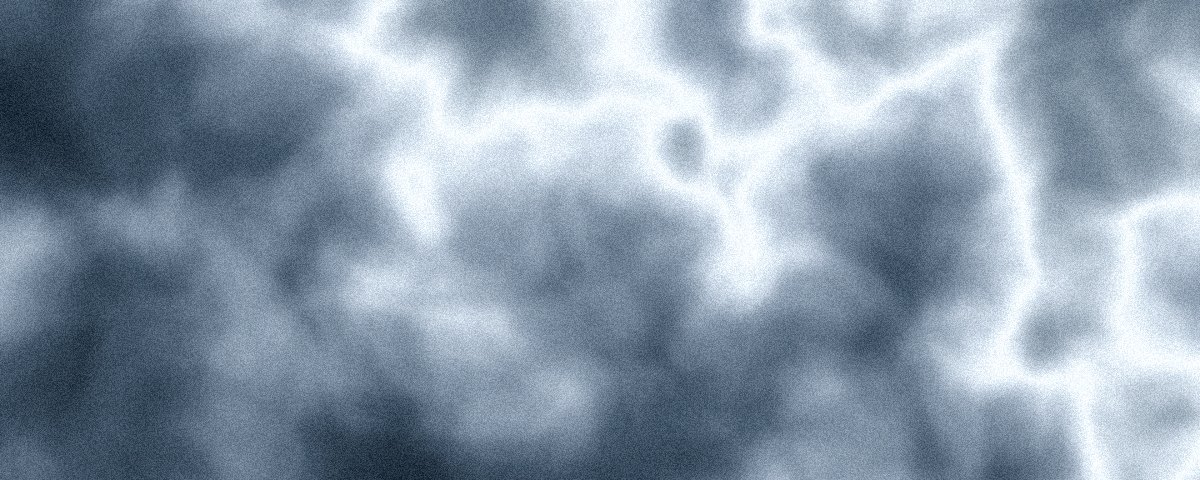
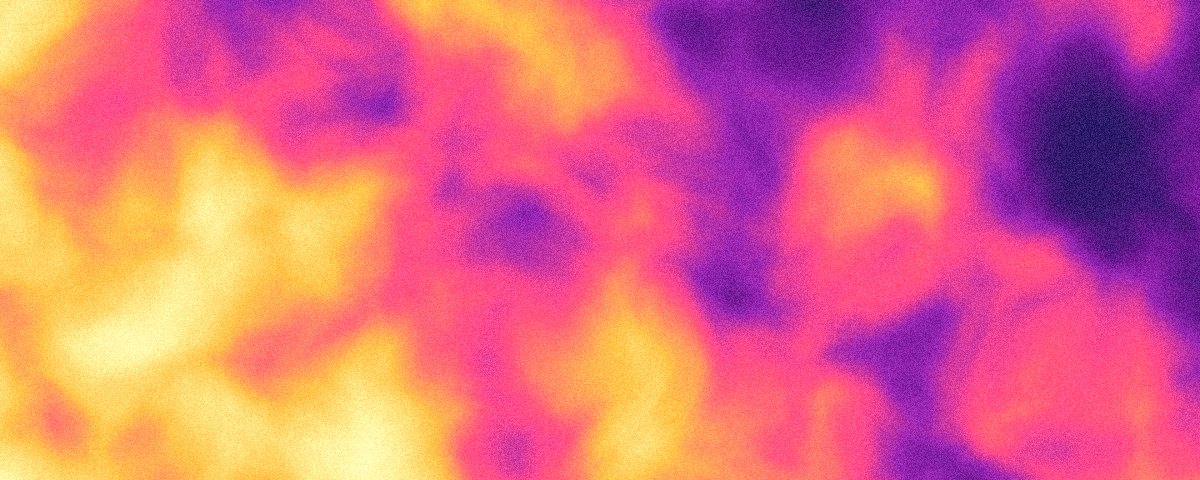
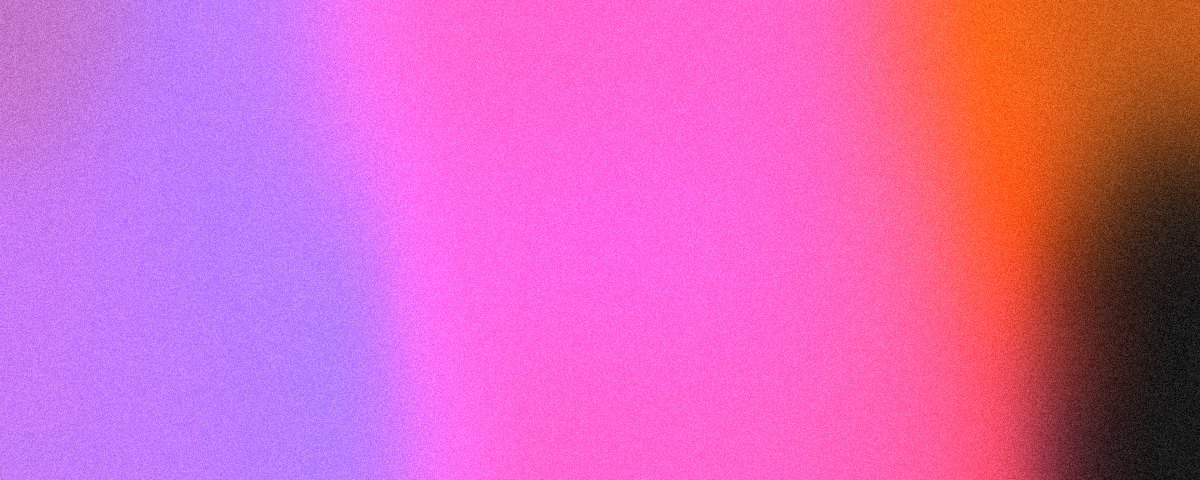
Rendered at 5:2 by the studio's own renderer. Each opens there at this size, ready to change and export.


Made to stretch
On a wide monitor Twitch stretches your banner sideways. A photo or a logo warps when that happens; a soft gradient just gets wider.
Go wide if you can
Twitch suggests making the image as wide as possible. The 4K export here is 3840 × 1536, so it stays sharp on big screens.
Match your accent colour
Twitch lets you pick a profile accent colour. Use one of the banner's colours and your channel looks like one piece.
Other sizes
The same studio, set to another place a background goes.
Questions
What size is a Twitch banner?
Where do I upload it?
Is it free to download?
Can I use my own colours?
Make a Twitch banner now
The studio opens at 5:2, 1200 × 480's shape. Shuffle until it feels right, then export.