Discord banner maker
A gradient profile banner for Discord, at least 680 × 240 as Discord asks. Pick a palette, change anything, and download it free.
680 × 240 · First download free, no account · No watermark
680 × 240
Discord's minimum for a profile banner. The studio's nearest frame is 3:1, a little wider than Discord's 680 × 240. Discord opens an edit window when you upload, so you can position it and the sides trim off.
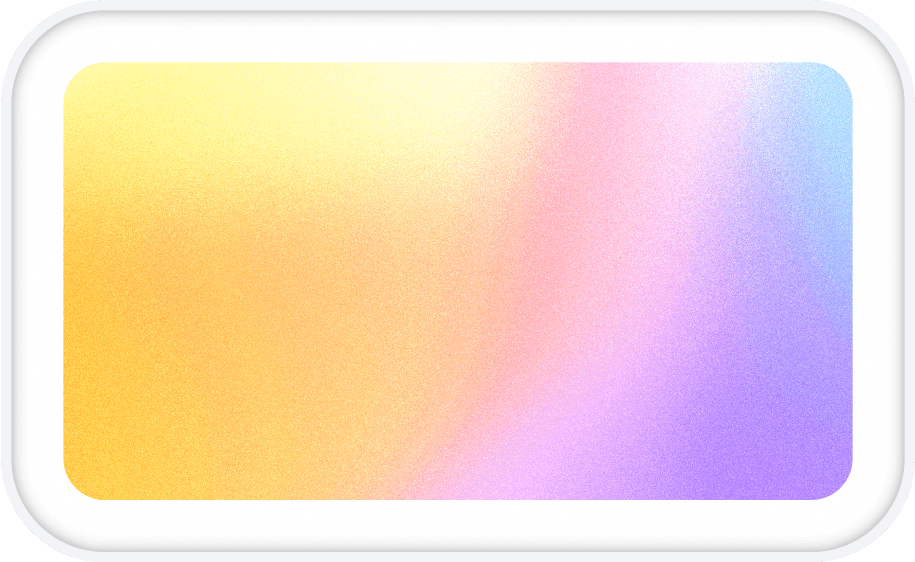
The picture shows a 3:1 file trimmed to Discord's 680 × 240 shape. Where you position it is up to you: a gradient has no edge that matters.
Discord banner: 680 × 240 pixels.
- Studio frame
- 3:1
- First download
- 1920 × 640
- 4K export
- 3840 × 1280
- Upload limit
- 10 MB
Six to start from
Rendered at 3:1 by the studio's own renderer. Each opens there at this size, ready to change and export.
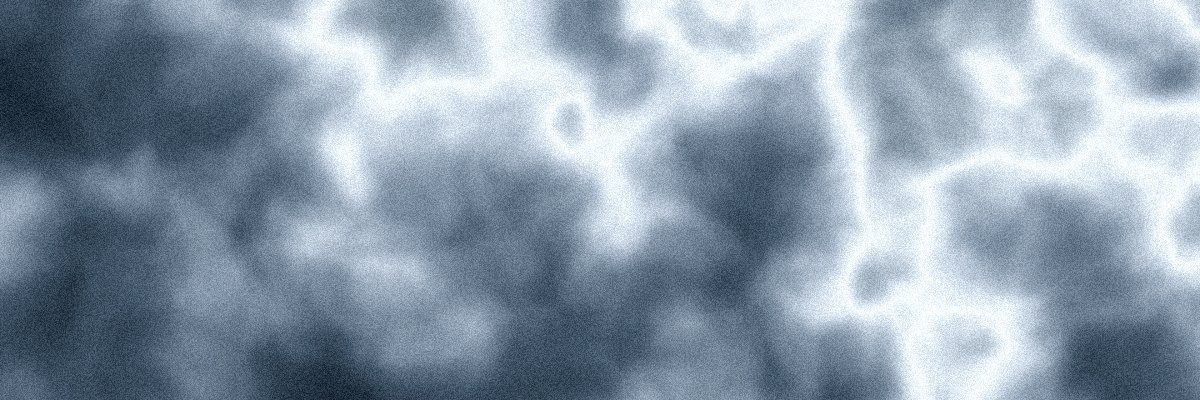
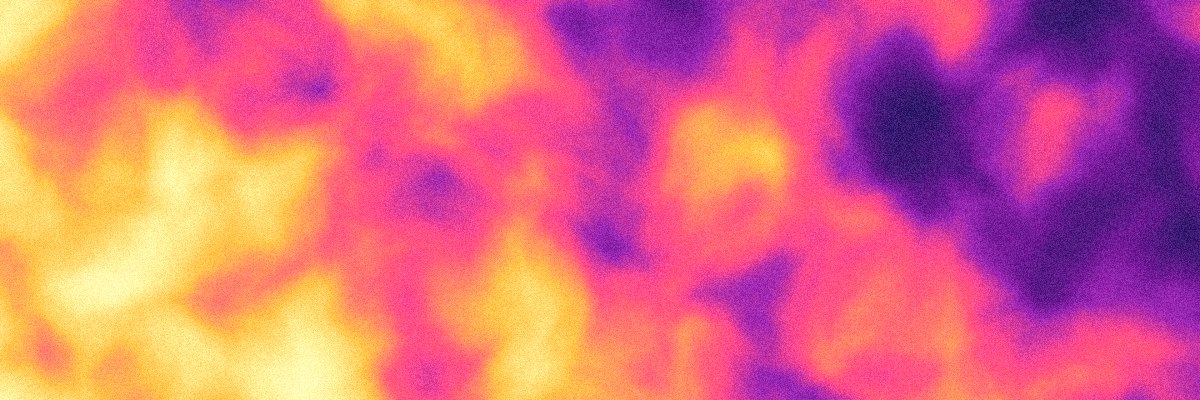
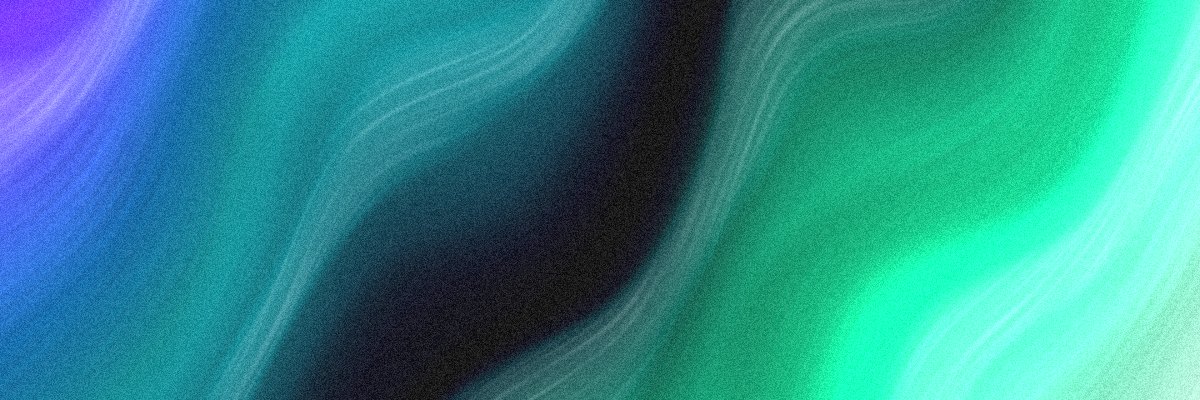
Nitro only
Discord lets only Nitro members upload an image or animated GIF as their profile banner. Check that first, then make the file.
Calm behind your name
Your name and avatar sit near the banner on your profile, so a soft field of colour reads better than a busy picture. Match it to your avatar's colours and the profile looks like one thing.
Server banners are a different size
A server banner is 960 × 540, a 16:9 image, and needs a boosted server. It has its own page with Discord's rules for it.
Other sizes
The same studio, set to another place a background goes.
Questions
What size is a Discord banner?
Who can add a profile banner?
Can I make an animated Discord banner here?
Is it free to download?
Can I use my own colours?
Make a Discord banner now
The studio opens at 3:1, the nearest frame to 680 × 240. Shuffle until it feels right, then export.