
Noise Gradient Generator
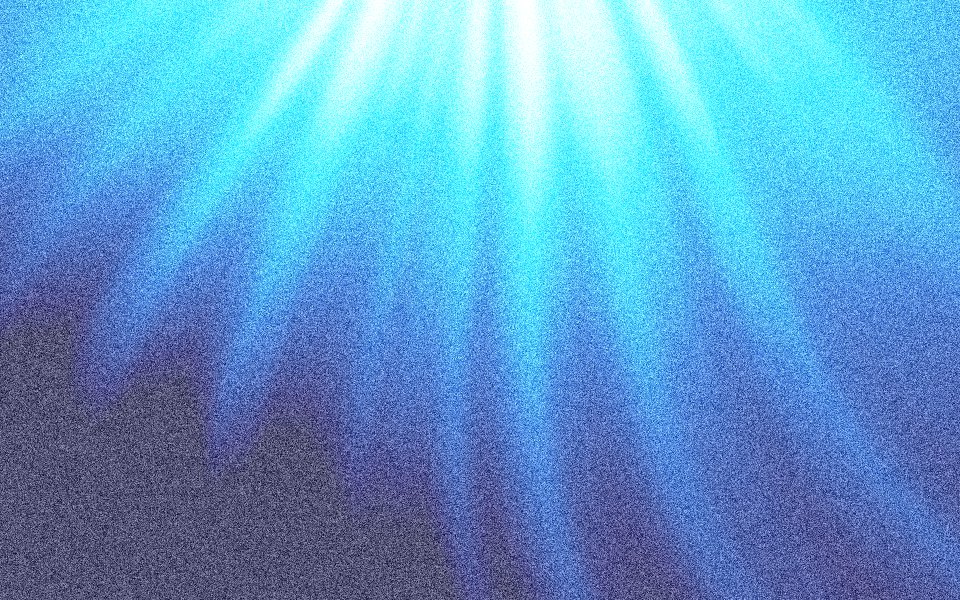
Gradients Studio's noise gradient generator renders heavy noise into every pixel of a mesh gradient and exports it free as a 4K JPG. Push Grain up to 80%; the first download needs no account, and a free account gets 5 4K exports a month.
5 free 4K exports a month · No watermark · No card
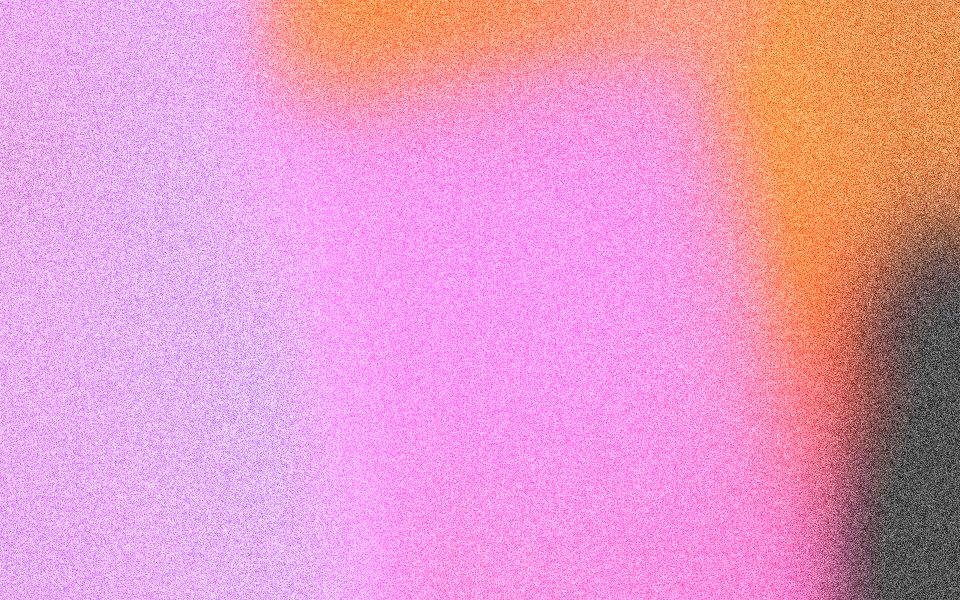
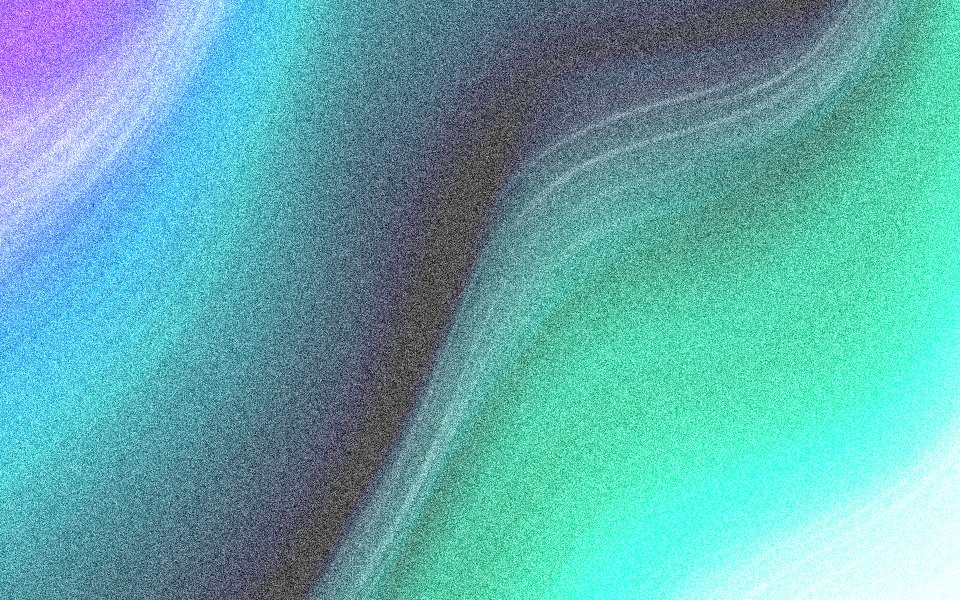

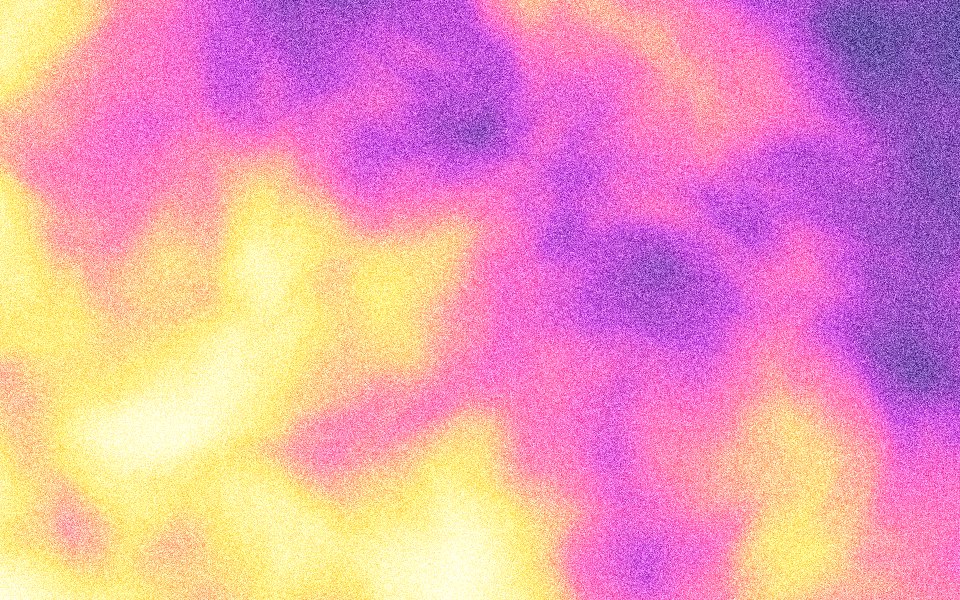

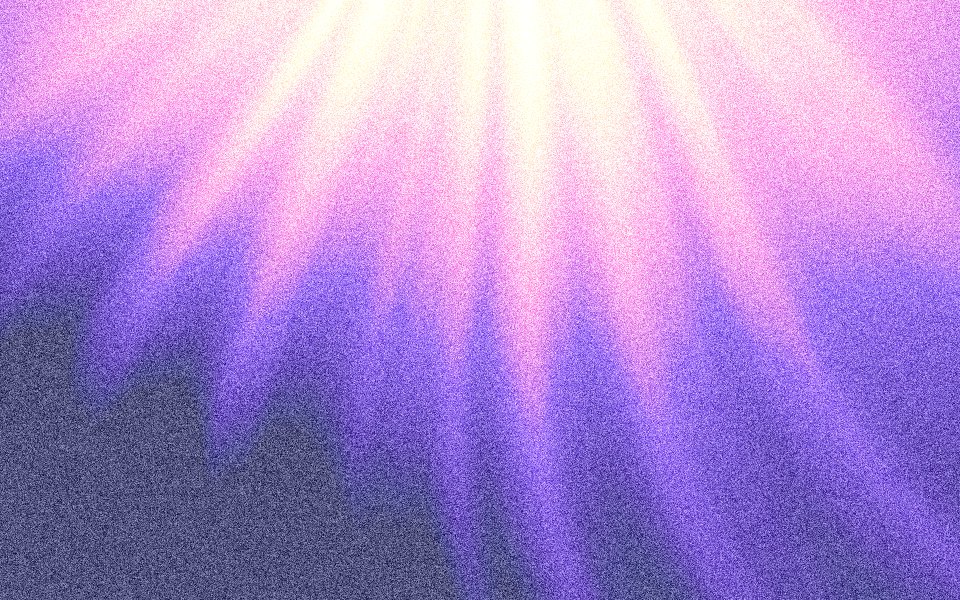

Noise gradient or grainy gradient?
The same idea at a different strength. A grainy gradient uses light film grain to hide banding; a noise gradient pushes the noise until it is the texture you notice, gritty and printed, like a risograph or a photocopy. This page opens at Grain 65%, about half as much again as the grainy page.
Rendered, not layered
The noise is generated per pixel at the size you download, so a 4K file gets fine 4K noise rather than a stretched texture. It is drawn last, over the gradient, so what you see in the file is the noise itself, not a blend mode that a design tool or browser might render differently.
The settings on this page
Grain 65% and Contrast 140%, to keep the colors strong under the noise, with Blur left at the default so the color fields stay soft. On dark backgrounds the noise reads as a sparkle; on light ones, as the tooth of paper.
How to make one
Open the studio from this page, or raise Grain to between 50% and 80% on any gradient. Blobs, clouds and rays carry heavy noise best, because their large, soft fields give it room to show.
Sized for where it goes
Exact sizes and safe zones for the places a background ends up, each with examples at that shape.
- LinkedIn banner1584 × 396
- X header1500 × 500
- YouTube banner2560 × 1440
- OG image1200 × 630
- Notion cover1500 × 600
- Product Hunt gallery1270 × 760
- Presentation1920 × 1080
- Website hero1920 × 1080
- Zoom background1920 × 1080
- Instagram story1080 × 1920
- Instagram post1080 × 1350
- Email header600 × 240
- App Store header3840 × 1646
- App Store search3840 × 2560
- Event card3840 × 2160
- Event details2160 × 3840
More generators
The same studio, set to another look.
 Grainy gradientsFilm grain drawn into the file, so dark blurs never band.
 Halftone gradientsRound dots on an ordered grid, like a printed poster.
- Dither gradientsAn ordered dot pattern that reads as texture, not blur.
 Blurry gradientsSoft, out-of-focus colour behind a headline or a slide.
 Gradient backgroundsBackgrounds sized for product sites, launch posts and decks.
Questions
Is a noise gradient free to export in 4K?
Can I use it in Figma or Framer?
How much noise is too much?
Does noise make the file bigger?
Make one now
The studio opens set to this look. Shuffle until something feels right, then export.