
Dithered Background Generator
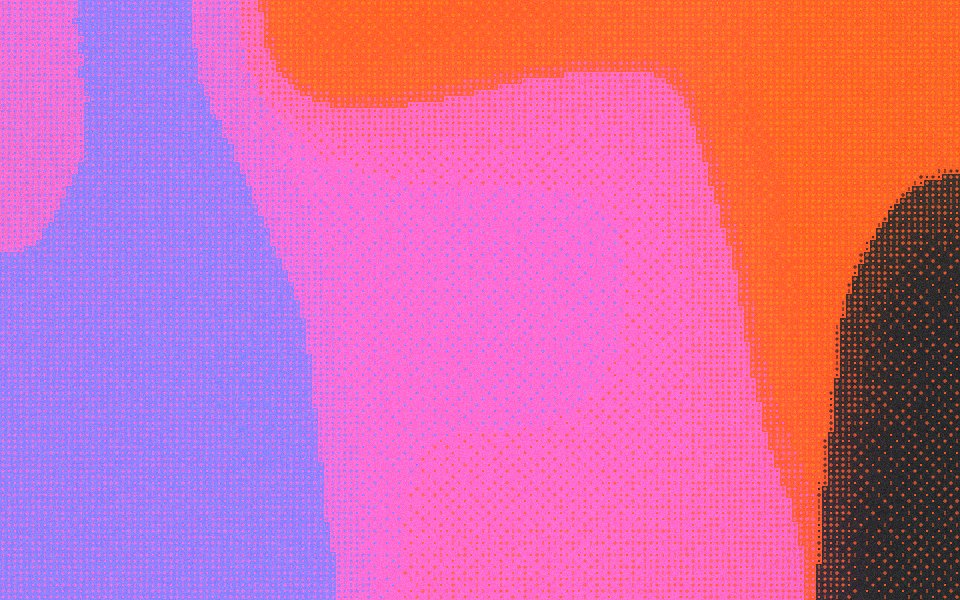
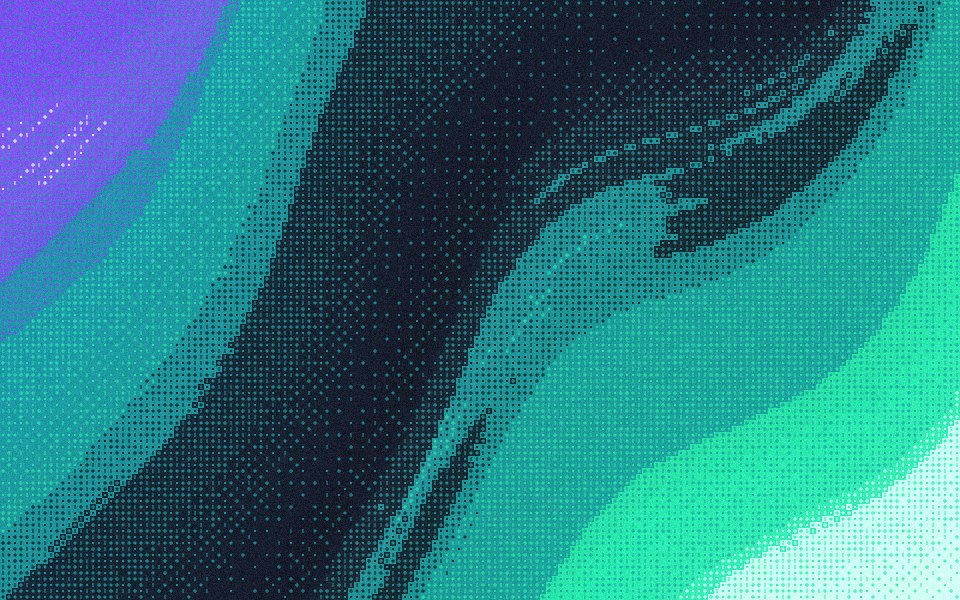
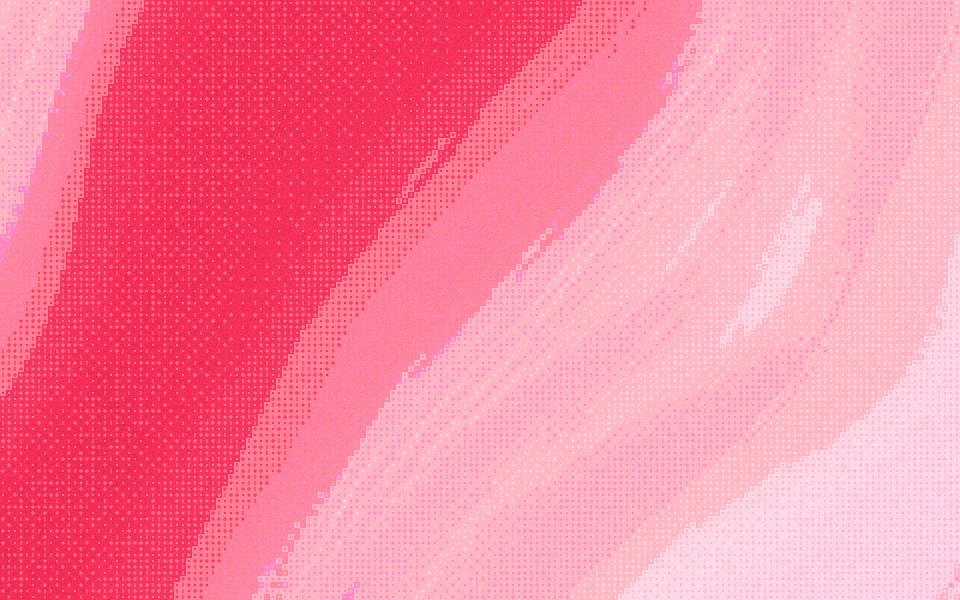
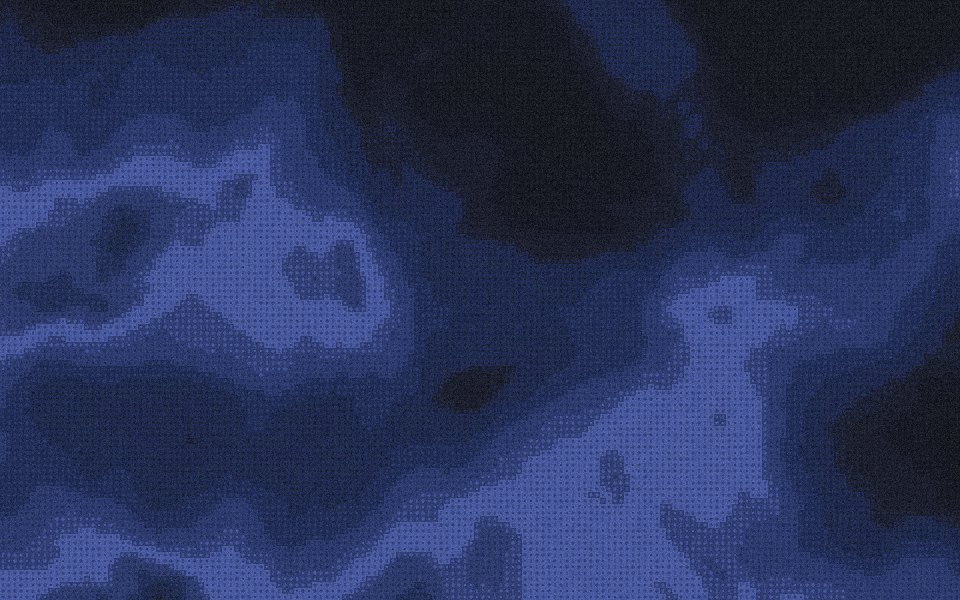
Gradients Studio's dithered background generator lays an ordered dither pattern over a smooth gradient at 85% opacity, so the texture shows but a headline on top still reads, and exports it as a JPG for a website hero, a slide or a launch post. The first download is free with no account.
First download free, no account · 4K on Pro, from $9 · No subscription


Why dither behind a headline
Dithered heroes are common on AI, infrastructure and developer tool sites: they say "made with care" without a stock photo. The catch is legibility. A full-strength dither is busy right where your headline sits, so this page starts with the pattern laid over the smooth gradient instead of replacing it.
The settings on this page
Effects Dither, cell size 24 px, Density 160%, Opacity 85% and Grain 15%. Opacity is the key dial: at 85% the smooth gradient shows through the marks, so edges soften and flat areas stay calm. Push it to 100% for the full pattern, or down to 50% for a hint of texture.
A background as an image, not a shader
Live dither shaders cost GPU time on every visitor's laptop and phone. A JPG costs one download and looks the same everywhere, including in email, Figma, Keynote and an OG image. Export at 16:9 or 21:9 for a hero, 1.91:1 for a link preview and 4:5 for a LinkedIn post.
Keeping text readable
Start from a dark ground with one or two bright accents, like Midnight or Deep Sea, and put the brightest part of the gradient away from your headline by shuffling the seed. White text on the dark areas usually reads well. If the marks still compete with the type, lower Density before you lower the cell size.
Sized for where it goes
Exact sizes and safe zones for the places a background ends up, each with examples at that shape.
- LinkedIn banner1584 × 396
- X header1500 × 500
- YouTube banner2560 × 1440
- OG image1200 × 630
- Notion cover1500 × 600
- Product Hunt gallery1270 × 760
- Presentation1920 × 1080
- Website hero1920 × 1080
- Zoom background1920 × 1080
- Instagram story1080 × 1920
- Instagram post1080 × 1350
- Email header600 × 240
- App Store header3840 × 1646
- App Store search3840 × 2560
- Event card3840 × 2160
- Event details2160 × 3840
More generators
The same studio, set to another look.
- Dither gradientsAn ordered dot pattern that reads as texture, not blur.
 Dither wallpapersOrdered dither marks over a gradient, sized for a screen.
 Halftone gradientsRound dots on an ordered grid, like a printed poster.
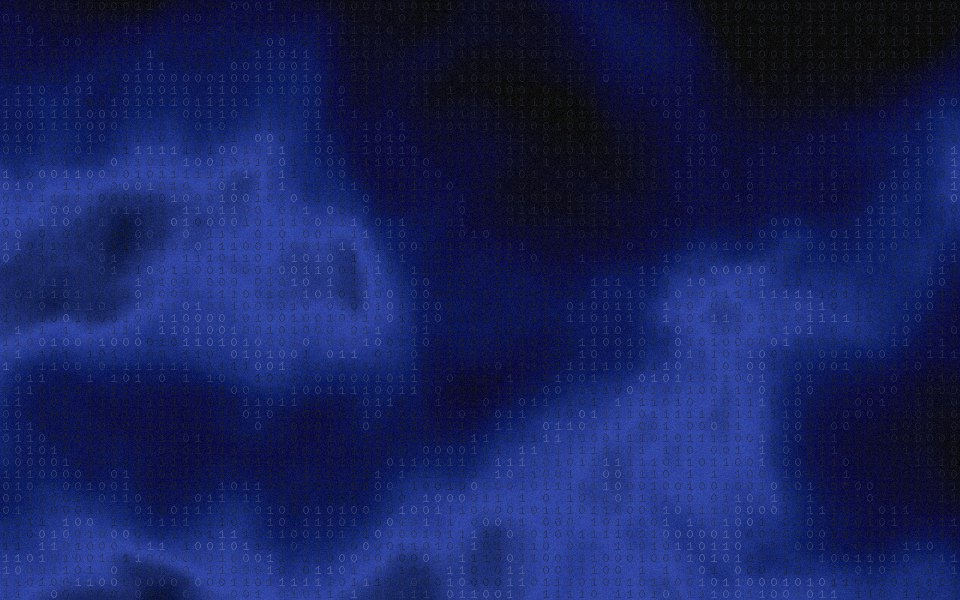 Glyph ditherCharacters you type, scattered over the gradient like terminal art.
 Gradient backgroundsBackgrounds sized for product sites, launch posts and decks.
Questions
What is a dithered background?
Can I make it more or less visible?
Can I get CSS or an animated version?
Is the dithered background generator free?
Make one now
The studio opens set to this look. Shuffle until something feels right, then export.