
Glyph Dither Gradient
Gradients Studio's glyph dither draws characters you choose, like 0 and 1 or @#%+, across a gradient on an ordered grid, and exports it as a JPG. Up to 16 characters in a monospaced face; the first download needs no account.
First download free, no account · 4K on Pro, from $9 · No subscription
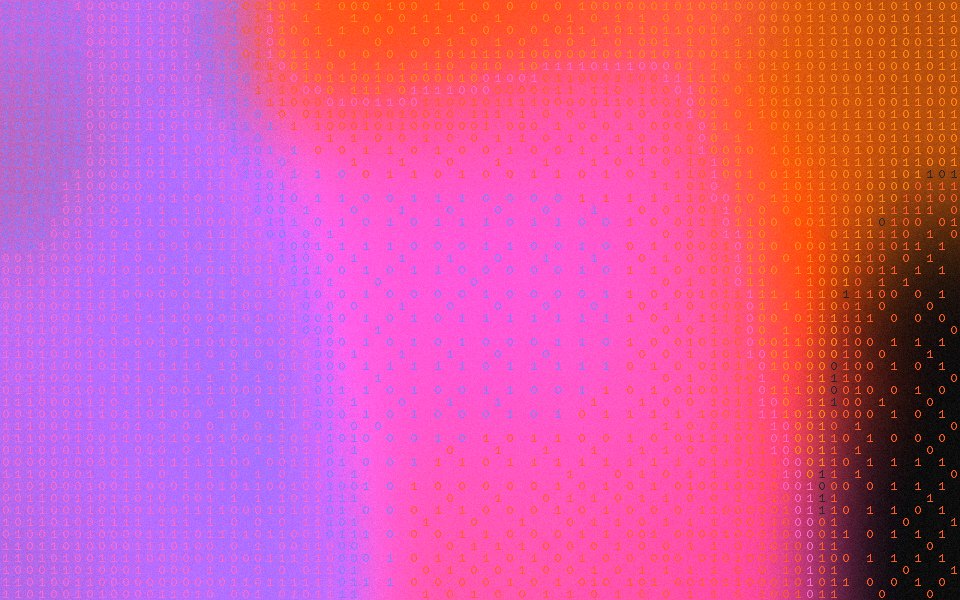
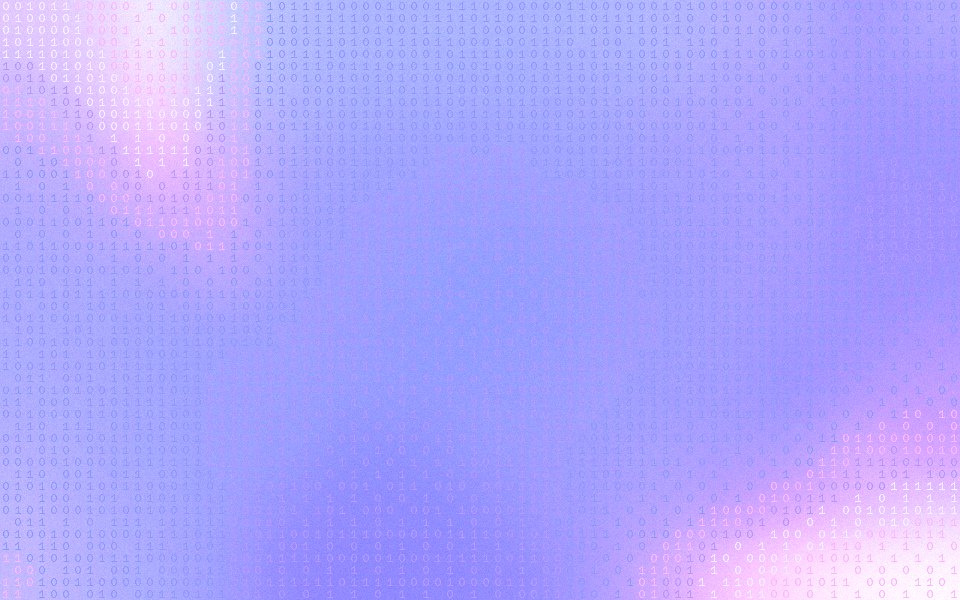
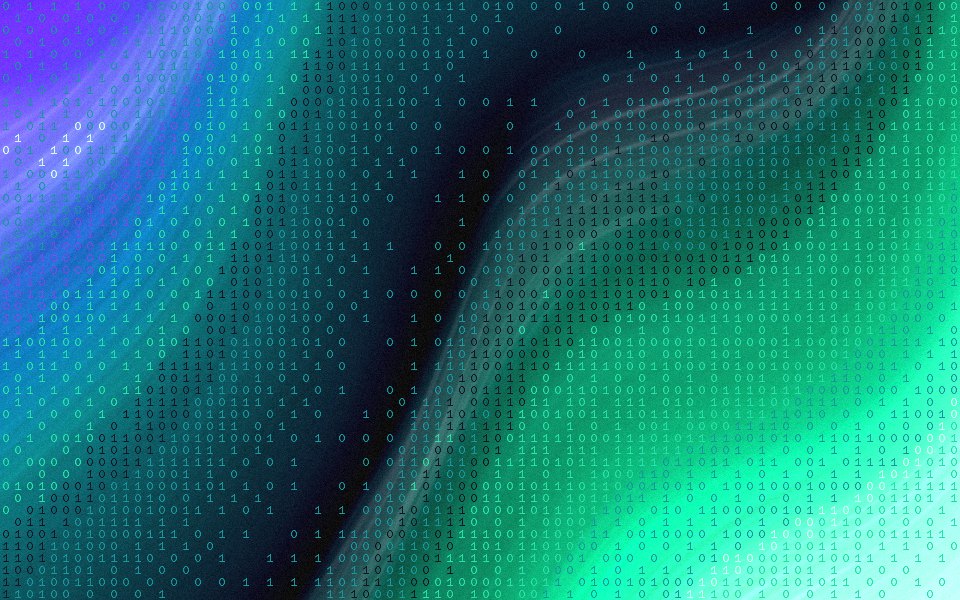
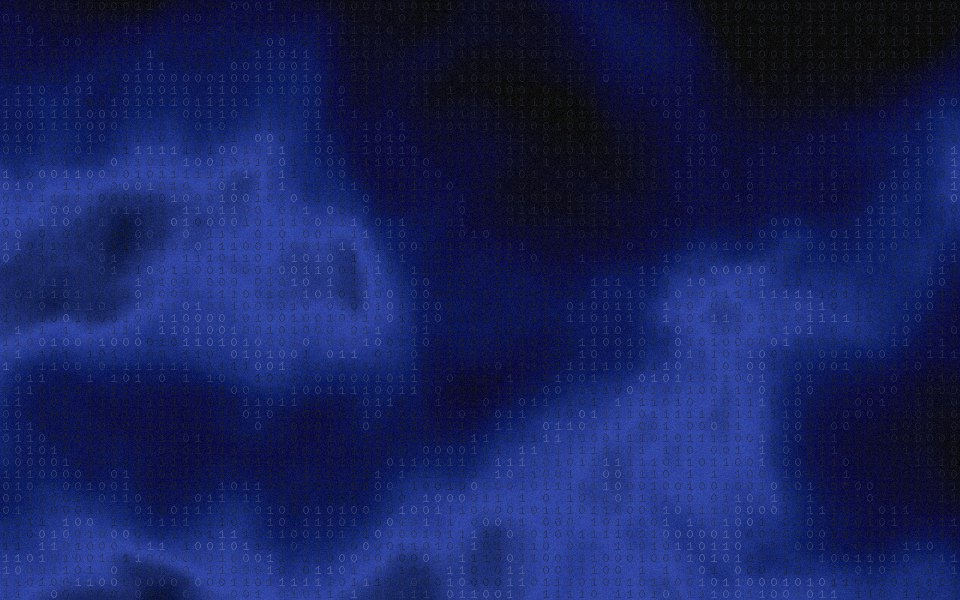


What glyph dithering is
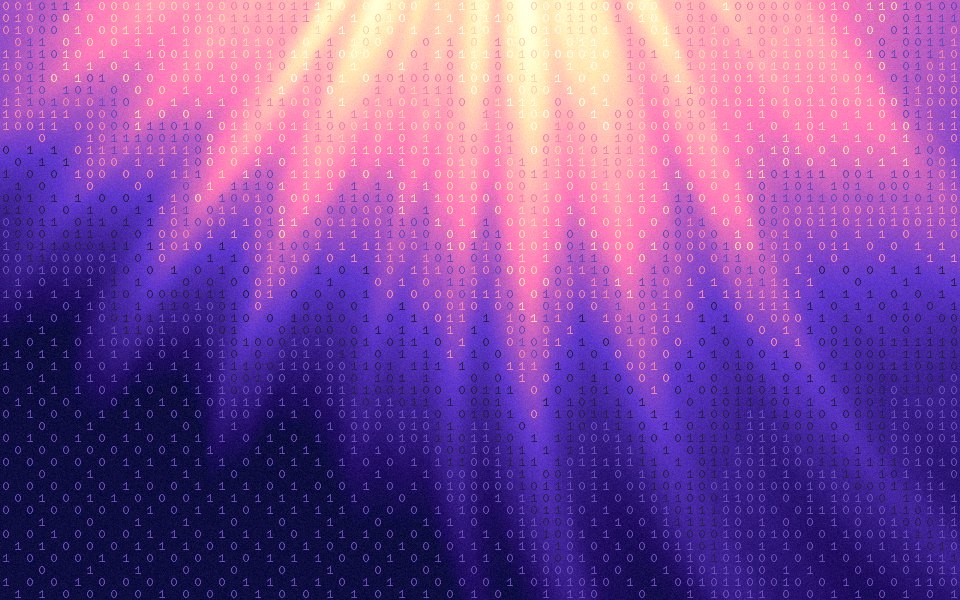
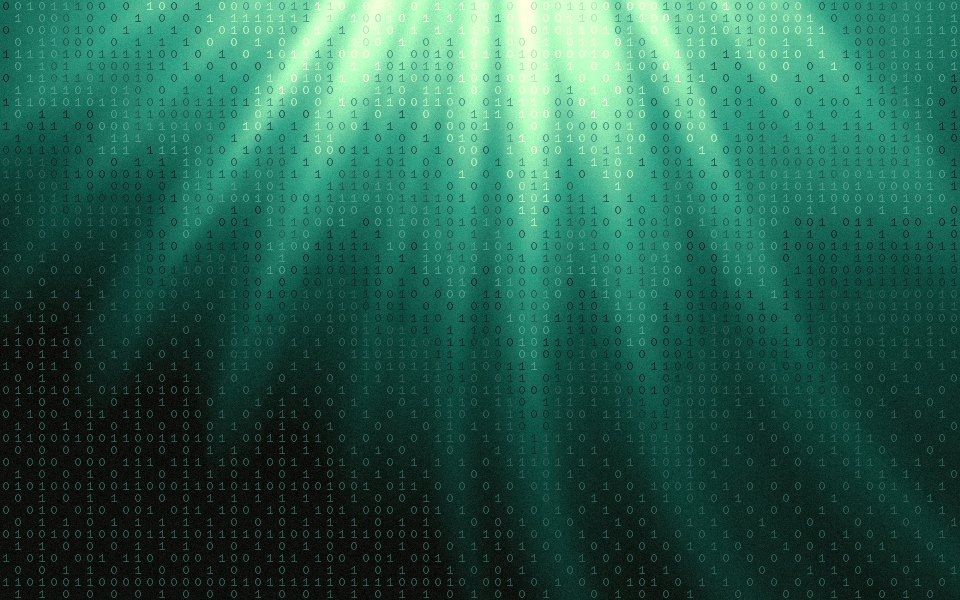
Instead of dots, each marked cell holds a character. The gradient decides where characters appear, most densely in the transitions between colors, and the characters you type decide the texture: binary for a terminal feel, symbols for noise, your product's letters for a brand.
Two ways to use it
With Only glyphs on, the gradient stays smooth and characters float over it, like the type on a developer tool's hero. With it off, the gradient snaps to flat palette colors first, for a harder, poster-like ASCII look.
Texture, not ASCII art
Classic ASCII art picks each character by brightness, light ones for highlights. Here each cell takes a character from your set by its position, so the result reads as a texture of type rather than a picture drawn in letters. The order you type them in doesn't matter.
The settings on this page
Effects Dither, Characters 01, Only glyphs on, cell size 48 px, Density 120% and Grain 10%. Characters are drawn in Azeret Mono, the studio's monospaced face, at 90% of the cell size.
Sized for where it goes
Exact sizes and safe zones for the places a background ends up, each with examples at that shape.
- LinkedIn banner1584 × 396
- X header1500 × 500
- YouTube banner2560 × 1440
- OG image1200 × 630
- Notion cover1500 × 600
- Product Hunt gallery1270 × 760
- Presentation1920 × 1080
- Website hero1920 × 1080
- Zoom background1920 × 1080
- Instagram story1080 × 1920
- Instagram post1080 × 1350
- Email header600 × 240
- App Store header3840 × 1646
- App Store search3840 × 2560
- Event card3840 × 2160
- Event details2160 × 3840
More generators
The same studio, set to another look.
- Dither gradientsAn ordered dot pattern that reads as texture, not blur.
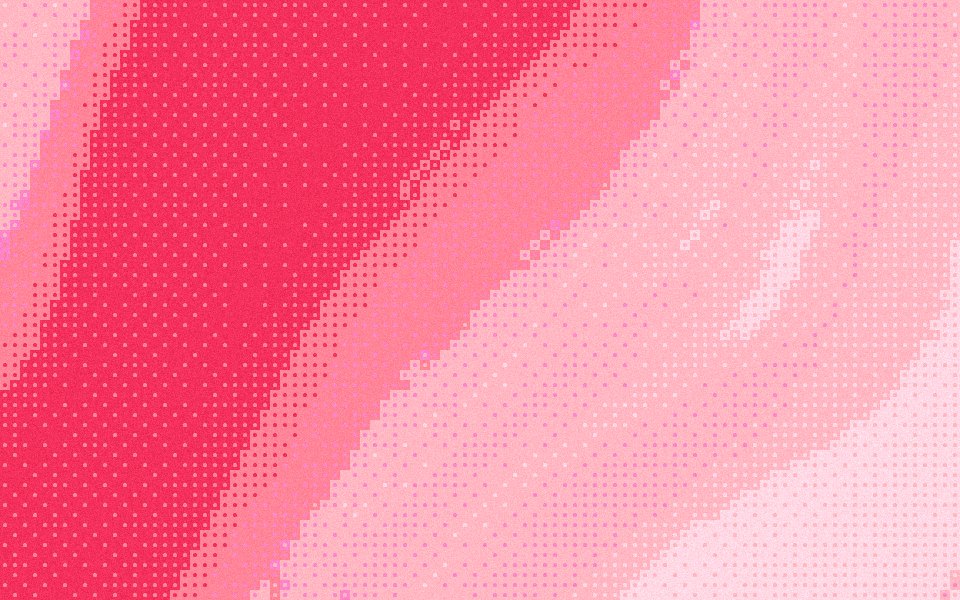 Halftone gradientsRound dots on an ordered grid, like a printed poster.
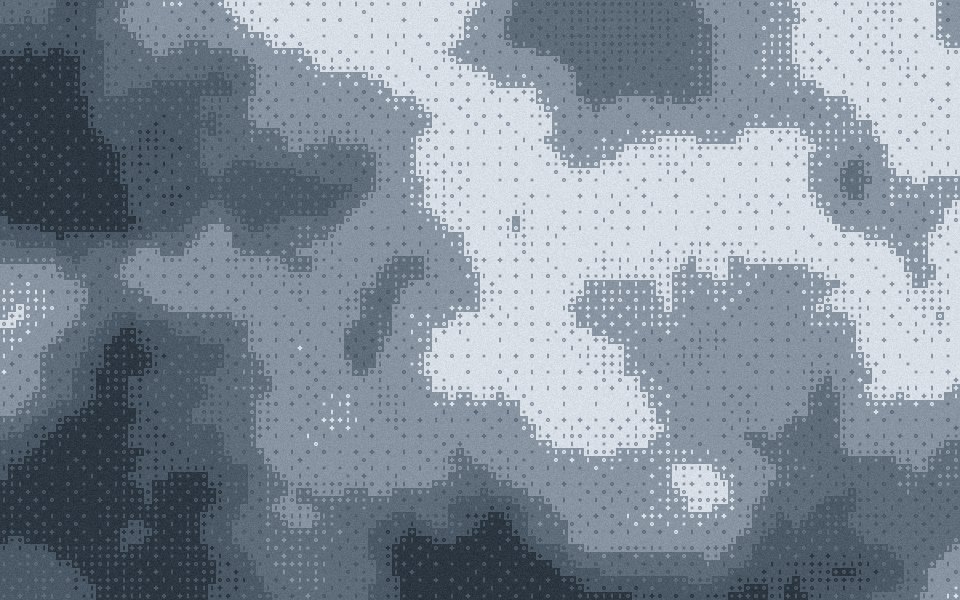 Bayer ditherThe 4 × 4 ordered matrix, its crosshatch left visible.
 8-bit gradientsChunky blocks and hard colour steps, like a title screen.
 Noise gradientsHeavy noise rendered into every pixel, free in 4K.
Questions
Which characters can I use?
Can I spell a word?
How big are the characters?
Can I export a glyph dither gradient for free?
Make one now
The studio opens set to this look. Shuffle until something feels right, then export.