
1-Bit Gradient Generator
Gradients Studio's 1-bit gradient generator draws a gradient in exactly two colors, the fade made of dithered dots, like the screens of early Macs. Each palette here opens with its background and one ink color; the first download needs no account.
First download free, no account · 4K on Pro, from $9 · No subscription
Two colors each
Each card is the palette's background and the color that stands furthest from it, rendered at these settings. It opens in the studio the same way.
- Effects
- Pixel
- Cell size
- 12px
- Density
- 140%
- Colors
- 2
- Grain
- 0%
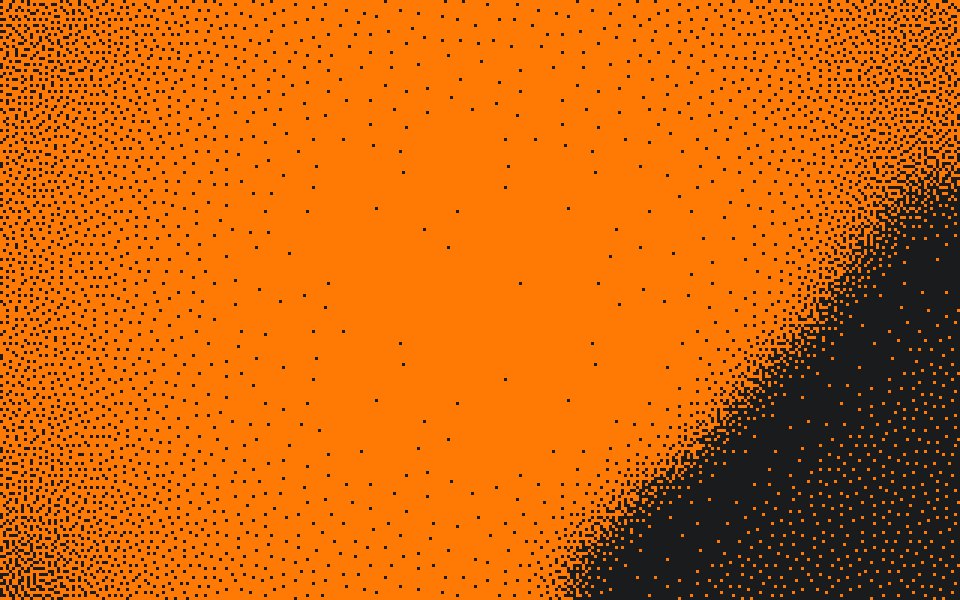
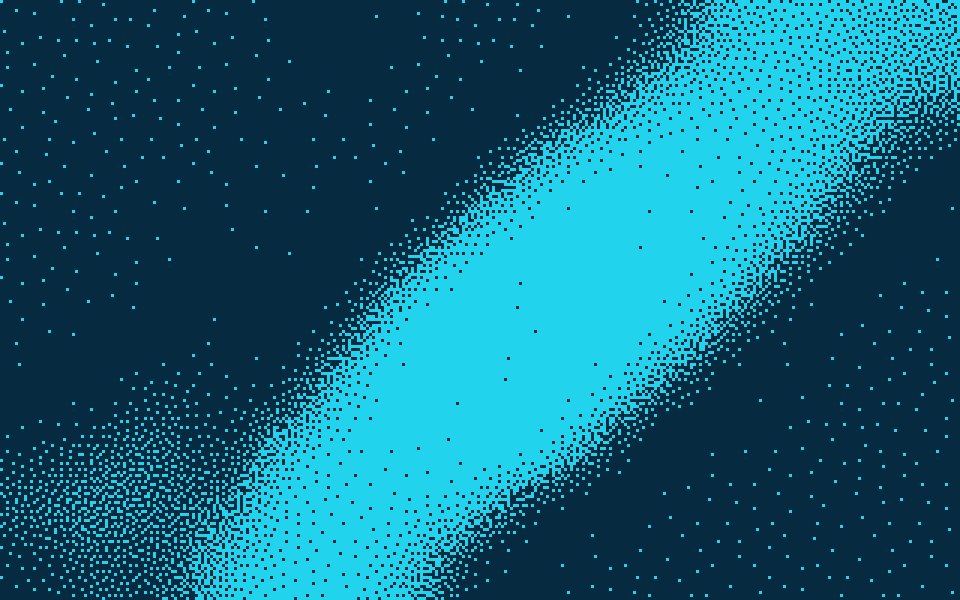
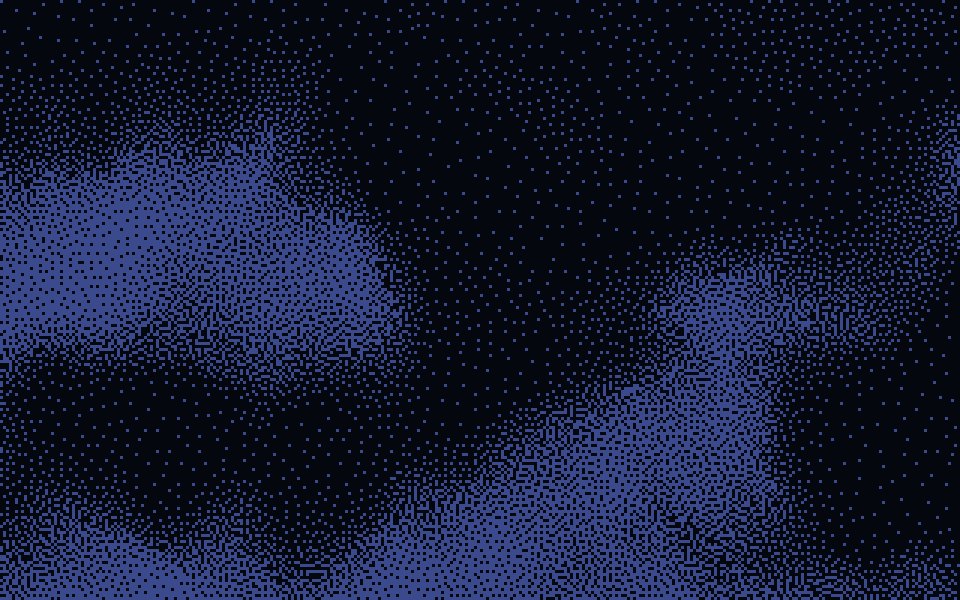
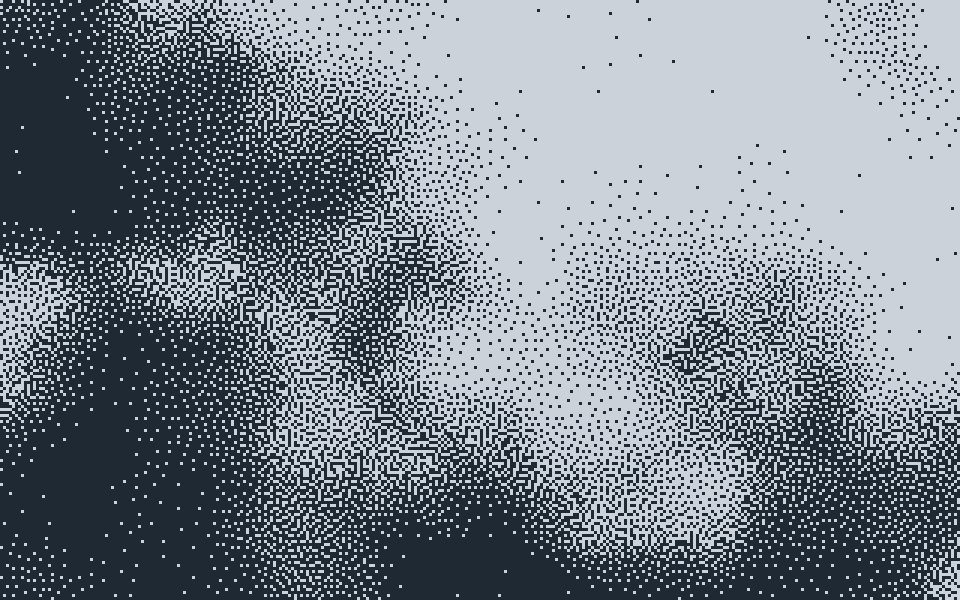
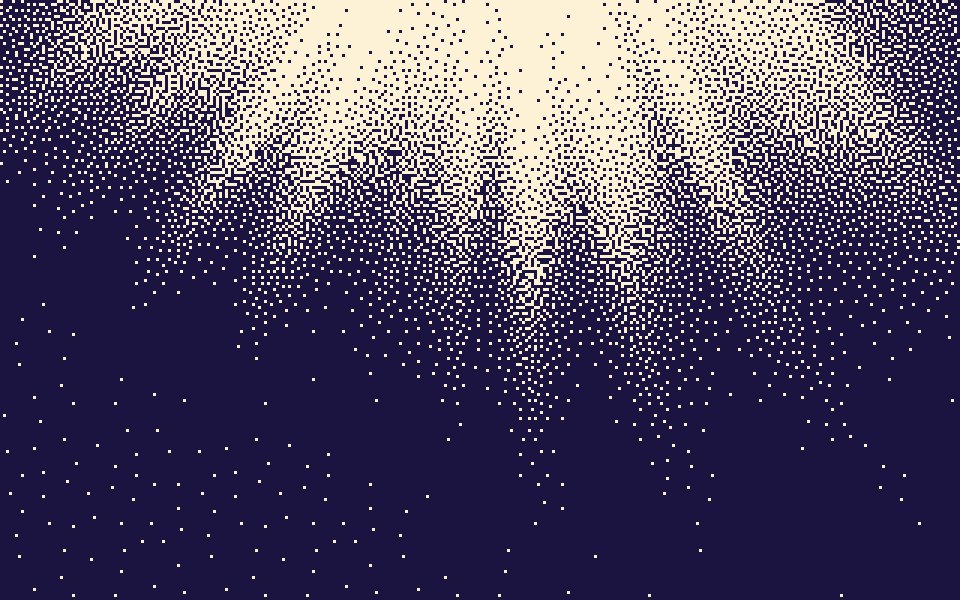
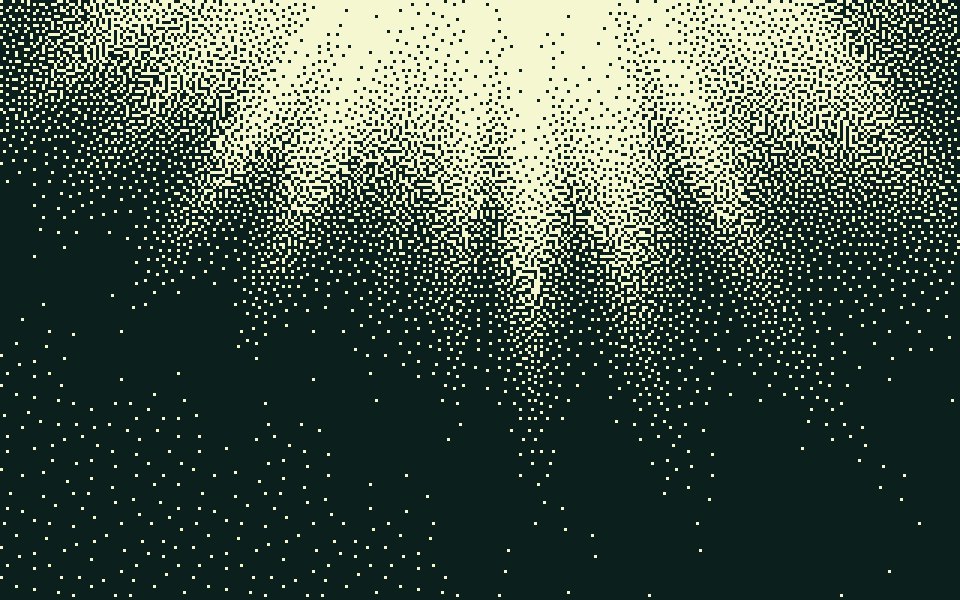
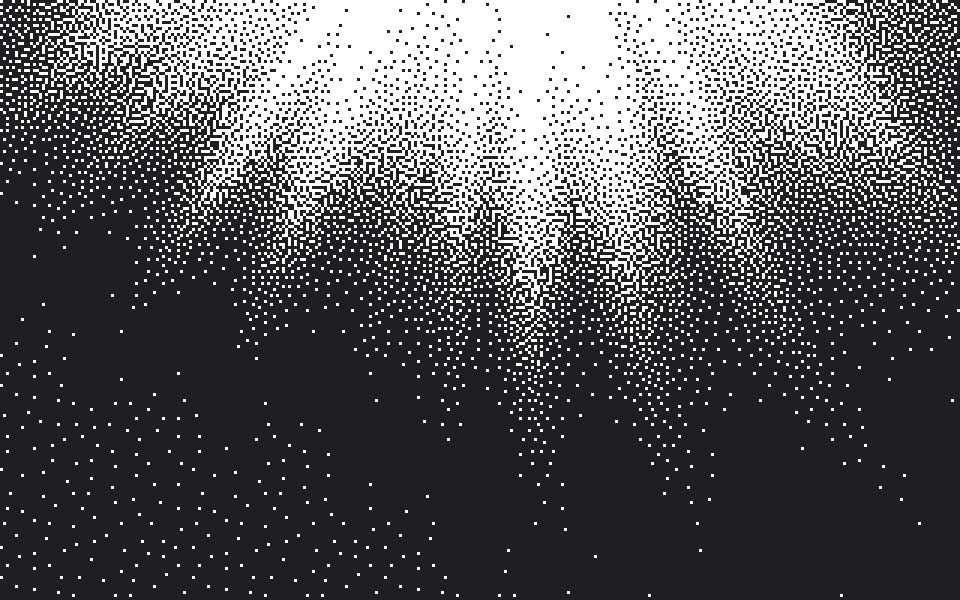
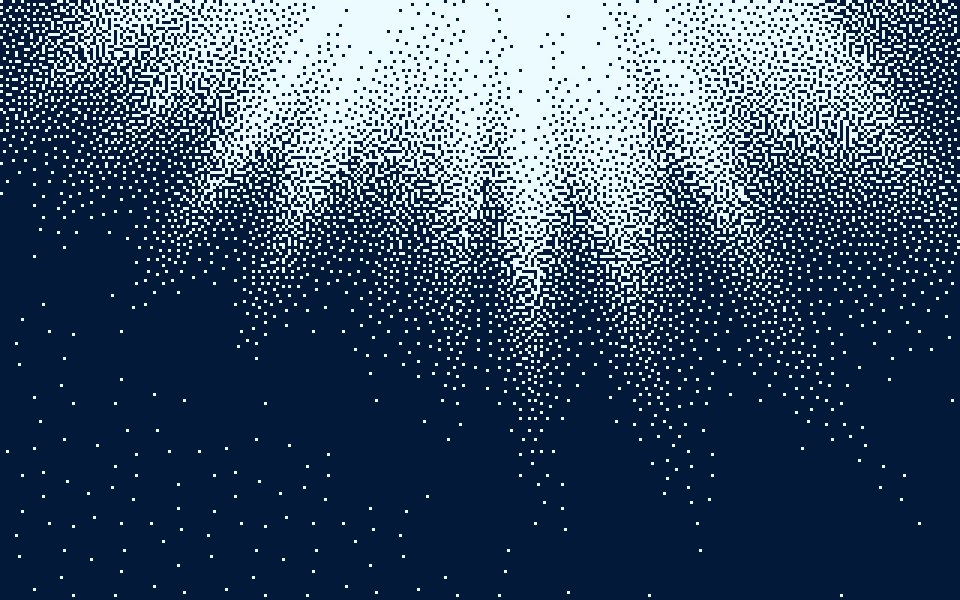
The smooth originals are free 4K wallpapers: Ember, Deep Sea, Midnight, Storm, Daybreak, Canopy, Spotlight and Abyss.
What a 1-bit gradient is
One bit per pixel means two values: ink or paper. With no tones in between, a fade can only be drawn by how many cells are ink, dense where the color is strong and sparse where it fades. That is the whole look: a gradient made of nothing but dots.
How this page sets it up
Each palette opens with two colors, its background and the one palette color with the most contrast against it. Effects Pixel, cell size 12 px (320 cells across 4K), Density 140% and Grain 0, so every cell is drawn in one of the two colors.
Pixel or Dither for 1-bit
The Pixel finish places dots by blue noise, the even, grainy speckle of dithered photos on old screens. The Dither finish uses an ordered 4 × 4 Bayer grid with a mark in each cell, for a more graphic, patterned 1-bit. Both keep to the two colors.
Where it works
Developer tool and terminal-flavored sites, zine and poster covers, small game pages, e-ink and print, where two flat colors reproduce exactly. Black and white is the classic pair, but ink on a tinted paper color is just as 1-bit.
Sized for where it goes
Exact sizes and safe zones for the places a background ends up, each with examples at that shape.
- LinkedIn banner1584 × 396
- X header1500 × 500
- YouTube banner2560 × 1440
- OG image1200 × 630
- Notion cover1500 × 600
- Product Hunt gallery1270 × 760
- Presentation1920 × 1080
- Website hero1920 × 1080
- Zoom background1920 × 1080
- Instagram story1080 × 1920
- Instagram post1080 × 1350
- Email header600 × 240
- App Store header3840 × 1646
- App Store search3840 × 2560
- Event card3840 × 2160
- Event details2160 × 3840
More generators
The same studio, set to another look.
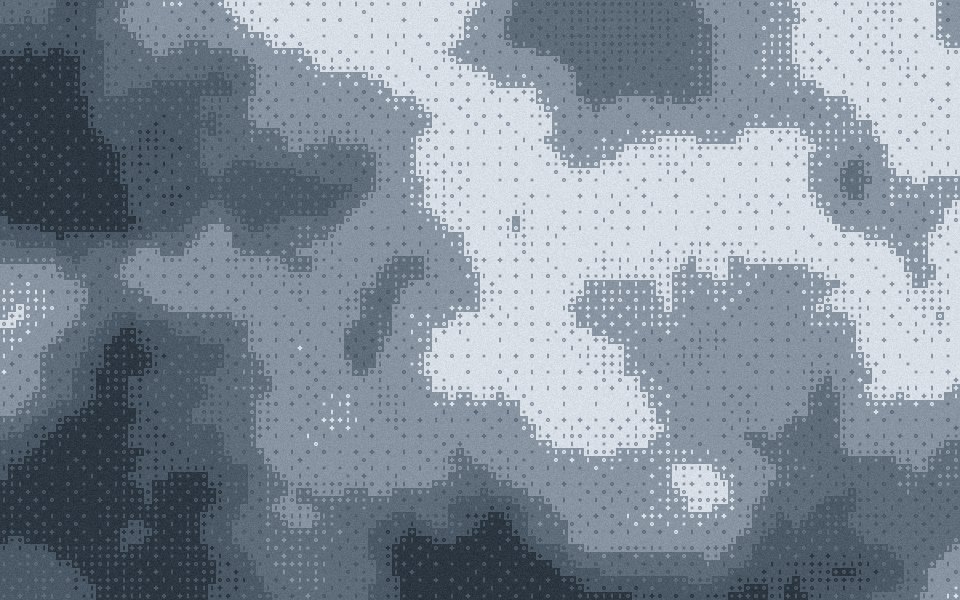 Bayer ditherThe 4 × 4 ordered matrix, its crosshatch left visible.
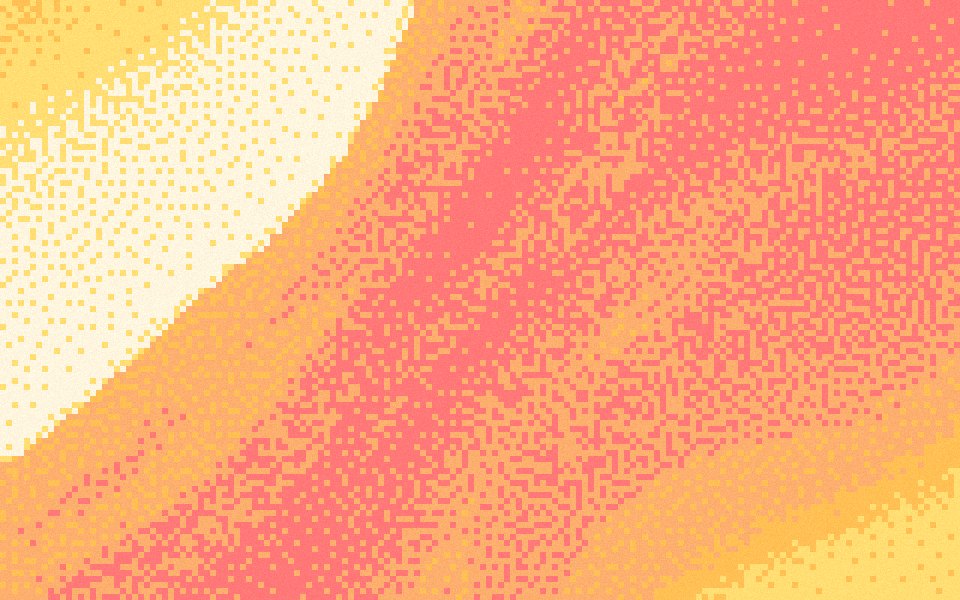 Pixel art gradientsPalette cells with a dithered fade, the way pixel artists shade.
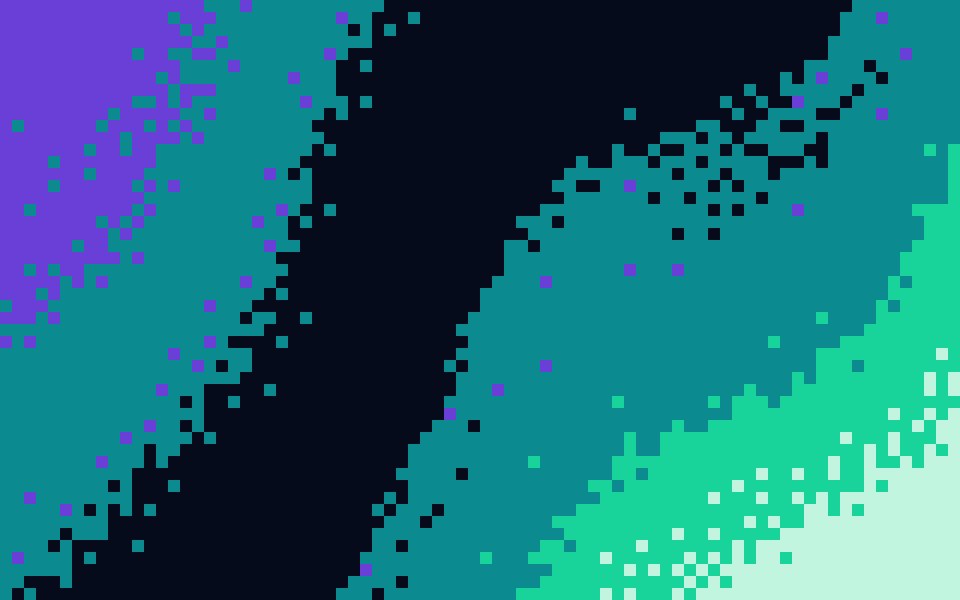 8-bit gradientsChunky blocks and hard colour steps, like a title screen.
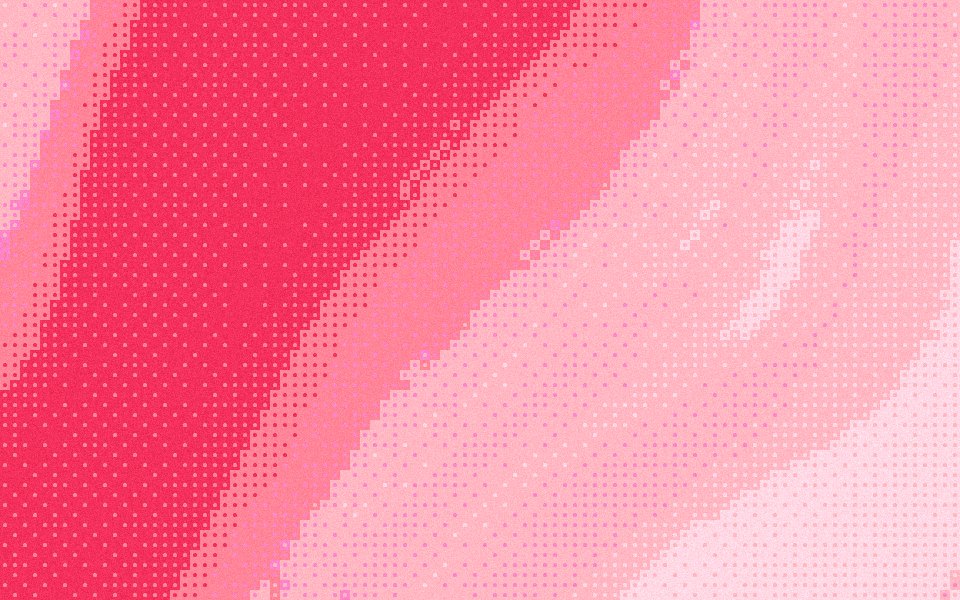 Halftone gradientsRound dots on an ordered grid, like a printed poster.
- Dither gradientsAn ordered dot pattern that reads as texture, not blur.
Questions
Does it have to be black and white?
How do I get two colors on a gradient that has more?
What cell size looks most like an old screen?
Is the 1-bit gradient generator free?
Make one now
The studio opens set to this look. Shuffle until something feels right, then export.