
8-Bit Gradient Generator
Gradients Studio's 8-bit gradient generator turns a gradient into big, flat blocks with hard steps between colors, the look of a cartridge-era title screen, and exports it as a JPG. It opens at 48 px cells and low density; the first download needs no account.
First download free, no account · 4K on Pro, from $9 · No subscription
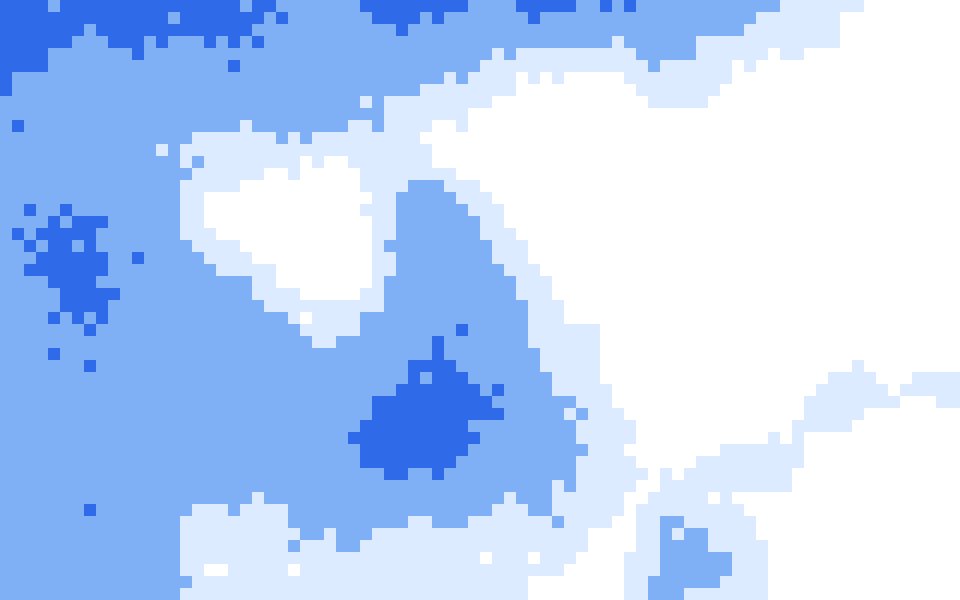
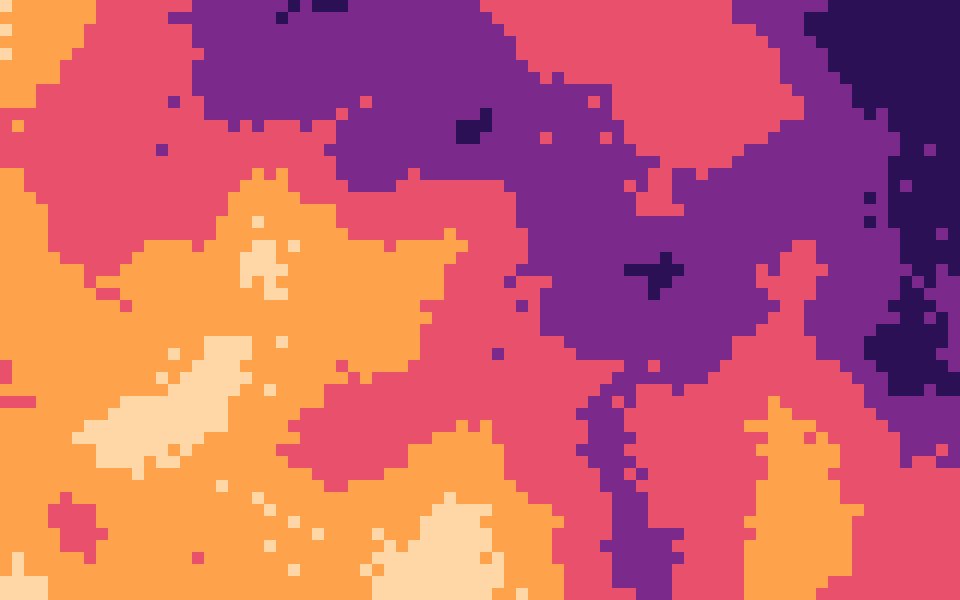
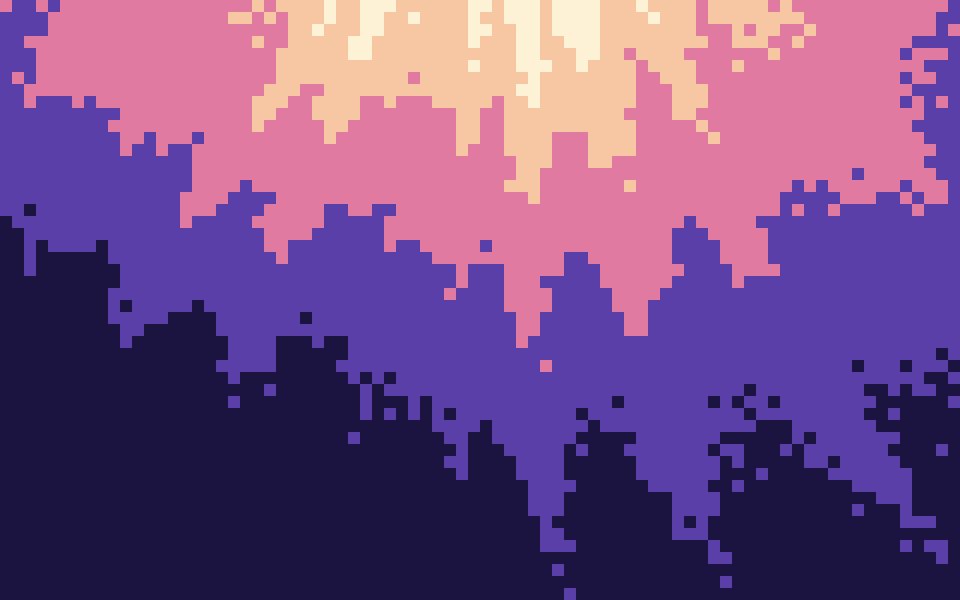
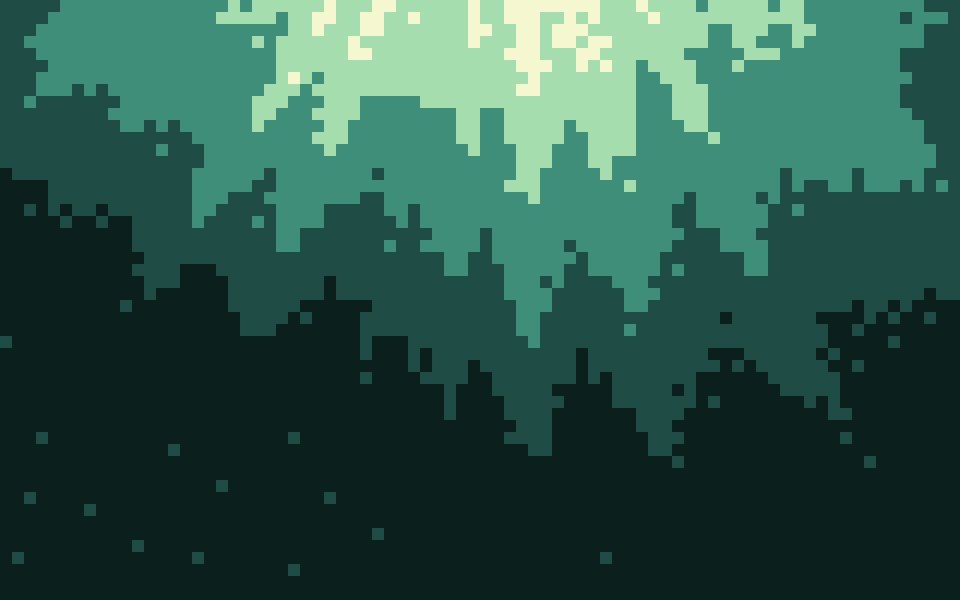
What 8-bit means here
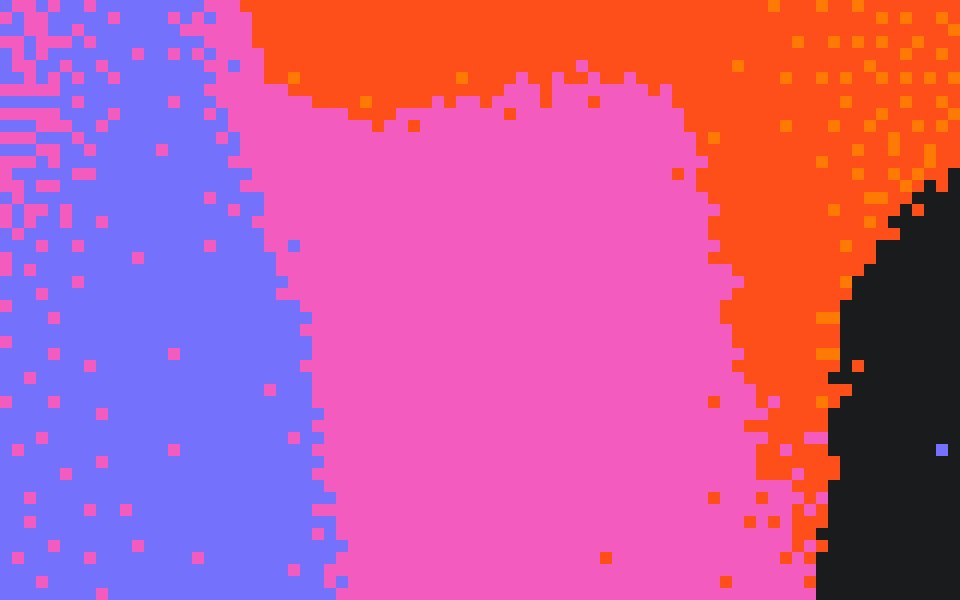
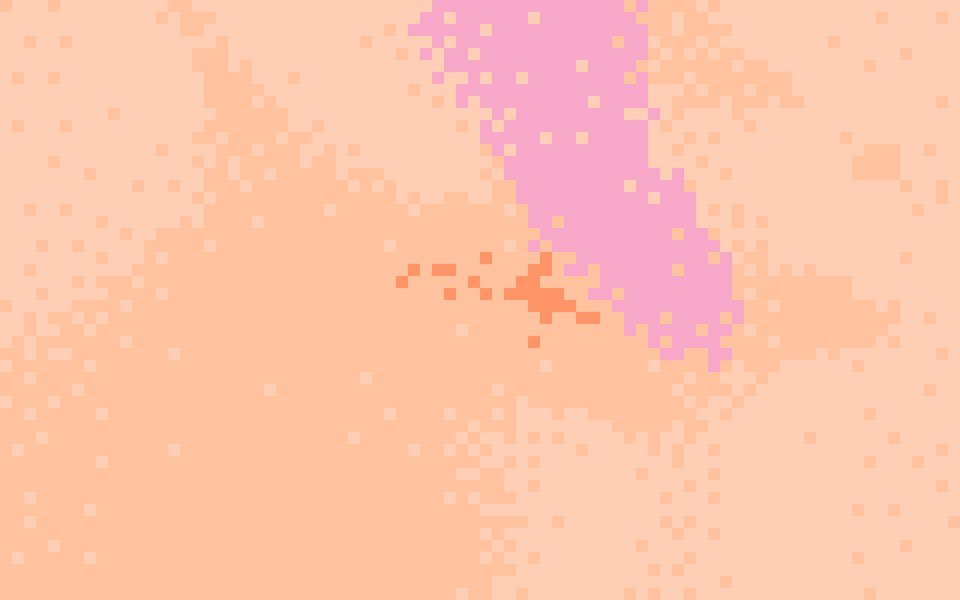
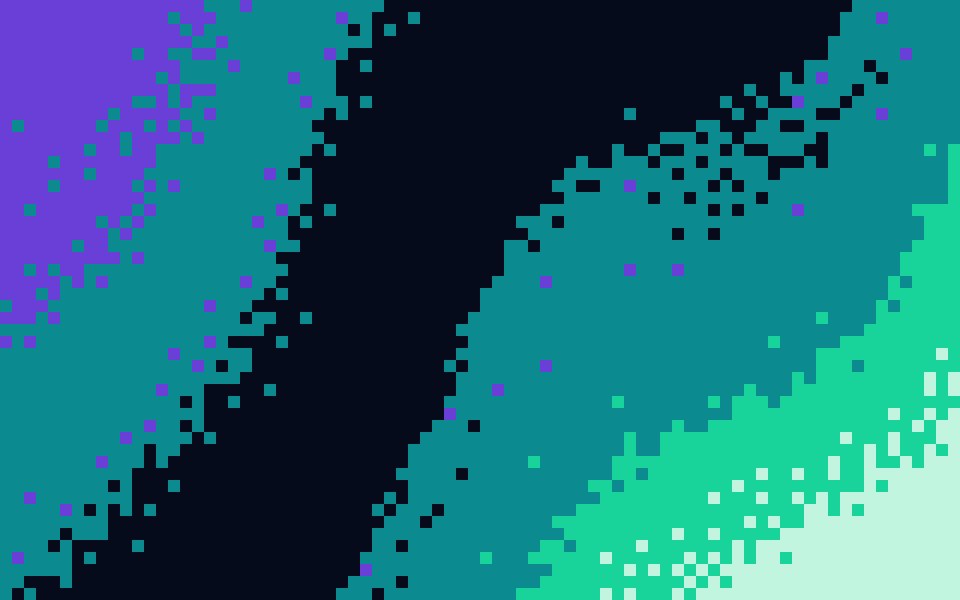
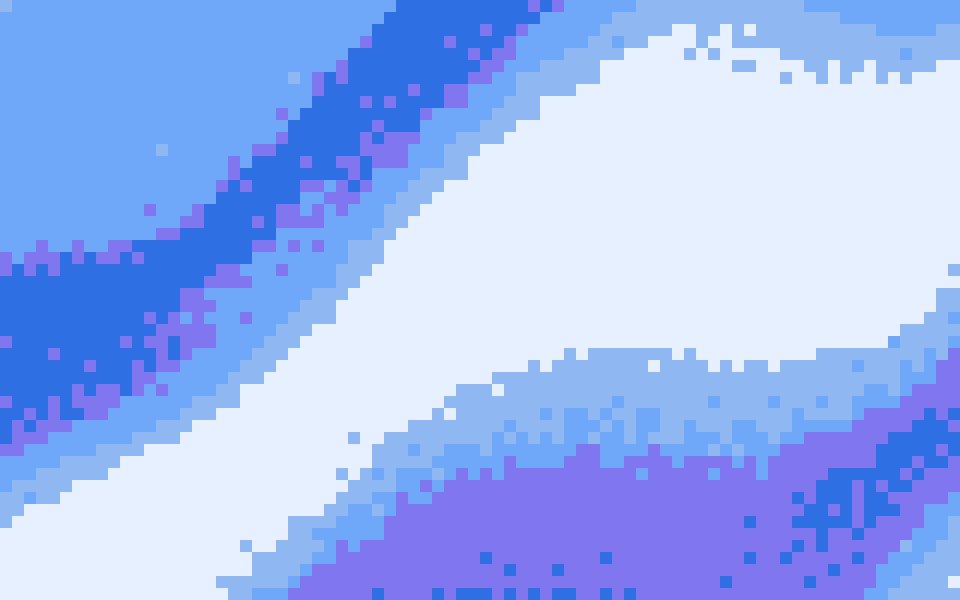
Game consoles of the 8-bit era could show only a handful of colors at once, so their skies and title screens fade in bands of solid color you can count. An 8-bit gradient copies that: large cells, a short palette and hard steps instead of a smooth blend.
The settings on this page
Effects Pixel, cell size 48 px (80 blocks across a 4K frame), Density 50% for posterized bands with only a thin seam of speckle where colors meet, and Grain 0 so every block is one flat color. Three or four distinct colors read most like a console palette.
When to use it
Game and indie launch pages, a hackathon or retro event poster, a Twitch or YouTube banner, and social posts that have to read from across a feed. Big blocks stay legible at thumbnail size, where finer textures turn to mush.
How to make one
Open the studio from this page and shuffle for a composition. Try cell sizes from 40 to 64 px for a chunkier look. If the bands look too soft, lower Density; fewer, more distinct colors give cleaner steps.
Sized for where it goes
Exact sizes and safe zones for the places a background ends up, each with examples at that shape.
- LinkedIn banner1584 × 396
- X header1500 × 500
- YouTube banner2560 × 1440
- OG image1200 × 630
- Notion cover1500 × 600
- Product Hunt gallery1270 × 760
- Presentation1920 × 1080
- Website hero1920 × 1080
- Zoom background1920 × 1080
- Instagram story1080 × 1920
- Instagram post1080 × 1350
- Email header600 × 240
- App Store header3840 × 1646
- App Store search3840 × 2560
- Event card3840 × 2160
- Event details2160 × 3840
More generators
The same studio, set to another look.
 Pixel art gradientsPalette cells with a dithered fade, the way pixel artists shade.
- Pixel gradientsCrisp cells of the palette, for launch videos and posters.
 1-bit gradientsTwo colours only, the fade drawn as a speckle of dots.
 Pixel wallpapersA desktop or phone wallpaper in crisp cells of your palette.
 Halftone gradientsRound dots on an ordered grid, like a printed poster.
Questions
Is it a real console palette?
How is this different from the pixel art gradient?
Which cell size suits a phone wallpaper?
Can I export an 8-bit gradient for free?
Make one now
The studio opens set to this look. Shuffle until something feels right, then export.