
Pixel Art Gradient Generator
Gradients Studio's pixel art gradient generator shades a gradient the way pixel artists do: solid cells in a fixed palette, with the fade between colors dithered into a speckle. Pick a palette and a cell size; the first download needs no account.
First download free, no account · 4K on Pro, from $9 · No subscription
What makes it pixel art
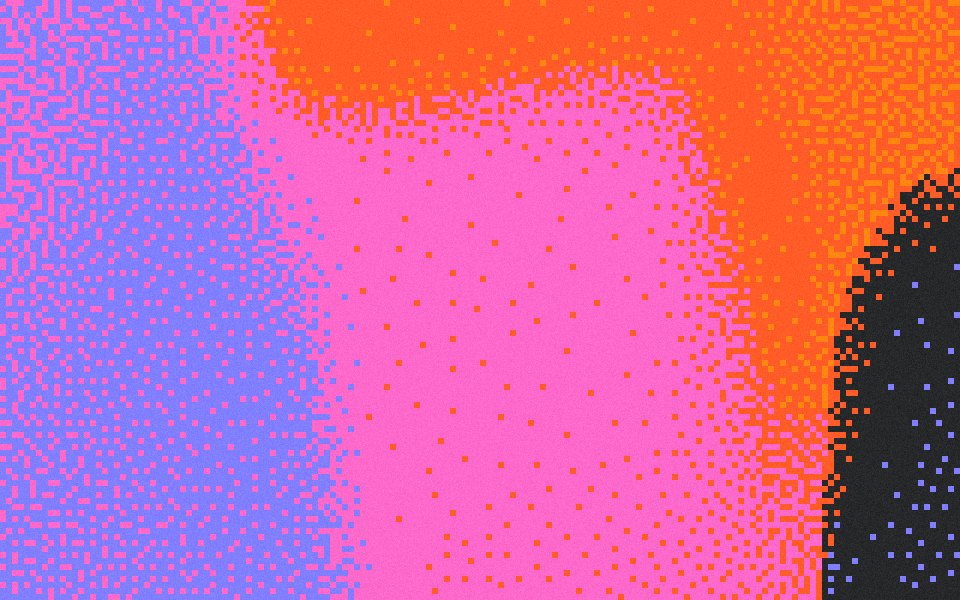
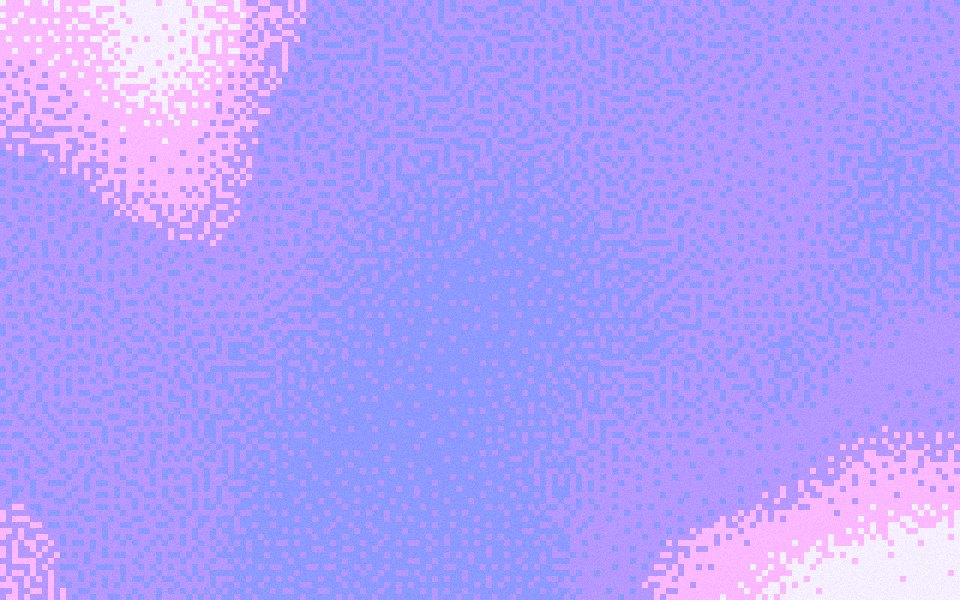
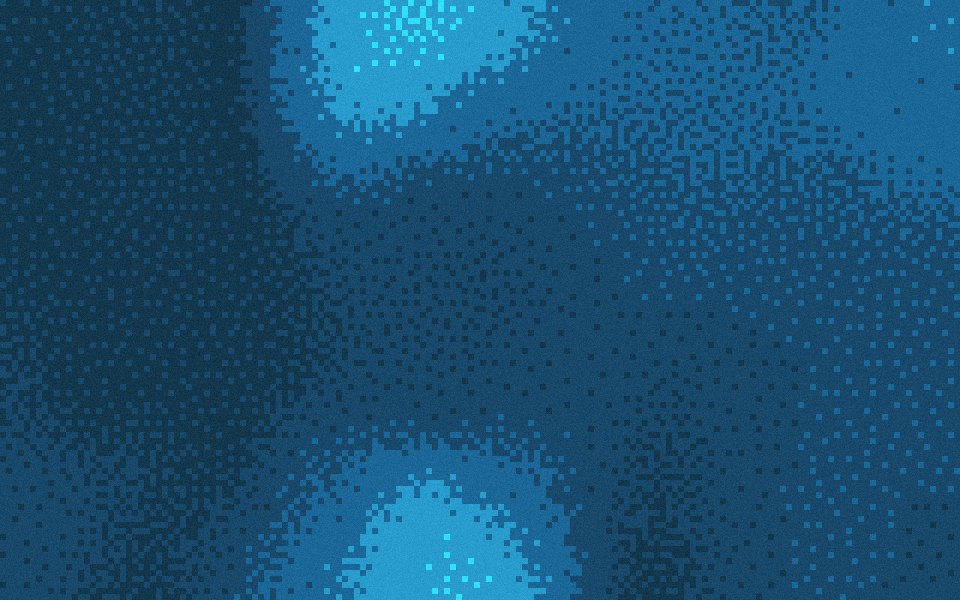
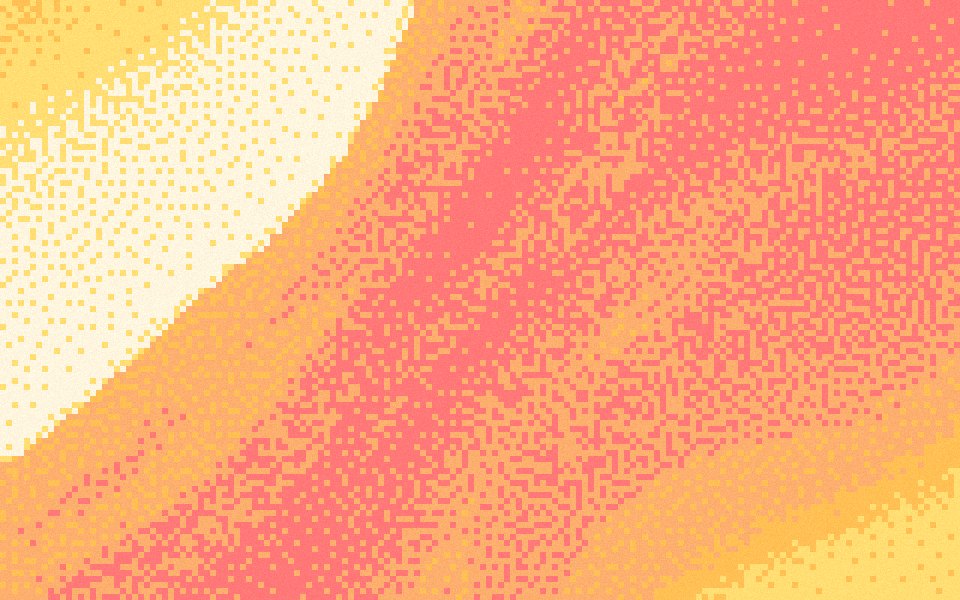
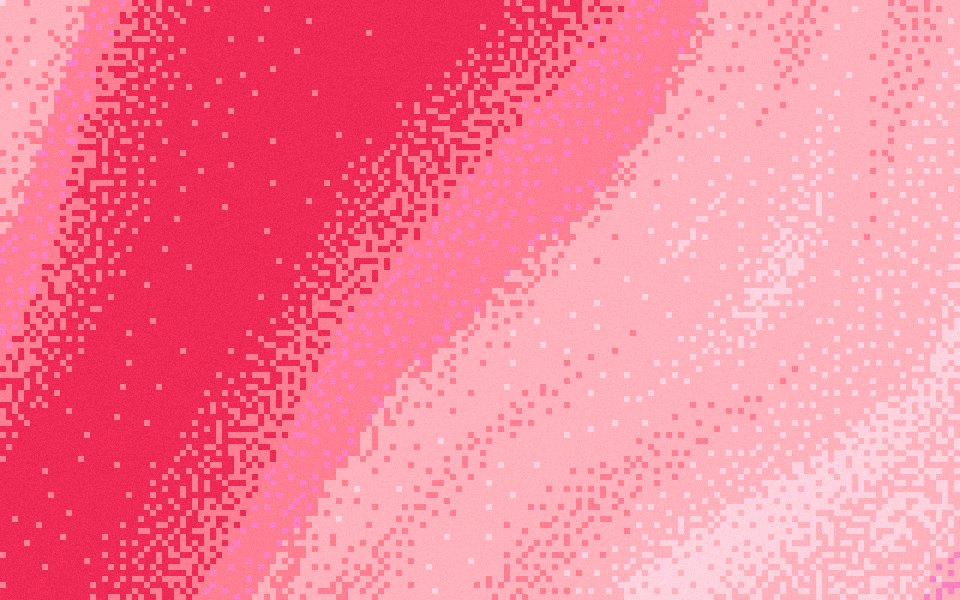
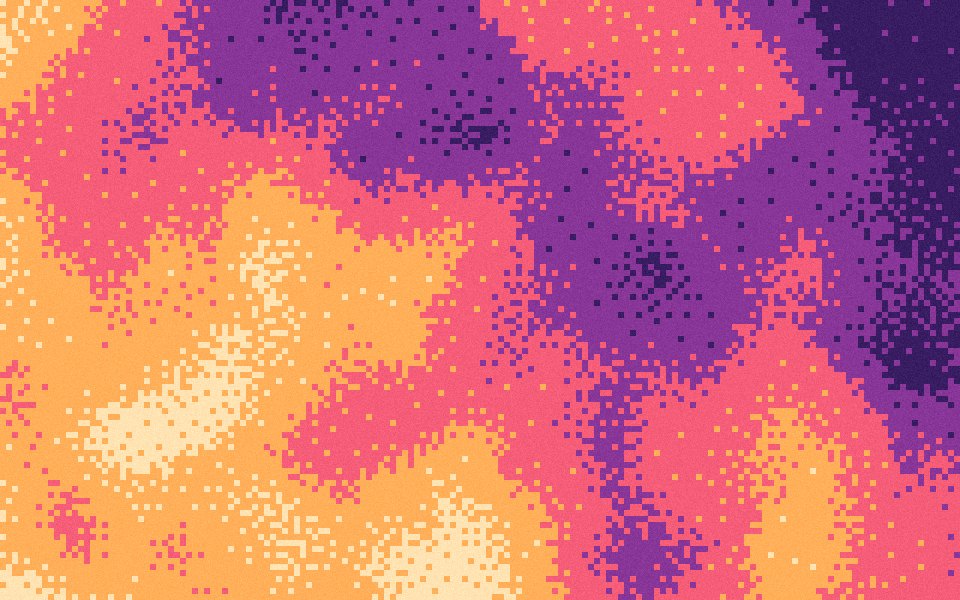
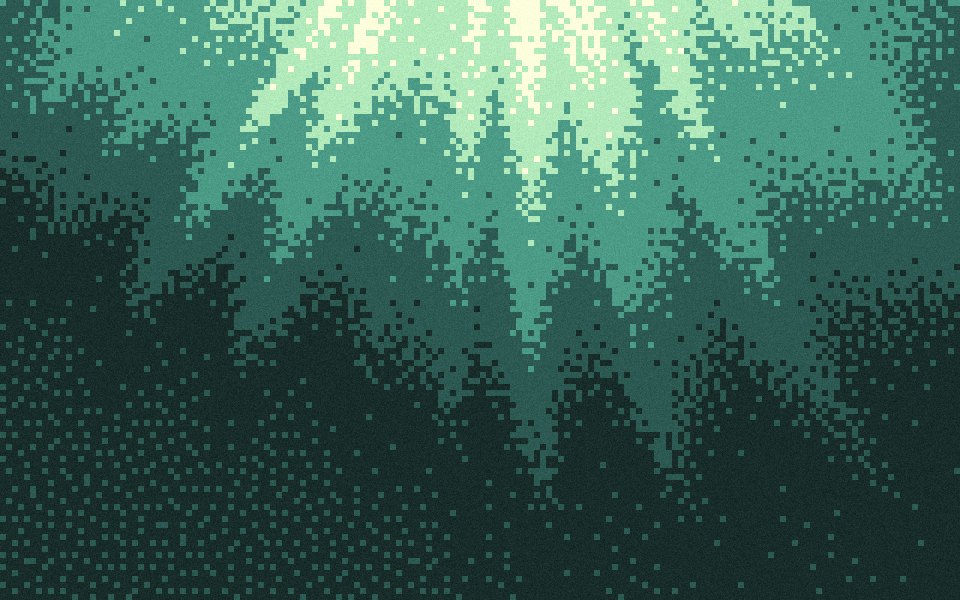
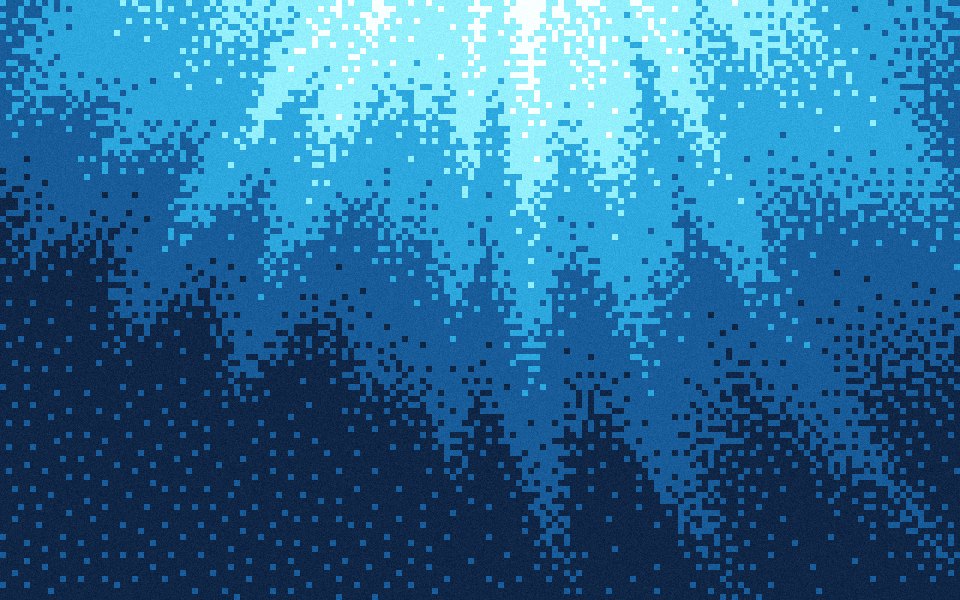
Pixel art keeps a small palette and never blends. Every cell is one of its colors, and where two colors meet, artists scatter cells of each to suggest the tone in between. The pixel finish does the same with your background and palette colors, matching each cell to its nearest color in OKLab so the steps look even to the eye.
A speckle, not a grid
Many dither tools repeat a small pattern that reads as a mesh. This finish decides each cell against a blue-noise threshold, so transitions break into an even, organic speckle with no visible tile, and every cell lands in the same place in the preview and the download.
The settings on this page
Effects Pixel, cell size 24 px, Density 140% (the default, faithful to the gradient's tones) and Grain 10%, so the flat cells keep a little texture. A 4K frame is 160 cells across; the free HD download is the same picture at half the size.
How to make one
Open the studio from this page, or choose Pixel under Effects on any gradient. Lower Density toward 60% for harder steps between colors, or raise it toward 200% for a wider speckle. Shuffle the seed until the shapes sit away from your headline, then export.
Sized for where it goes
Exact sizes and safe zones for the places a background ends up, each with examples at that shape.
- LinkedIn banner1584 × 396
- X header1500 × 500
- YouTube banner2560 × 1440
- OG image1200 × 630
- Notion cover1500 × 600
- Product Hunt gallery1270 × 760
- Presentation1920 × 1080
- Website hero1920 × 1080
- Zoom background1920 × 1080
- Instagram story1080 × 1920
- Instagram post1080 × 1350
- Email header600 × 240
- App Store header3840 × 1646
- App Store search3840 × 2560
- Event card3840 × 2160
- Event details2160 × 3840
More generators
The same studio, set to another look.
- Pixel gradientsCrisp cells of the palette, for launch videos and posters.
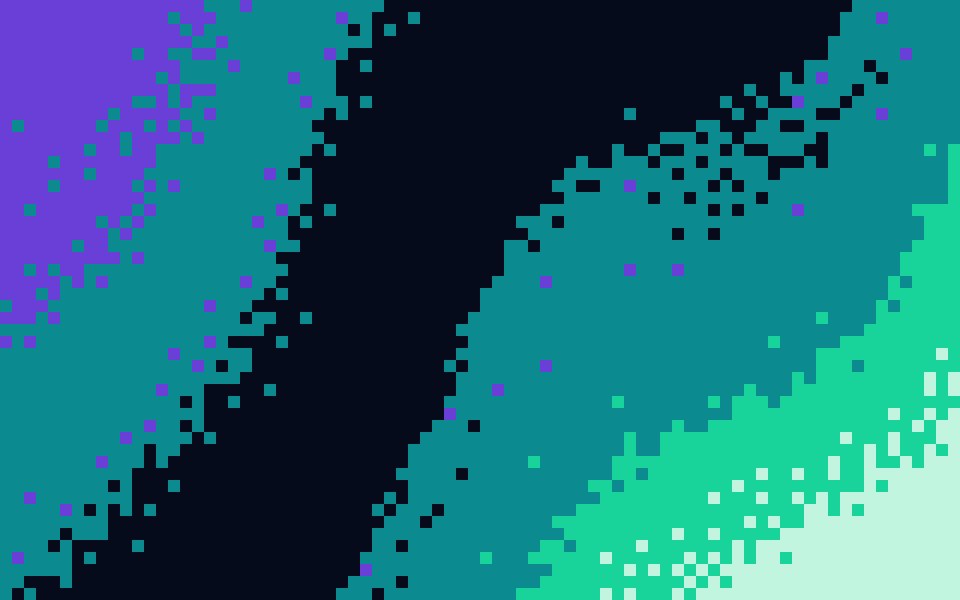 8-bit gradientsChunky blocks and hard colour steps, like a title screen.
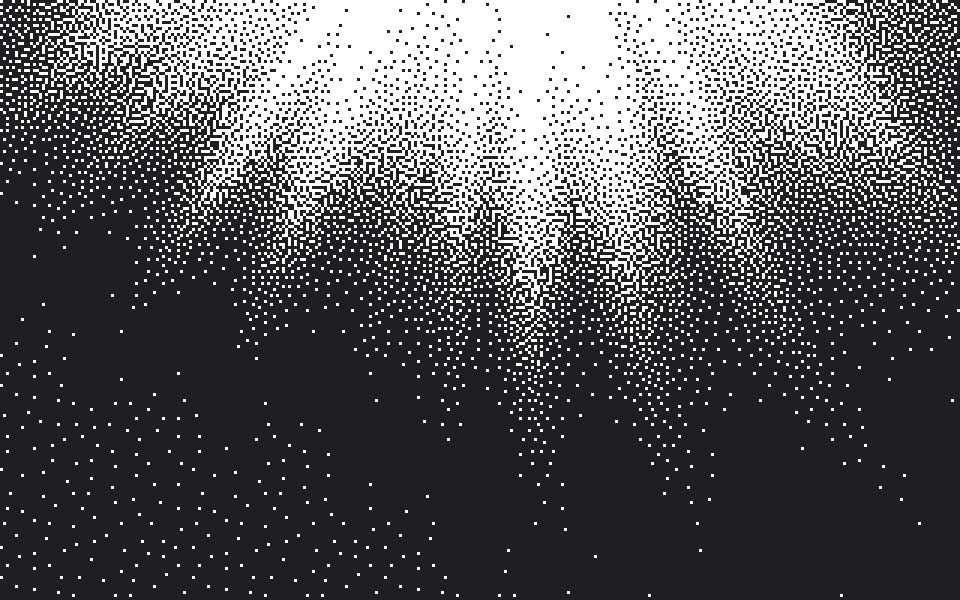 1-bit gradientsTwo colours only, the fade drawn as a speckle of dots.
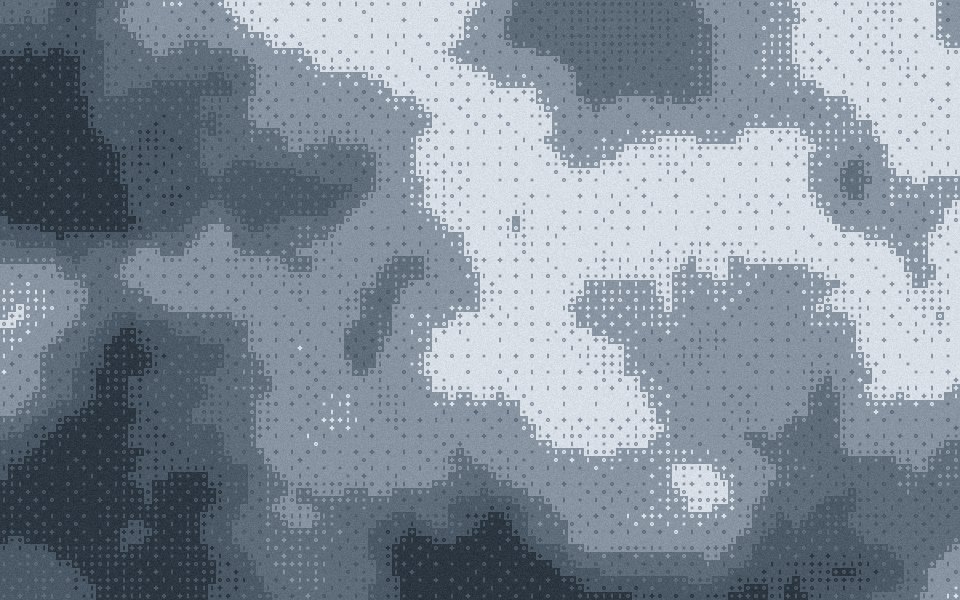 Bayer ditherThe 4 × 4 ordered matrix, its crosshatch left visible.
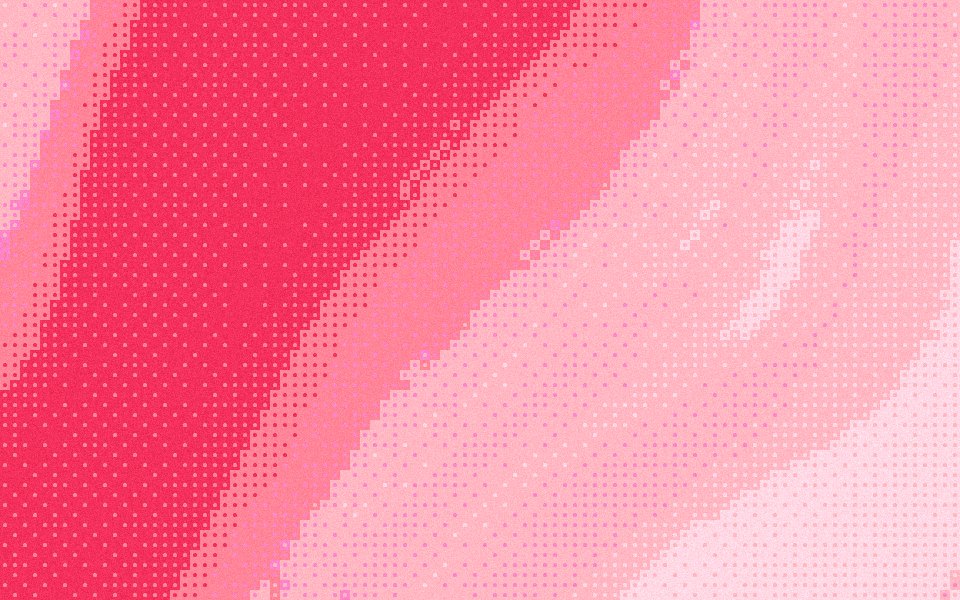 Halftone gradientsRound dots on an ordered grid, like a printed poster.
Questions
How many colors does a pixel art gradient use?
Can I use my own palette?
What does Density do here?
Is the pixel art gradient generator free?
Make one now
The studio opens set to this look. Shuffle until something feels right, then export.